Grub Guardian
Grub Guardian

Grub Guardian

Arcade

| KingsIsle Entertainment, Inc

Play on PC with BlueStacks or from our cloud

  • Overview
  • Game Features
  • How to Play

Page Modified On: April 13, 2026

Play Grub Guardian on PC or Mac

Bring your A-game to Grub Guardian, the Arcade game sensation from KingsIsle Entertainment, Inc. Give your gameplay the much-needed boost with precise game controls, high FPS graphics, and top-tier features on your PC or Mac with BlueStacks.

About the Game

Grub Guardian is a fast, snack-saving defense game from KingsIsle Entertainment, Inc that blends quick decisions with light strategy. You’re protecting a precious grub from waves of pests while your Wizard101 pet tags along and grows stronger. It’s an Arcade-style experience that’s easy to pick up, tricky to master, and surprisingly addictive. Want to play on PC? It runs smoothly on BlueStacks without making a fuss.

Game Features

  • Guard the Grub: Place guardians, plan routes, and keep those critters away from your tasty target. It’s all about smart placements and timing.
  • 28 Free Maps: Tackle a full set of stages that range from relaxed warm-ups to seriously tough gauntlets.
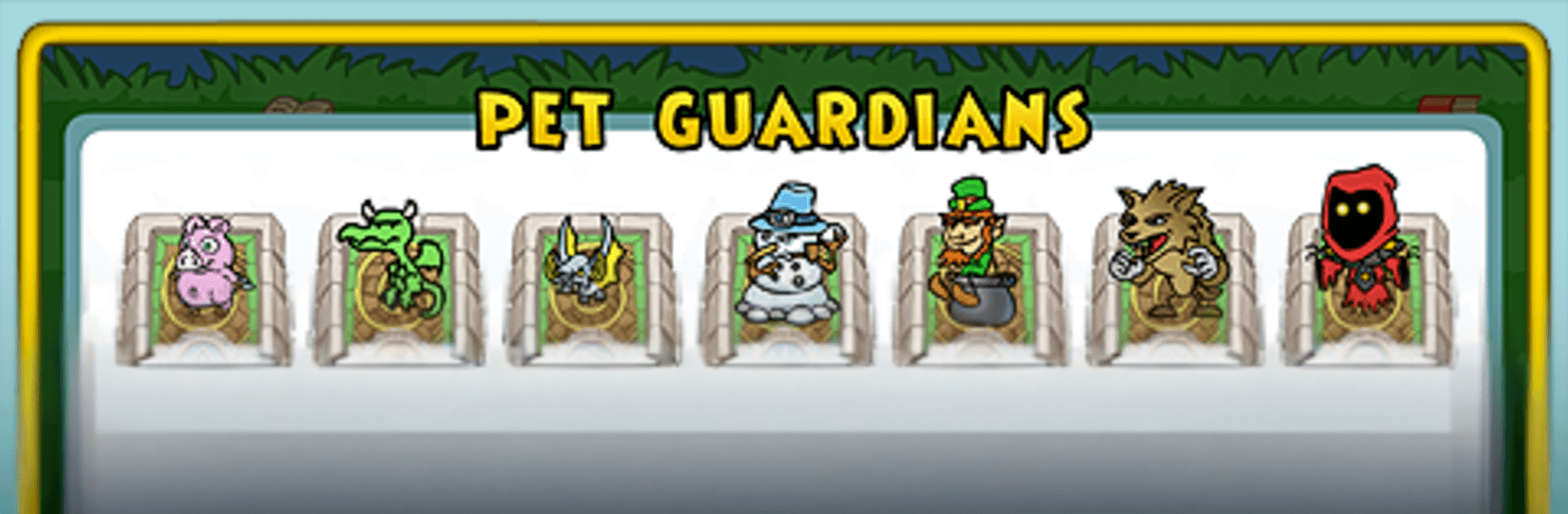
  • Pets With Personality: Every pet brings its own strengths and abilities, so swapping companions can completely change your approach.
  • Unlock as You Go: Clear stages to open new maps and challenges—progress naturally leads to fresh layouts and twists.
  • Enemies That Evolve: New foe types push you to rethink placements and try different tactics rather than relying on one setup.
  • Chase the Medals: Snag Bronze, Silver, or Gold for skillful runs and high scores—perfect for score hunters.
  • Linked to Wizard101: Log in to your Wizard101 account to train pets for experience and access more maps. Just a heads-up: you can’t be logged into both games at the same time.
  • No Account? Still Play: Jump in as a guest on a limited set of maps and even earn Wizard101 game codes along the way.
  • Optional Upgrades: Grab premium items or extra maps using Crowns if you want more variety or a head start.

Slay your opponents with your epic moves. Play it your way on BlueStacks and dominate the battlefield.


Game Features

Enhancements

  • Macros
  • Multi Instance
  • Multi Instance Sync
  • Script
  • Enhancements
Macros

Macros

Automate the predictable in Grub Guardian and transform your gameplay with Macros. Get access to inventive Macros in the BlueStacks Macro Community
Multi Instance

Multi Instance

Play Grub Guardian on one window. And chat with your friend on the other. Press CTRL + Shift + 8 to open the Multi-Instance Manager. And start creating fresh instances or clone an existing one.
Multi Instance Sync

Multi Instance Sync

Play Grub Guardian with the power of Multi-Instance Sync. Replicate what you are doing on the main instance on all other instances. Level up faster, play more.
Script

Script

Script your way to gaming glory in Grub Guardian with BlueStacks Script. Write and run a set of commands to automate repeated tasks. Trigger the command by assigning it to any key.
Read More

How to Download and Play Grub Guardian on PC or Mac

  • Download and install BlueStacks on your PC or Mac

  • Complete Google sign-in to access the Play Store, or do it later

  • Look for Grub Guardian in the search bar at the top right corner

  • Click to install Grub Guardian from the search results

  • Complete Google sign-in (if you skipped step 2) to install Grub Guardian

  • Click the Grub Guardian icon on the home screen to start playing

video
Watch Video

Minimum System Requirements

With BlueStacks 5, you can get started on a PC that fulfills the following requirements.

  • Operating System

    Microsoft Windows 7 or above, macOS 11 (Big Sur) or above

  • Processor

    Intel, AMD or Apple Silicon Processor

  • RAM

    at least 4GB

  • HDD

    10GB Free Disk Space

Note:

* You must be an Administrator on your PC. Up to date graphics drivers from Microsoft or the chipset vendor.

Grub Guardian - FAQs

  • How to play Grub Guardian on Windows PC & Mac?

    Play Grub Guardian on your PC or Mac by following these simple steps.

    • Click on 'Play Grub Guardian on PC’ to download BlueStacks
    • Install it and log-in to Google Play Store
    • Launch and play the game.
  • Why is BlueStacks the fastest and safest platform to play games on PC?

    BlueStacks respects your privacy and is always safe and secure to use. It does not carry any malware, spyware, or any sort of additional software that could harm your PC.

    It is engineered to optimize speed and performance for a seamless gaming experience.

  • What are Grub Guardian PC requirements?

    Minimum requirement to run Grub Guardian on your PC

    • OS: Microsoft Windows 7 or above MacOS 11 (Big Sur) or above
    • Processor: Intel, AMD or Apple Silicon Processor
    • RAM: Your PC must have at least 4GB of RAM. (Note that having 4GB or more disk space is not a substitute for RAM)
    • HDD: 10GB Free Disk Space.
    • You must be an Administrator on your PC.