Hamster Brick Breaker

Hamster Brick Breaker

Arcade

| mad.studio

Play on PC with BlueStacks or from our cloud

  • Overview
  • Game Features
  • How to Play

Page Modified On: September 02, 2025

Play Hamster Brick Breaker on PC or Mac

Explore a whole new adventure with Hamster Brick Breaker, a Arcade game created by mad.studio. Experience great gameplay with BlueStacks, the most popular gaming platform to play Android games on your PC or Mac.

About the Game

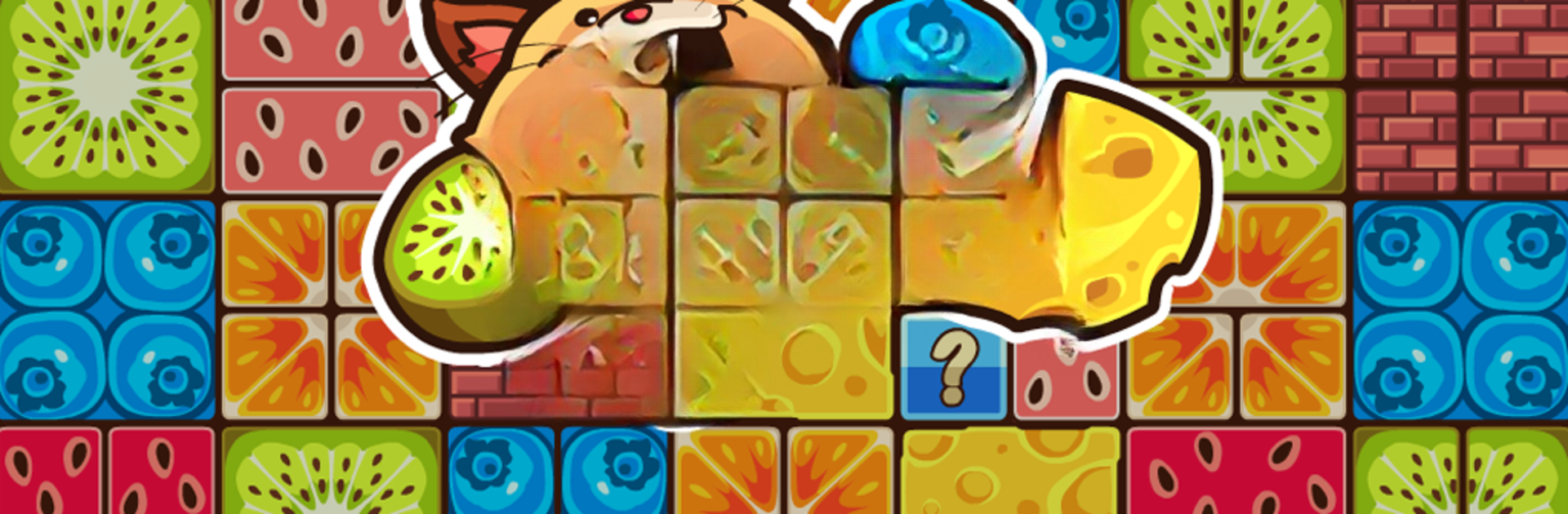
Hamster Brick Breaker turns the classic brick-busting idea into something warm, weird, and ridiculously cute. Instead of plain balls, you’re launching tiny hamsters to crack snack-filled blocks, clear the screen, and keep the food flowing. It’s a cozy Arcade experience from mad.studio with a surprising story twist—aliens are snatching hamsters, and you’re not about to let that slide.

Game Features

  • Brick-busting with heart: Flick your furry crew toward crunchy food blocks, watch satisfying chains pop, and keep the momentum going as the screen lights up with goodies.
  • A story worth nibbling on: As you progress, you’ll uncover a light-but-emotional tale about alien abductions, a worried hamster parent, and a mission to bring everyone home.
  • Themed worlds that play differently: Each world adds its own rules and obstacles, keeping every run fresh instead of “same level, different wallpaper.”
  • Special hamsters, special tricks: Unlock unique heroes—like a fire hamster that melts ice, a metallic one that smashes tough bricks, a bear hamster with a sweet tooth for flowers and honey, and a lightning buddy that brightens dark paths.
  • Power-ups when it counts: Pop a boost mid-game if things get hectic. Smart timing can turn a near-miss into a perfect clear.
  • Chill or crank up the heat: Prefer a relaxing rhythm? Cool. Want something tougher? Try the Hardcore mode and test your precision.
  • Collect ’em your way: Build out classic, hardcore, and exclusive collections. Filling the roster feels great—and they’re adorable, which helps.
  • Play with friends: Share a little help, snag extra rewards and energy, and push each other further through the adventure.
  • Daily treats: Log in, check on your hamsters, and pick up simple rewards that add up over time.
  • Play big if you want: Hamster Brick Breaker runs nicely on mobile, and it plays smoothly on PC with BlueStacks if you like a larger view and more precise control.
  • Pure Arcade vibes: Snappy stages, quick restarts, and just-one-more-try energy wrapped in a friendly, hamster-powered package.

Start your journey now. Download the game on BlueStacks, invite your friends, and march on a new adventure.


Game Features

Enhancements

  • Macros
  • Multi Instance
  • Multi Instance Sync
  • Script
  • Enhancements
Macros

Macros

Automate the predictable in Hamster Brick Breaker and transform your gameplay with Macros. Get access to inventive Macros in the BlueStacks Macro Community
Multi Instance

Multi Instance

Play Hamster Brick Breaker on one window. And chat with your friend on the other. Press CTRL + Shift + 8 to open the Multi-Instance Manager. And start creating fresh instances or clone an existing one.
Multi Instance Sync

Multi Instance Sync

Play Hamster Brick Breaker with the power of Multi-Instance Sync. Replicate what you are doing on the main instance on all other instances. Level up faster, play more.
Script

Script

Script your way to gaming glory in Hamster Brick Breaker with BlueStacks Script. Write and run a set of commands to automate repeated tasks. Trigger the command by assigning it to any key.
Read More

How to Download and Play Hamster Brick Breaker on PC or Mac

  • Download and install BlueStacks on your PC or Mac

  • Complete Google sign-in to access the Play Store, or do it later

  • Look for Hamster Brick Breaker in the search bar at the top right corner

  • Click to install Hamster Brick Breaker from the search results

  • Complete Google sign-in (if you skipped step 2) to install Hamster Brick Breaker

  • Click the Hamster Brick Breaker icon on the home screen to start playing

video
Watch Video

Minimum System Requirements

With BlueStacks 5, you can get started on a PC that fulfills the following requirements.

  • Operating System

    Microsoft Windows 7 or above, macOS 11 (Big Sur) or above

  • Processor

    Intel, AMD or Apple Silicon Processor

  • RAM

    at least 4GB

  • HDD

    10GB Free Disk Space

Note:

* You must be an Administrator on your PC. Up to date graphics drivers from Microsoft or the chipset vendor.

Hamster Brick Breaker - FAQs

  • How to play Hamster Brick Breaker on Windows PC & Mac?

    Play Hamster Brick Breaker on your PC or Mac by following these simple steps.

    • Click on 'Play Hamster Brick Breaker on PC’ to download BlueStacks
    • Install it and log-in to Google Play Store
    • Launch and play the game.
  • Why is BlueStacks the fastest and safest platform to play games on PC?

    BlueStacks respects your privacy and is always safe and secure to use. It does not carry any malware, spyware, or any sort of additional software that could harm your PC.

    It is engineered to optimize speed and performance for a seamless gaming experience.

  • What are Hamster Brick Breaker PC requirements?

    Minimum requirement to run Hamster Brick Breaker on your PC

    • OS: Microsoft Windows 7 or above MacOS 11 (Big Sur) or above
    • Processor: Intel, AMD or Apple Silicon Processor
    • RAM: Your PC must have at least 4GB of RAM. (Note that having 4GB or more disk space is not a substitute for RAM)
    • HDD: 10GB Free Disk Space.
    • You must be an Administrator on your PC.