Magic Battleground: 3-in-1 RPG

Magic Battleground: 3-in-1 RPG

Arcade

| MeGame.uno

Play on PC with BlueStacks or from our cloud

  • Overview
  • Game Features
  • How to Play

Page Modified On: July 20, 2026

Play Magic Battleground: 3-in-1 RPG on PC or Mac

Magic Battleground: 3-in-1 RPG by MeGame.uno has plenty to keep you busy. BlueStacks lets you play it on PC or Mac with more screen space, better control, and fewer mobile limits.

About the Game

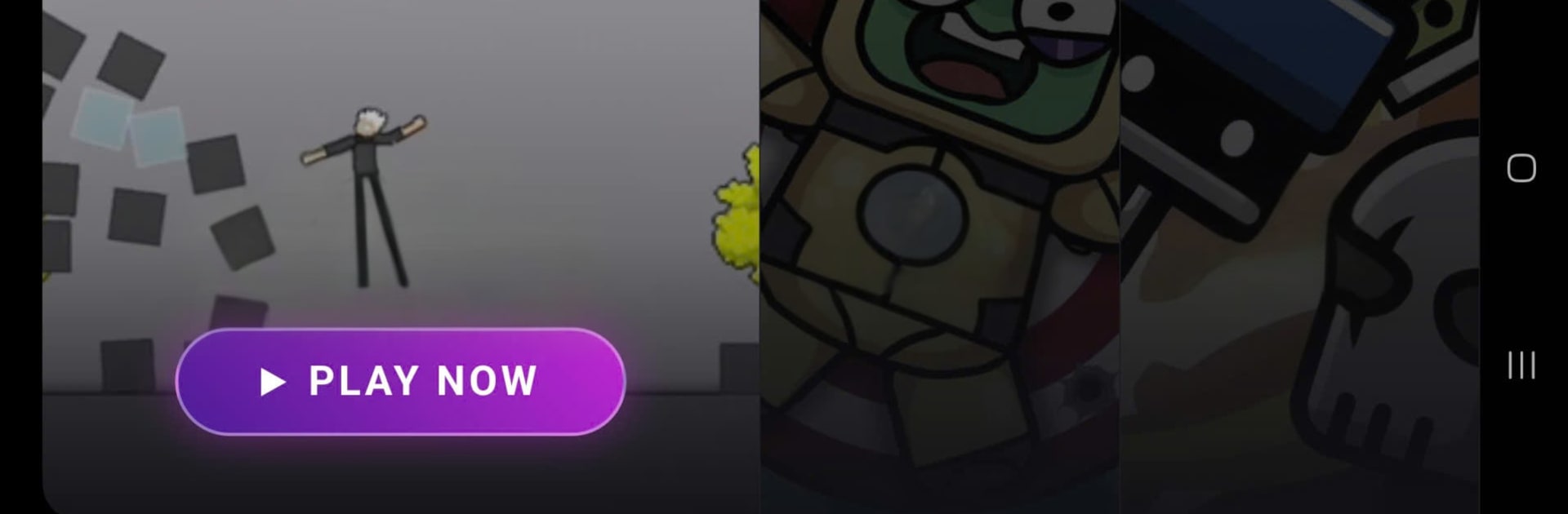
Magic Battleground: 3-in-1 RPG is an Arcade mashup built for players who like to switch things up on the fly. One minute you’re flinging spells in a chaotic arena, the next you’re hurling robots into walls, then you’re setting up a smart defense to hold a lane. It’s quick to learn, surprisingly deep once you dig in, and great for short sessions or longer marathons.

Game Features

  • Three Modes, One Download: Jump between a spell-slinging brawler, a physics-heavy destruction playground, and a tactical defense challenge—no extra installs or juggling apps.
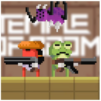
  • Arena Brawls (Magic Battleground): Guide a floppy, ragdoll-style warrior, chain melee strikes with flashy magic, and scrap your way through lively arenas where timing and positioning matter.
  • Robot Wrecking (Wreck The Robot): Toss, smash, and creatively dismantle waves of bots. The physics are the star—watch parts fly, trigger goofy chain reactions, and unlock tools that make the chaos even more satisfying.
  • Tactical Defense (Push Titans): Build a lineup of heroes and troops, place them smartly, and upgrade your squad to outlast incoming enemies. It’s strategy with just the right amount of crunch.
  • Snappy, Lightweight Performance: Runs smoothly on phones and tablets, with quick loads and responsive controls so you can get straight to the good stuff.
  • Simple Controls, Real Payoff: Easy to pick up no matter the mode, yet there’s plenty of nuance for players who like to experiment and optimize.
  • Play Where You Want: Prefer a bigger screen? It also plays nicely on BlueStacks, so you can enjoy those physics and spell effects on your PC.

Start playing Magic Battleground: 3-in-1 RPG on BlueStacks and get a smoother, more comfortable PC or Mac setup.


Game Features

Enhancements

  • Macros
  • Multi Instance
  • Multi Instance Sync
  • Script
  • Enhancements
Macros

Macros

Automate the predictable in Magic Battleground: 3-in-1 RPG and transform your gameplay with Macros. Get access to inventive Macros in the BlueStacks Macro Community
Multi Instance

Multi Instance

Play Magic Battleground: 3-in-1 RPG on one window. And chat with your friend on the other. Press CTRL + Shift + 8 to open the Multi-Instance Manager. And start creating fresh instances or clone an existing one.
Multi Instance Sync

Multi Instance Sync

Play Magic Battleground: 3-in-1 RPG with the power of Multi-Instance Sync. Replicate what you are doing on the main instance on all other instances. Level up faster, play more.
Script

Script

Script your way to gaming glory in Magic Battleground: 3-in-1 RPG with BlueStacks Script. Write and run a set of commands to automate repeated tasks. Trigger the command by assigning it to any key.
Read More

How to Download and Play Magic Battleground: 3-in-1 RPG on PC or Mac

  • Download and install BlueStacks on your PC or Mac

  • Complete Google sign-in to access the Play Store, or do it later

  • Look for Magic Battleground: 3-in-1 RPG in the search bar at the top right corner

  • Click to install Magic Battleground: 3-in-1 RPG from the search results

  • Complete Google sign-in (if you skipped step 2) to install Magic Battleground: 3-in-1 RPG

  • Click the Magic Battleground: 3-in-1 RPG icon on the home screen to start playing

video
Watch Video

Minimum System Requirements

With BlueStacks 5, you can get started on a PC that fulfills the following requirements.

  • Operating System

    Microsoft Windows 7 or above, macOS 11 (Big Sur) or above

  • Processor

    Intel, AMD or Apple Silicon Processor

  • RAM

    at least 4GB

  • HDD

    10GB Free Disk Space

Note:

* You must be an Administrator on your PC. Up to date graphics drivers from Microsoft or the chipset vendor.

Magic Battleground: 3-in-1 RPG - FAQs

  • How to play Magic Battleground: 3-in-1 RPG on Windows PC & Mac?

    Play Magic Battleground: 3-in-1 RPG on your PC or Mac by following these simple steps.

    • Click on 'Play Magic Battleground: 3-in-1 RPG on PC’ to download BlueStacks
    • Install it and log-in to Google Play Store
    • Launch and play the game.
  • Why is BlueStacks the fastest and safest platform to play games on PC?

    BlueStacks respects your privacy and is always safe and secure to use. It does not carry any malware, spyware, or any sort of additional software that could harm your PC.

    It is engineered to optimize speed and performance for a seamless gaming experience.

  • What are Magic Battleground: 3-in-1 RPG PC requirements?

    Minimum requirement to run Magic Battleground: 3-in-1 RPG on your PC

    • OS: Microsoft Windows 7 or above MacOS 11 (Big Sur) or above
    • Processor: Intel, AMD or Apple Silicon Processor
    • RAM: Your PC must have at least 4GB of RAM. (Note that having 4GB or more disk space is not a substitute for RAM)
    • HDD: 10GB Free Disk Space.
    • You must be an Administrator on your PC.