Neighbor Wars: PvP Slingshot

Neighbor Wars: PvP Slingshot

Arcade

| Khelian Games

Play on PC with BlueStacks or from our cloud

  • Overview
  • Game Features
  • How to Play

Page Modified On: June 25, 2026

Play Neighbor Wars: PvP Slingshot on PC or Mac

Neighbor Wars: PvP Slingshot by Khelian Games has plenty to keep you busy. BlueStacks lets you play it on PC or Mac with more screen space, better control, and fewer mobile limits.

About the Game

Neighbor Wars: PvP Slingshot is an Arcade head-to-head artillery brawler where your curbside feud gets… explosive. Pick a trio of over-the-top neighbors and trade precision shots across the street as houses crack, floors cave in, and cover disappears one brick at a time. It’s turn-based, quick to grasp, and full of “did you see that?” moments.

Game Features

  • 3-Hero Squad
    Build a team of three with distinct roles and weapons. Rotate turns to set up combos, plug gaps in your lineup, and clinch the final hit when the timing’s right.

  • Turn-Based PvP Artillery
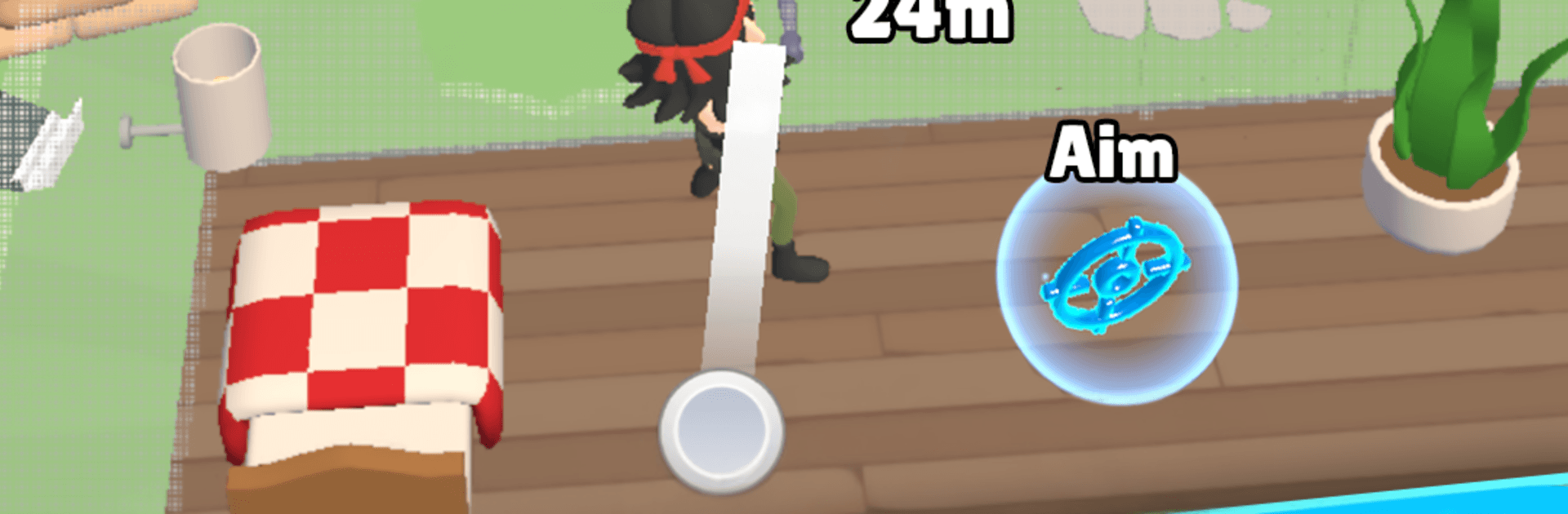
    Aim, set your arc and power, and line up clever angles. Every shot is a decision—go safe for steady damage or gamble on a trick play.

  • Fully Destructible Houses
    Walls crumble, balconies drop, and makeshift cover won’t last. The arena reshapes after almost every blast, so tactics evolve on the fly.

  • Signature Weapons
    Rockets, grenades, bouncing rounds, and specialty guns let you curve shots, trigger chain reactions, and create satisfying blowouts.

  • Knockback Ragdolls
    Land a heavy hit and watch enemies tumble off rooftops or crash through windows. It’s chaotic in the best way.

  • Across-the-Street Showdowns
    Two rival homes face off, keeping sightlines tight and the action easy to read—perfect for fast, tense duels.

  • Quick Matches, Real Depth
    Short, mobile-friendly bouts with enough nuance to reward smart positioning and timing.

  • Easy to Learn, Skill to Master
    Simple slingshot controls, but precision and team synergy separate the champs from the neighbors.

  • Smooth on BlueStacks
    Prefer playing on PC? It feels great on BlueStacks with crisp visuals and steady performance.

Ready to top the leaderboard? We bet you do. Let precise controls and sharp visuals optimized on BlueStacks lead you to victory.


Game Features

Enhancements

  • Macros
  • Multi Instance
  • Multi Instance Sync
  • Script
  • Enhancements
Macros

Macros

Automate the predictable in Neighbor Wars: PvP Slingshot and transform your gameplay with Macros. Get access to inventive Macros in the BlueStacks Macro Community
Multi Instance

Multi Instance

Play Neighbor Wars: PvP Slingshot on one window. And chat with your friend on the other. Press CTRL + Shift + 8 to open the Multi-Instance Manager. And start creating fresh instances or clone an existing one.
Multi Instance Sync

Multi Instance Sync

Play Neighbor Wars: PvP Slingshot with the power of Multi-Instance Sync. Replicate what you are doing on the main instance on all other instances. Level up faster, play more.
Script

Script

Script your way to gaming glory in Neighbor Wars: PvP Slingshot with BlueStacks Script. Write and run a set of commands to automate repeated tasks. Trigger the command by assigning it to any key.
Read More

How to Download and Play Neighbor Wars: PvP Slingshot on PC or Mac

  • Download and install BlueStacks on your PC or Mac

  • Complete Google sign-in to access the Play Store, or do it later

  • Look for Neighbor Wars: PvP Slingshot in the search bar at the top right corner

  • Click to install Neighbor Wars: PvP Slingshot from the search results

  • Complete Google sign-in (if you skipped step 2) to install Neighbor Wars: PvP Slingshot

  • Click the Neighbor Wars: PvP Slingshot icon on the home screen to start playing

video
Watch Video

Minimum System Requirements

With BlueStacks 5, you can get started on a PC that fulfills the following requirements.

  • Operating System

    Microsoft Windows 7 or above, macOS 11 (Big Sur) or above

  • Processor

    Intel, AMD or Apple Silicon Processor

  • RAM

    at least 4GB

  • HDD

    10GB Free Disk Space

Note:

* You must be an Administrator on your PC. Up to date graphics drivers from Microsoft or the chipset vendor.

Neighbor Wars: PvP Slingshot - FAQs

  • How to play Neighbor Wars: PvP Slingshot on Windows PC & Mac?

    Play Neighbor Wars: PvP Slingshot on your PC or Mac by following these simple steps.

    • Click on 'Play Neighbor Wars: PvP Slingshot on PC’ to download BlueStacks
    • Install it and log-in to Google Play Store
    • Launch and play the game.
  • Why is BlueStacks the fastest and safest platform to play games on PC?

    BlueStacks respects your privacy and is always safe and secure to use. It does not carry any malware, spyware, or any sort of additional software that could harm your PC.

    It is engineered to optimize speed and performance for a seamless gaming experience.

  • What are Neighbor Wars: PvP Slingshot PC requirements?

    Minimum requirement to run Neighbor Wars: PvP Slingshot on your PC

    • OS: Microsoft Windows 7 or above MacOS 11 (Big Sur) or above
    • Processor: Intel, AMD or Apple Silicon Processor
    • RAM: Your PC must have at least 4GB of RAM. (Note that having 4GB or more disk space is not a substitute for RAM)
    • HDD: 10GB Free Disk Space.
    • You must be an Administrator on your PC.