Pixel Craft: Retro Shooter

Pixel Craft: Retro Shooter

Arcade

| Dimsum Cart Studio

Play on PC with BlueStacks or from our cloud

  • Overview
  • Game Features
  • How to Play

Page Modified On: January 02, 2026

Play Pixel Craft: Retro Shooter on PC or Mac

From the innovators and creators at Dimsum Cart Studio, Pixel Craft: Retro Shooter is another fun addition to the World of Arcade games. Go beyond your mobile screen and play it bigger and better on your PC or Mac. An immersive experience awaits you.

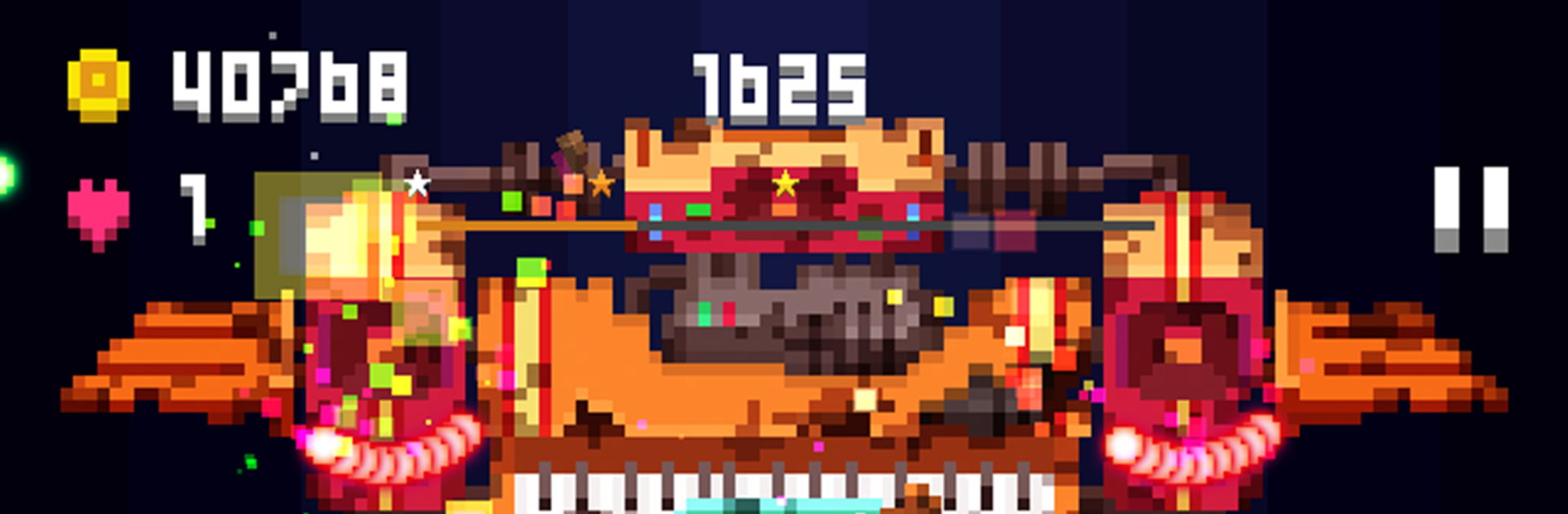
Pixel Craft: Retro Shooter feels like an old-school vertical shmup that someone pulled straight from an arcade cabinet and cleaned up for today. It is a simple setup that just works: a tiny ship, chunky 2D pixel art, bright explosions, and screens full of enemy fire that look scary until the patterns start to click. The game throws you across hostile alien stages with wave after wave of craft, and it never wastes time. Shots pop, enemies crack apart fast, and the hitbox feels fair so you can squeeze through those tight curtains without feeling cheated.

There are two main ways to play. Arcade mode strings together levels and ramps things up with new enemy mix-ups, then drops a boss that fills half the screen with patterns. Boss-battle mode is straight to the point, letting someone practice big fights and earn new planes. There are a lot of ships to collect, each with quirks that actually matter, and a bunch of super weapons that change how the screen melts. Difficulty goes from brisk to full bullet-hell, and the highest setting is a real gauntlet that rewards clean movement more than wild firing. On PC with BlueStacks, keyboard control makes weaving through dense shots feel steadier, and the larger view helps read patterns before they smack the ship. It runs offline, so it is easy to jump in for a few quick stages or spend a long session chasing a clean run, and the crisp retro look keeps it readable even when everything is exploding at once.

Get ready for a buttery smooth, high-performance gaming action only on BlueStacks.

Game Features

Enhancements

  • Macros
  • Multi Instance
  • Multi Instance Sync
  • Script
  • Enhancements
Macros

Macros

Automate the predictable in Pixel Craft: Retro Shooter and transform your gameplay with Macros. Get access to inventive Macros in the BlueStacks Macro Community
Multi Instance

Multi Instance

Play Pixel Craft: Retro Shooter on one window. And chat with your friend on the other. Press CTRL + Shift + 8 to open the Multi-Instance Manager. And start creating fresh instances or clone an existing one.
Multi Instance Sync

Multi Instance Sync

Play Pixel Craft: Retro Shooter with the power of Multi-Instance Sync. Replicate what you are doing on the main instance on all other instances. Level up faster, play more.
Script

Script

Script your way to gaming glory in Pixel Craft: Retro Shooter with BlueStacks Script. Write and run a set of commands to automate repeated tasks. Trigger the command by assigning it to any key.
Read More

How to Download and Play Pixel Craft: Retro Shooter on PC or Mac

  • Download and install BlueStacks on your PC or Mac

  • Complete Google sign-in to access the Play Store, or do it later

  • Look for Pixel Craft: Retro Shooter in the search bar at the top right corner

  • Click to install Pixel Craft: Retro Shooter from the search results

  • Complete Google sign-in (if you skipped step 2) to install Pixel Craft: Retro Shooter

  • Click the Pixel Craft: Retro Shooter icon on the home screen to start playing

video
Watch Video

Minimum System Requirements

With BlueStacks 5, you can get started on a PC that fulfills the following requirements.

  • Operating System

    Microsoft Windows 7 or above, macOS 11 (Big Sur) or above

  • Processor

    Intel, AMD or Apple Silicon Processor

  • RAM

    at least 4GB

  • HDD

    10GB Free Disk Space

Note:

* You must be an Administrator on your PC. Up to date graphics drivers from Microsoft or the chipset vendor.

Pixel Craft: Retro Shooter - FAQs

  • How to play Pixel Craft: Retro Shooter on Windows PC & Mac?

    Play Pixel Craft: Retro Shooter on your PC or Mac by following these simple steps.

    • Click on 'Play Pixel Craft: Retro Shooter on PC’ to download BlueStacks
    • Install it and log-in to Google Play Store
    • Launch and play the game.
  • Why is BlueStacks the fastest and safest platform to play games on PC?

    BlueStacks respects your privacy and is always safe and secure to use. It does not carry any malware, spyware, or any sort of additional software that could harm your PC.

    It is engineered to optimize speed and performance for a seamless gaming experience.

  • What are Pixel Craft: Retro Shooter PC requirements?

    Minimum requirement to run Pixel Craft: Retro Shooter on your PC

    • OS: Microsoft Windows 7 or above MacOS 11 (Big Sur) or above
    • Processor: Intel, AMD or Apple Silicon Processor
    • RAM: Your PC must have at least 4GB of RAM. (Note that having 4GB or more disk space is not a substitute for RAM)
    • HDD: 10GB Free Disk Space.
    • You must be an Administrator on your PC.