Plant Vs Brainrot: Battle Game

Plant Vs Brainrot: Battle Game

Arcade

| Flynt Games

Play on PC with BlueStacks or from our cloud

  • Overview
  • Game Features
  • How to Play

Page Modified On: December 22, 2025

Play Plant Vs Brainrot: Battle Game on PC or Mac

From the innovators and creators at Flynt Games, Plant Vs Brainrot: Battle Game is another fun addition to the World of Arcade games. Go beyond your mobile screen and play it bigger and better on your PC or Mac. An immersive experience awaits you.

About the Game

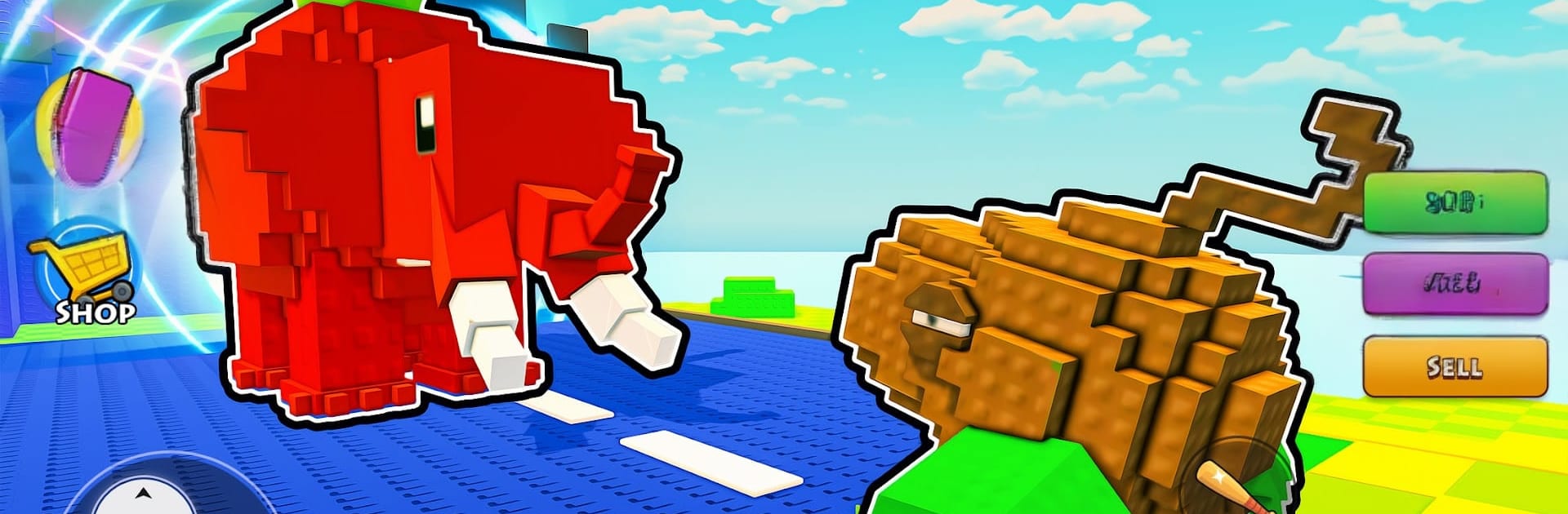
Plant Vs Brainrot: Battle Game is a laid-back Arcade defense from Flynt Games where a quirky garden fights off relentless Brainrot critters. You’ll plant a team of lively defenders, watch them handle wave after wave, and stash the cash they earn to power up even more. It’s chill when you want it to be, and surprisingly strategic when you start chasing clever synergies.

Game Features

  • Evolving Plant Heroes: Start with simple sprouts and grow them into specialized defenders with distinct attack styles and roles.
  • Effortless Auto Battles: Your plants keep fighting and earning while you’re away, so progress never stalls.
  • Strategy Without Stress: Tinker with placements and upgrade order to squeeze out more damage, sturdier defenses, and better coin flow.
  • Hidden Boosts & Combos: Uncover rare modifiers and quirky synergies that flip a tough run into a total stomp.
  • Multiple Gardens to Protect: Move from calm meadows to enchanted forests and other themed maps, each with its own rhythm and surprises.
  • Upgrades That Matter: Spend coins wisely to unlock fresh plants, stronger tiers, and perk paths that reshape your approach.
  • Satisfying Idle Rewards: Log back in to a garden that’s been busy earning, ready for your next round of improvements.
  • Play on PC with BlueStacks: Prefer a bigger screen and mouse controls? Run it on BlueStacks for a comfy setup without changing how you play.

Get ready for a buttery smooth, high-performance gaming action only on BlueStacks.

Game Features

Enhancements

  • Macros
  • Multi Instance
  • Multi Instance Sync
  • Script
  • Enhancements
Macros

Macros

Automate the predictable in Plant Vs Brainrot: Battle Game and transform your gameplay with Macros. Get access to inventive Macros in the BlueStacks Macro Community
Multi Instance

Multi Instance

Play Plant Vs Brainrot: Battle Game on one window. And chat with your friend on the other. Press CTRL + Shift + 8 to open the Multi-Instance Manager. And start creating fresh instances or clone an existing one.
Multi Instance Sync

Multi Instance Sync

Play Plant Vs Brainrot: Battle Game with the power of Multi-Instance Sync. Replicate what you are doing on the main instance on all other instances. Level up faster, play more.
Script

Script

Script your way to gaming glory in Plant Vs Brainrot: Battle Game with BlueStacks Script. Write and run a set of commands to automate repeated tasks. Trigger the command by assigning it to any key.
Read More

How to Download and Play Plant Vs Brainrot: Battle Game on PC or Mac

  • Download and install BlueStacks on your PC or Mac

  • Complete Google sign-in to access the Play Store, or do it later

  • Look for Plant Vs Brainrot: Battle Game in the search bar at the top right corner

  • Click to install Plant Vs Brainrot: Battle Game from the search results

  • Complete Google sign-in (if you skipped step 2) to install Plant Vs Brainrot: Battle Game

  • Click the Plant Vs Brainrot: Battle Game icon on the home screen to start playing

video
Watch Video

Minimum System Requirements

With BlueStacks 5, you can get started on a PC that fulfills the following requirements.

  • Operating System

    Microsoft Windows 7 or above, macOS 11 (Big Sur) or above

  • Processor

    Intel, AMD or Apple Silicon Processor

  • RAM

    at least 4GB

  • HDD

    10GB Free Disk Space

Note:

* You must be an Administrator on your PC. Up to date graphics drivers from Microsoft or the chipset vendor.

Plant Vs Brainrot: Battle Game - FAQs

  • How to play Plant Vs Brainrot: Battle Game on Windows PC & Mac?

    Play Plant Vs Brainrot: Battle Game on your PC or Mac by following these simple steps.

    • Click on 'Play Plant Vs Brainrot: Battle Game on PC’ to download BlueStacks
    • Install it and log-in to Google Play Store
    • Launch and play the game.
  • Why is BlueStacks the fastest and safest platform to play games on PC?

    BlueStacks respects your privacy and is always safe and secure to use. It does not carry any malware, spyware, or any sort of additional software that could harm your PC.

    It is engineered to optimize speed and performance for a seamless gaming experience.

  • What are Plant Vs Brainrot: Battle Game PC requirements?

    Minimum requirement to run Plant Vs Brainrot: Battle Game on your PC

    • OS: Microsoft Windows 7 or above MacOS 11 (Big Sur) or above
    • Processor: Intel, AMD or Apple Silicon Processor
    • RAM: Your PC must have at least 4GB of RAM. (Note that having 4GB or more disk space is not a substitute for RAM)
    • HDD: 10GB Free Disk Space.
    • You must be an Administrator on your PC.