SCHOOLBOY RUNAWAY - STEALTH

SCHOOLBOY RUNAWAY - STEALTH

Arcade

| Linked Squad

BlueStacks Verified

Play on PC with BlueStacks or from our cloud

  • Overview
  • Tips & Tricks
  • Game Features
  • How to Play

Page Modified On: April 09, 2026

Play SCHOOLBOY RUNAWAY - STEALTH on PC or Mac

From the innovators and creators at Linked Squad, SCHOOLBOY RUNAWAY – STEALTH is another fun addition to the World of Arcade games. Go beyond your mobile screen and play it bigger and better on your PC or Mac. An immersive experience awaits you.

About the Game

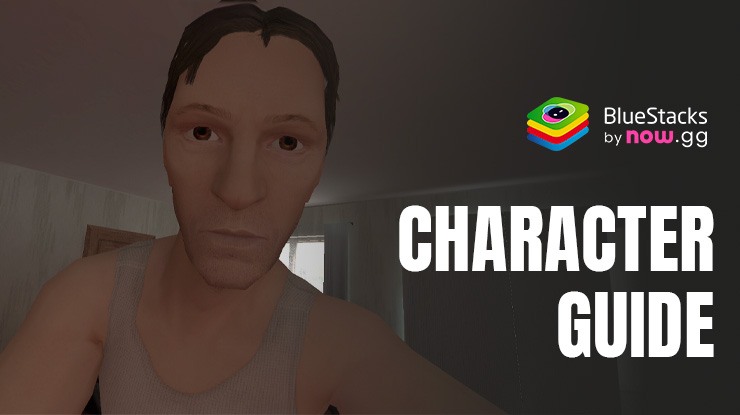
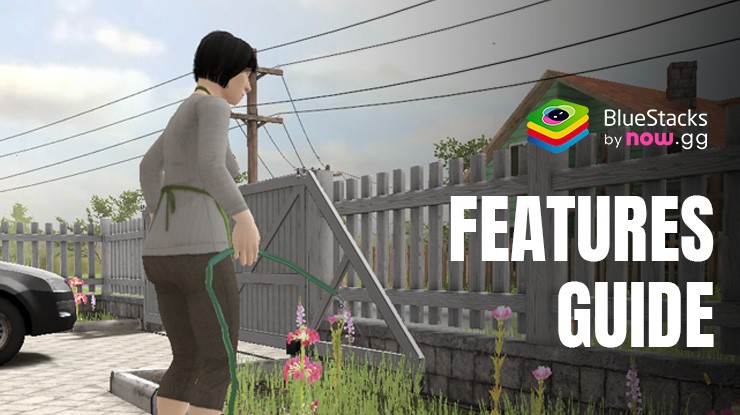
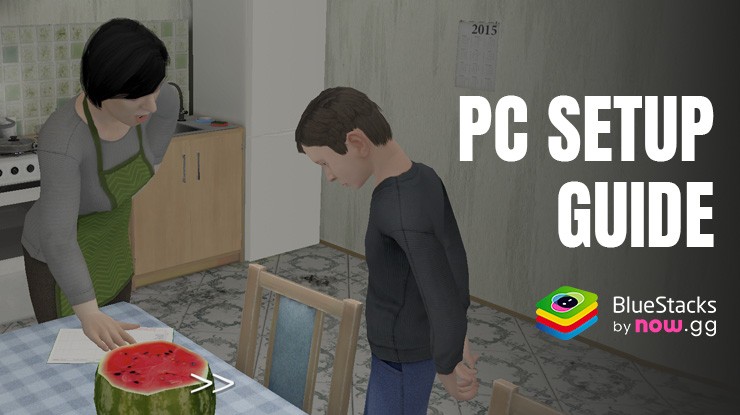
Got grounded for a bad grade and now the house feels like a fortress? In SCHOOLBOY RUNAWAY – STEALTH, you’re a crafty kid tiptoeing through familiar rooms that suddenly feel full of traps. It’s a sneaky, first-person Arcade escape from Linked Squad where every creak, click, and careless move could get you sent back to your room. Think you can slip past mom and dad without a sound?

Game Features

  • First-Person Stealth: See the world through the eyes of a schoolkid on lockdown. Peek around corners, watch patrol patterns, and move carefully to avoid being spotted.
  • Noise Matters: Every footstep counts. Make too much noise and they’ll come looking—so time your moves and keep it quiet.
  • Puzzles to Outsmart Them: Hunt for keys, figure out small riddles, and piece together items to plan a clean getaway. It’s not just running; it’s thinking.
  • Hide When It Gets Hairy: Duck into safe spots and hold your breath as footsteps pass by. Getting caught isn’t the end—just a reason to try a smarter route next time.
  • House That Remembers: Leave a door or cabinet open and your parents might notice. They remember what’s out of place, so tidy your tracks or face tougher searches.
  • Learn the Layout: Explore, memorize shortcuts, and improvise escape plans on the fly. The more you learn, the bolder your moves can be.
  • Play Your Way: Prefer a bigger screen and precise controls? SCHOOLBOY RUNAWAY – STEALTH plays smoothly on PC with BlueStacks, so those stealthy maneuvers feel extra sharp.

Start your journey now. Download the game on BlueStacks, invite your friends, and march on a new adventure.

Game Features

Enhancements

  • Macros
  • Multi Instance
  • Multi Instance Sync
  • Script
  • Enhancements
Macros

Macros

Automate the predictable in SCHOOLBOY RUNAWAY - STEALTH and transform your gameplay with Macros. Get access to inventive Macros in the BlueStacks Macro Community
Multi Instance

Multi Instance

Play SCHOOLBOY RUNAWAY - STEALTH on one window. And chat with your friend on the other. Press CTRL + Shift + 8 to open the Multi-Instance Manager. And start creating fresh instances or clone an existing one.
Multi Instance Sync

Multi Instance Sync

Play SCHOOLBOY RUNAWAY - STEALTH with the power of Multi-Instance Sync. Replicate what you are doing on the main instance on all other instances. Level up faster, play more.
Script

Script

Script your way to gaming glory in SCHOOLBOY RUNAWAY - STEALTH with BlueStacks Script. Write and run a set of commands to automate repeated tasks. Trigger the command by assigning it to any key.
Read More

How to Download and Play SCHOOLBOY RUNAWAY - STEALTH on PC or Mac

  • Download and install BlueStacks on your PC or Mac

  • Complete Google sign-in to access the Play Store, or do it later

  • Look for SCHOOLBOY RUNAWAY - STEALTH in the search bar at the top right corner

  • Click to install SCHOOLBOY RUNAWAY - STEALTH from the search results

  • Complete Google sign-in (if you skipped step 2) to install SCHOOLBOY RUNAWAY - STEALTH

  • Click the SCHOOLBOY RUNAWAY - STEALTH icon on the home screen to start playing

video
Watch Video

Minimum System Requirements

With BlueStacks 5, you can get started on a PC that fulfills the following requirements.

  • Operating System

    Microsoft Windows 7 or above, macOS 11 (Big Sur) or above

  • Processor

    Intel, AMD or Apple Silicon Processor

  • RAM

    at least 4GB

  • HDD

    10GB Free Disk Space

Note:

* You must be an Administrator on your PC. Up to date graphics drivers from Microsoft or the chipset vendor.

SCHOOLBOY RUNAWAY - STEALTH - FAQs

  • How to play SCHOOLBOY RUNAWAY - STEALTH on Windows PC & Mac?

    Play SCHOOLBOY RUNAWAY - STEALTH on your PC or Mac by following these simple steps.

    • Click on 'Play SCHOOLBOY RUNAWAY - STEALTH on PC’ to download BlueStacks
    • Install it and log-in to Google Play Store
    • Launch and play the game.
  • Why is BlueStacks the fastest and safest platform to play games on PC?

    BlueStacks respects your privacy and is always safe and secure to use. It does not carry any malware, spyware, or any sort of additional software that could harm your PC.

    It is engineered to optimize speed and performance for a seamless gaming experience.

  • What are SCHOOLBOY RUNAWAY - STEALTH PC requirements?

    Minimum requirement to run SCHOOLBOY RUNAWAY - STEALTH on your PC

    • OS: Microsoft Windows 7 or above MacOS 11 (Big Sur) or above
    • Processor: Intel, AMD or Apple Silicon Processor
    • RAM: Your PC must have at least 4GB of RAM. (Note that having 4GB or more disk space is not a substitute for RAM)
    • HDD: 10GB Free Disk Space.
    • You must be an Administrator on your PC.