Boop World
Boop World

Boop World

Board

| Smirk & Dagger Games

Play on PC with BlueStacks or from our cloud

  • Overview
  • Game Features
  • How to Play

Page Modified On: September 11, 2026

Play Boop World on PC or Mac

Bring your A-game to Boop World, the Board game sensation from Smirk & Dagger Games. Give your gameplay the much-needed boost with precise game controls, high FPS graphics, and top-tier features on your PC or Mac with BlueStacks.

About the Game

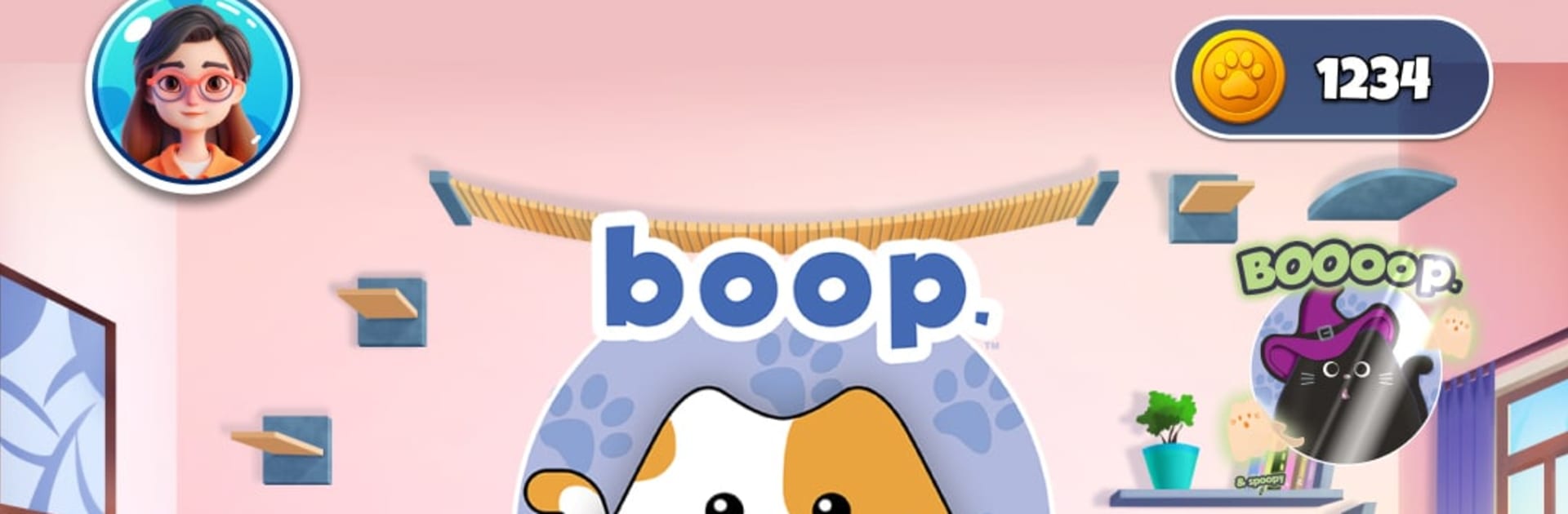
Boop World is a Board game about tiny tactics with a big personality. You’re placing kittens on a patchwork quilt, nudging pieces around with every “boop,” and plotting clever setups to outthink your opponent. It’s quick to learn, surprisingly deep, and feels great for both quick matches and all-night rematches—especially on a bigger screen with BlueStacks.

Game Features

  • Boop Tactics: Drop a kitten and watch nearby pieces slide—every placement reshapes the board and creates fresh openings or last-second saves.
  • Kitten-to-Cat Promotions: Line up three kittens to upgrade them into cats, changing the balance of power and unlocking stronger plays.
  • Win Conditions: Seal the match by forming a trio of cats or by packing the quilt with eight of your pieces—two paths, one victory.
  • Smart AI Opponents: Practice solo against adaptable AI that scales from chill to challenging, great for sharpening reads and rehearsing traps.
  • Pass-and-Play Versus: Share a device and take turns in local hot-seat matches—fast, friendly, and perfect for bragging rights.
  • Online Multiplayer: Queue up real-time games, use quick chat to keep it playful, and enjoy steady netcode for clean finishes.
  • Quick Chat Emotes: Toss out cute, catty reactions—say “Boop!” after a slick push or send a friendly nod when your rival spots a clutch line.
  • Undo Safety Net: Made a slip? Use undos in AI and online modes; you start with a couple for free and can earn more with in-game currency, with server checks keeping matches fair.
  • Paw Points Economy: Score points for smart plays—nudges, kickouts, and alignments—and spend them on style in the shop.
  • Style Your Quilt: Unlock themed cat–kitten pairs, quilt patterns, avatars, and frames; grab fun packs (yes, even a spooky set) to freshen the vibe.
  • Achievements and Leaderboards: Chase 24 playful milestones and climb the global rankings by stacking online wins with cool-headed strategy.

Get ready for a buttery smooth, high-performance gaming action only on BlueStacks.

Game Features

Enhancements

  • Macros
  • Multi Instance
  • Multi Instance Sync
  • Script
  • Enhancements
Macros

Macros

Automate the predictable in Boop World and transform your gameplay with Macros. Get access to inventive Macros in the BlueStacks Macro Community
Multi Instance

Multi Instance

Play Boop World on one window. And chat with your friend on the other. Press CTRL + Shift + 8 to open the Multi-Instance Manager. And start creating fresh instances or clone an existing one.
Multi Instance Sync

Multi Instance Sync

Play Boop World with the power of Multi-Instance Sync. Replicate what you are doing on the main instance on all other instances. Level up faster, play more.
Script

Script

Script your way to gaming glory in Boop World with BlueStacks Script. Write and run a set of commands to automate repeated tasks. Trigger the command by assigning it to any key.
Read More

How to Download and Play Boop World on PC or Mac

  • Download and install BlueStacks on your PC or Mac

  • Complete Google sign-in to access the Play Store, or do it later

  • Look for Boop World in the search bar at the top right corner

  • Click to install Boop World from the search results

  • Complete Google sign-in (if you skipped step 2) to install Boop World

  • Click the Boop World icon on the home screen to start playing

video
Watch Video

Minimum System Requirements

With BlueStacks 5, you can get started on a PC that fulfills the following requirements.

  • Operating System

    Microsoft Windows 7 or above, macOS 11 (Big Sur) or above

  • Processor

    Intel, AMD or Apple Silicon Processor

  • RAM

    at least 4GB

  • HDD

    10GB Free Disk Space

Note:

* You must be an Administrator on your PC. Up to date graphics drivers from Microsoft or the chipset vendor.

Boop World - FAQs

  • How to play Boop World on Windows PC & Mac?

    Play Boop World on your PC or Mac by following these simple steps.

    • Click on 'Play Boop World on PC’ to download BlueStacks
    • Install it and log-in to Google Play Store
    • Launch and play the game.
  • Why is BlueStacks the fastest and safest platform to play games on PC?

    BlueStacks respects your privacy and is always safe and secure to use. It does not carry any malware, spyware, or any sort of additional software that could harm your PC.

    It is engineered to optimize speed and performance for a seamless gaming experience.

  • What are Boop World PC requirements?

    Minimum requirement to run Boop World on your PC

    • OS: Microsoft Windows 7 or above MacOS 11 (Big Sur) or above
    • Processor: Intel, AMD or Apple Silicon Processor
    • RAM: Your PC must have at least 4GB of RAM. (Note that having 4GB or more disk space is not a substitute for RAM)
    • HDD: 10GB Free Disk Space.
    • You must be an Administrator on your PC.