Chess at ICC
Chess at ICC

Chess at ICC

Board

| Internet Chess Club

Play on PC with BlueStacks or from our cloud

  • Overview
  • Game Features
  • How to Play

Page Modified On: June 02, 2026

Play Chess at ICC on PC or Mac

Chess at ICC brings the Board genre to life, and throws up exciting challenges for gamers. Developed by Internet Chess Club, this Android game is best experienced on BlueStacks, the World’s #1 app player for PC and Mac users.

About the Game

Chess at ICC is a modern home for the timeless Board classic—whether you’re jumping in for a quick blitz or settling into a thoughtful longer game. Play real people any time, sharpen your skills with bots and puzzles, and watch strong players battle it out so you can learn new ideas. Prefer a bigger board and crisp visuals? You can also play on your PC with BlueStacks.

Game Features

  • Quick matches, your way: Start rated or casual games, filter by rating or time control, and browse active seeks to find the perfect opponent fast.
  • Friends and chat: Add friends to challenge or observe, talk in the lobby or channels, and keep the social side of chess just a tap away.
  • Watch top boards: Spectate high-level games and filter by rating categories to follow the action that interests you.
  • Events and training: Jump into official events, try clean rating pools, and practice with TrainingBot and ProblemBot when you want focused reps.
  • Fair-play comforts: Confirm moves to avoid slips, use takeback (when allowed), and access draw, abort, resign, and instant rematch options.
  • Play vs computer: Set the engine from 500–2100 Elo in small steps, tweak time per move, and enjoy a deep opening book for varied games.
  • Tactics for every level: Tackle 2,900+ curated puzzles with Easy, Medium, and Hard modes to match your mood.
  • PGN tools that travel: Save, replay, and study games offline; export your own PGNs for later analysis.
  • Position editor and FEN: Build custom positions on a visual board and work directly with FEN when you need precision.
  • Smooth controls: Drag-and-drop or tap to move, and even preselect a piece during your opponent’s turn—perfect for speed play.
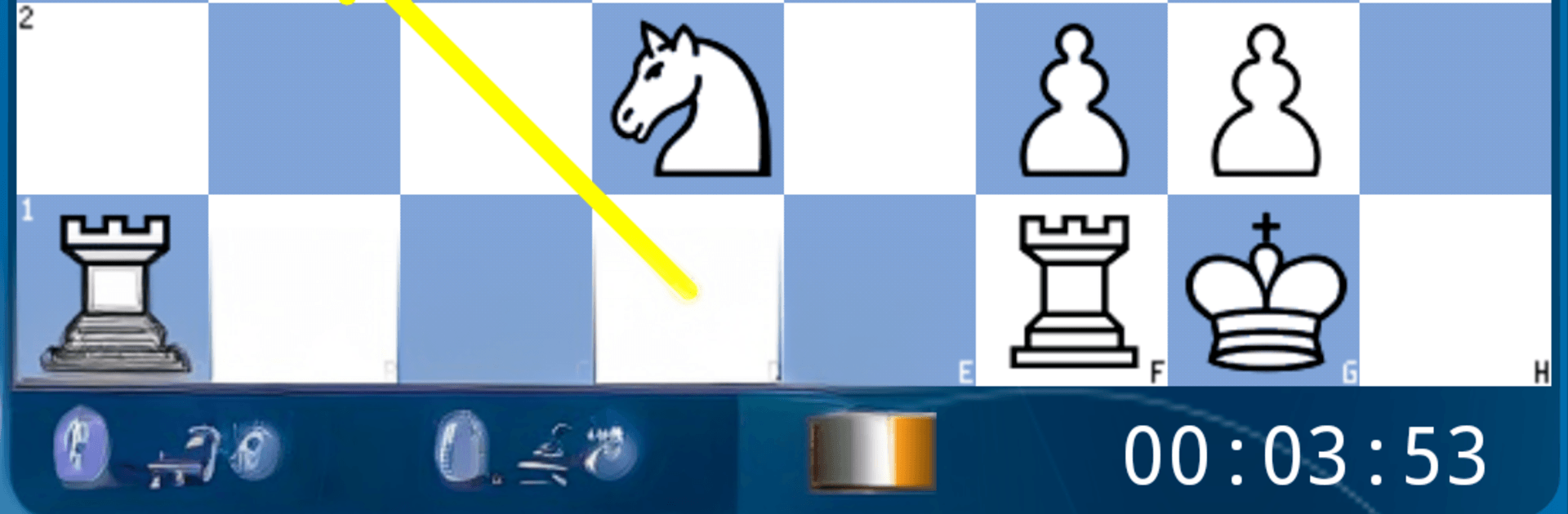
  • Clear, customizable board: Pick from multiple piece sets and themes, see legal moves and last-move highlights, and turn on subtle move hints if you want them.
  • Handy extras: Portrait or landscape, coordinates and side-to-move dot, material tracker, spoken move results, toggleable sounds and vibration, and an option to keep the screen awake.
  • Advanced console: A built-in command console is there for power users who like extra control over their play environment.

Ready to top the leaderboard? We bet you do. Let precise controls and sharp visuals optimized on BlueStacks lead you to victory.


Game Features

Enhancements

  • Macros
  • Multi Instance
  • Multi Instance Sync
  • Script
  • Enhancements
Macros

Macros

Automate the predictable in Chess at ICC and transform your gameplay with Macros. Get access to inventive Macros in the BlueStacks Macro Community
Multi Instance

Multi Instance

Play Chess at ICC on one window. And chat with your friend on the other. Press CTRL + Shift + 8 to open the Multi-Instance Manager. And start creating fresh instances or clone an existing one.
Multi Instance Sync

Multi Instance Sync

Play Chess at ICC with the power of Multi-Instance Sync. Replicate what you are doing on the main instance on all other instances. Level up faster, play more.
Script

Script

Script your way to gaming glory in Chess at ICC with BlueStacks Script. Write and run a set of commands to automate repeated tasks. Trigger the command by assigning it to any key.
Read More

How to Download and Play Chess at ICC on PC or Mac

  • Download and install BlueStacks on your PC or Mac

  • Complete Google sign-in to access the Play Store, or do it later

  • Look for Chess at ICC in the search bar at the top right corner

  • Click to install Chess at ICC from the search results

  • Complete Google sign-in (if you skipped step 2) to install Chess at ICC

  • Click the Chess at ICC icon on the home screen to start playing

video
Watch Video

Minimum System Requirements

With BlueStacks 5, you can get started on a PC that fulfills the following requirements.

  • Operating System

    Microsoft Windows 7 or above, macOS 11 (Big Sur) or above

  • Processor

    Intel, AMD or Apple Silicon Processor

  • RAM

    at least 4GB

  • HDD

    10GB Free Disk Space

Note:

* You must be an Administrator on your PC. Up to date graphics drivers from Microsoft or the chipset vendor.

Chess at ICC - FAQs

  • How to play Chess at ICC on Windows PC & Mac?

    Play Chess at ICC on your PC or Mac by following these simple steps.

    • Click on 'Play Chess at ICC on PC’ to download BlueStacks
    • Install it and log-in to Google Play Store
    • Launch and play the game.
  • Why is BlueStacks the fastest and safest platform to play games on PC?

    BlueStacks respects your privacy and is always safe and secure to use. It does not carry any malware, spyware, or any sort of additional software that could harm your PC.

    It is engineered to optimize speed and performance for a seamless gaming experience.

  • What are Chess at ICC PC requirements?

    Minimum requirement to run Chess at ICC on your PC

    • OS: Microsoft Windows 7 or above MacOS 11 (Big Sur) or above
    • Processor: Intel, AMD or Apple Silicon Processor
    • RAM: Your PC must have at least 4GB of RAM. (Note that having 4GB or more disk space is not a substitute for RAM)
    • HDD: 10GB Free Disk Space.
    • You must be an Administrator on your PC.