Chess Puzzles - Board game

Chess Puzzles - Board game

Board

| INLOGIC ARCADE - zombie racing shooter

Play on PC with BlueStacks or from our cloud

  • Overview
  • Game Features
  • How to Play

Page Modified On: January 06, 2026

Play Chess Puzzles - Board game on PC or Mac

Bring your A-game to Chess Puzzles – Board game, the Board game sensation from INLOGIC ARCADE – zombie racing shooter. Give your gameplay the much-needed boost with precise game controls, high FPS graphics, and top-tier features on your PC or Mac with BlueStacks.

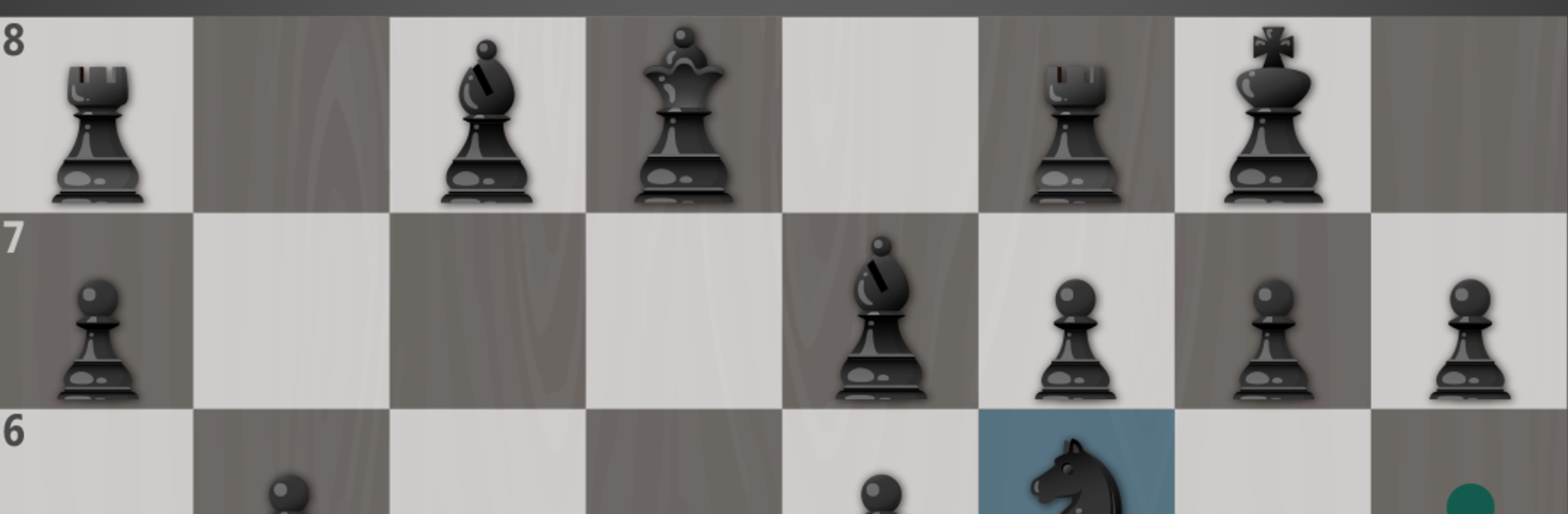
Chess Puzzles – Board game is basically a big box of bite-size chess challenges mixed with a normal match option. Most of the time it throws little scenarios at the player, like mate in one or two, or a tactical idea that needs to be spotted fast, then hands out rewards when it is solved cleanly or within a time limit. There is a full chess mode too if someone wants a straight game against a strong computer that uses the Stockfish engine, and there is a pass-and-play option on one device for quick matches with a friend on the couch. Hints are available if something feels impossible, so it teaches without feeling like homework. The difficulty climbs steadily, and there are a lot of quests, so there is plenty to chew through without getting stuck on the same position forever.

On PC with BlueStacks it feels comfortable to click and drag pieces on a bigger screen, which makes pattern-spotting easier and the timed puzzles less fumbly. The whole thing plays like a fast chess workout. A few minutes can turn into a small run of puzzles, and it actually builds good habits like checking checks and loose pieces first. Beginners get gentle guidance and quick wins, while stronger players will notice the later puzzles tighten up and punish lazy lines. The rewards are simple but give a little nudge to keep going, and the presentation stays focused on the board, not fluff.

Get ready for a buttery smooth, high-performance gaming action only on BlueStacks.

Game Features

Enhancements

  • Macros
  • Multi Instance
  • Multi Instance Sync
  • Script
  • Enhancements
Macros

Macros

Automate the predictable in Chess Puzzles - Board game and transform your gameplay with Macros. Get access to inventive Macros in the BlueStacks Macro Community
Multi Instance

Multi Instance

Play Chess Puzzles - Board game on one window. And chat with your friend on the other. Press CTRL + Shift + 8 to open the Multi-Instance Manager. And start creating fresh instances or clone an existing one.
Multi Instance Sync

Multi Instance Sync

Play Chess Puzzles - Board game with the power of Multi-Instance Sync. Replicate what you are doing on the main instance on all other instances. Level up faster, play more.
Script

Script

Script your way to gaming glory in Chess Puzzles - Board game with BlueStacks Script. Write and run a set of commands to automate repeated tasks. Trigger the command by assigning it to any key.
Read More

How to Download and Play Chess Puzzles - Board game on PC or Mac

  • Download and install BlueStacks on your PC or Mac

  • Complete Google sign-in to access the Play Store, or do it later

  • Look for Chess Puzzles - Board game in the search bar at the top right corner

  • Click to install Chess Puzzles - Board game from the search results

  • Complete Google sign-in (if you skipped step 2) to install Chess Puzzles - Board game

  • Click the Chess Puzzles - Board game icon on the home screen to start playing

video
Watch Video

Minimum System Requirements

With BlueStacks 5, you can get started on a PC that fulfills the following requirements.

  • Operating System

    Microsoft Windows 7 or above, macOS 11 (Big Sur) or above

  • Processor

    Intel, AMD or Apple Silicon Processor

  • RAM

    at least 4GB

  • HDD

    10GB Free Disk Space

Note:

* You must be an Administrator on your PC. Up to date graphics drivers from Microsoft or the chipset vendor.

Chess Puzzles - Board game - FAQs

  • How to play Chess Puzzles - Board game on Windows PC & Mac?

    Play Chess Puzzles - Board game on your PC or Mac by following these simple steps.

    • Click on 'Play Chess Puzzles - Board game on PC’ to download BlueStacks
    • Install it and log-in to Google Play Store
    • Launch and play the game.
  • Why is BlueStacks the fastest and safest platform to play games on PC?

    BlueStacks respects your privacy and is always safe and secure to use. It does not carry any malware, spyware, or any sort of additional software that could harm your PC.

    It is engineered to optimize speed and performance for a seamless gaming experience.

  • What are Chess Puzzles - Board game PC requirements?

    Minimum requirement to run Chess Puzzles - Board game on your PC

    • OS: Microsoft Windows 7 or above MacOS 11 (Big Sur) or above
    • Processor: Intel, AMD or Apple Silicon Processor
    • RAM: Your PC must have at least 4GB of RAM. (Note that having 4GB or more disk space is not a substitute for RAM)
    • HDD: 10GB Free Disk Space.
    • You must be an Administrator on your PC.