ChessFlex: Play, Watch, Train

ChessFlex: Play, Watch, Train

Board

| Labham LLC

Play on PC with BlueStacks or from our cloud

  • Overview
  • Game Features
  • How to Play

Page Modified On: October 21, 2026

Play ChessFlex: Play, Watch, Train on PC or Mac

Play ChessFlex: Play, Watch, Train by Labham LLC on PC or Mac with BlueStacks. Use a bigger screen, mouse and keyboard controls, and smoother performance while you play.

About the Game

ChessFlex: Play, Watch, Train is a Board game that blends hands-on play with smart coaching and entertaining commentary. You can square off against human-like bots or a friend, get move-by-move guidance, and study real openings without feeling like homework. Prefer a bigger screen? It also feels great on PC with BlueStacks.

Game Features

  • Human-like bots: Face six computer opponents ranging roughly from 400 to 2500 ELO, each playing like real people at that strength—miscues and all—while the top bot brings full power.
  • Flexible time controls: Go untimed for a chill session or use real clocks from Blitz to Classical, with increments and a move-40 bonus for authentic pacing.
  • Local friend match: Pass-and-play on the same device for a quick head-to-head whenever you’re both ready.
  • Live rating and progress: Start at 1200 ELO and watch your number shift with every rated game, complete with a clean progress graph.
  • Coach this game: After you finish, a built-in coach replays the key moments, explains better moves, and gives a short summary you can share—available in many languages.
  • Opening lessons: Pick a classic opening, see its main ideas played out by bots, hear clear explanations, and then jump in yourself.
  • Ask the Coach: Tap to ask what’s best, what’s threatened, whether that last move worked, who’s better, or what plan makes sense—the coach answers out loud.
  • Study on your board: See the best lines illustrated with arrows and continuations, so you understand not just the move, but the why.
  • Learn mode while playing: Get live win chances and an opening book as you go, turning each game into a mini lesson.
  • Deep post-game analysis: Every completed game gets move-by-move breakdowns to help you spot patterns and fix habits.
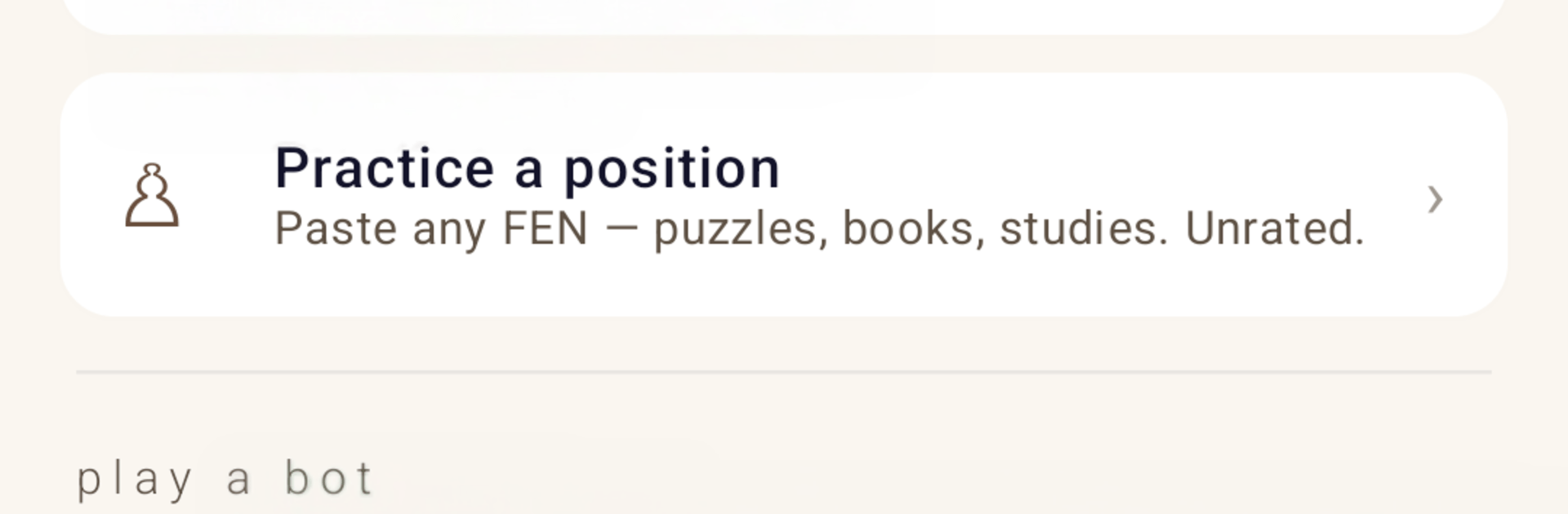
  • Position scanner and FEN: Snap a diagram screenshot or paste a FEN, rebuild the position instantly, and practice it against the bots.
  • Save and share easily: Keep watched games with commentary and export PGN when you want to analyze elsewhere or share with friends.
  • Take back and train: Rewind to any move after a bot game and practice alternative lines—your rating stays untouched while you experiment.
  • Private and offline: No account, no ads, no tracking, and everything runs entirely on your device, so your games stay with you.
  • Optional Study unlock: Add richer coaching, narrated bot games, and more in-depth tools with a simple one-time upgrade.

Ready to top the leaderboard? We bet you do. Let precise controls and sharp visuals optimized on BlueStacks lead you to victory.


Game Features

Enhancements

  • Macros
  • Multi Instance
  • Multi Instance Sync
  • Script
  • Enhancements
Macros

Macros

Automate the predictable in ChessFlex: Play, Watch, Train and transform your gameplay with Macros. Get access to inventive Macros in the BlueStacks Macro Community
Multi Instance

Multi Instance

Play ChessFlex: Play, Watch, Train on one window. And chat with your friend on the other. Press CTRL + Shift + 8 to open the Multi-Instance Manager. And start creating fresh instances or clone an existing one.
Multi Instance Sync

Multi Instance Sync

Play ChessFlex: Play, Watch, Train with the power of Multi-Instance Sync. Replicate what you are doing on the main instance on all other instances. Level up faster, play more.
Script

Script

Script your way to gaming glory in ChessFlex: Play, Watch, Train with BlueStacks Script. Write and run a set of commands to automate repeated tasks. Trigger the command by assigning it to any key.
Read More

How to Download and Play ChessFlex: Play, Watch, Train on PC or Mac

  • Download and install BlueStacks on your PC or Mac

  • Complete Google sign-in to access the Play Store, or do it later

  • Look for ChessFlex: Play, Watch, Train in the search bar at the top right corner

  • Click to install ChessFlex: Play, Watch, Train from the search results

  • Complete Google sign-in (if you skipped step 2) to install ChessFlex: Play, Watch, Train

  • Click the ChessFlex: Play, Watch, Train icon on the home screen to start playing

video
Watch Video

Minimum System Requirements

With BlueStacks 5, you can get started on a PC that fulfills the following requirements.

  • Operating System

    Microsoft Windows 7 or above, macOS 11 (Big Sur) or above

  • Processor

    Intel, AMD or Apple Silicon Processor

  • RAM

    at least 4GB

  • HDD

    10GB Free Disk Space

Note:

* You must be an Administrator on your PC. Up to date graphics drivers from Microsoft or the chipset vendor.

ChessFlex: Play, Watch, Train - FAQs

  • How to play ChessFlex: Play, Watch, Train on Windows PC & Mac?

    Play ChessFlex: Play, Watch, Train on your PC or Mac by following these simple steps.

    • Click on 'Play ChessFlex: Play, Watch, Train on PC’ to download BlueStacks
    • Install it and log-in to Google Play Store
    • Launch and play the game.
  • Why is BlueStacks the fastest and safest platform to play games on PC?

    BlueStacks respects your privacy and is always safe and secure to use. It does not carry any malware, spyware, or any sort of additional software that could harm your PC.

    It is engineered to optimize speed and performance for a seamless gaming experience.

  • What are ChessFlex: Play, Watch, Train PC requirements?

    Minimum requirement to run ChessFlex: Play, Watch, Train on your PC

    • OS: Microsoft Windows 7 or above MacOS 11 (Big Sur) or above
    • Processor: Intel, AMD or Apple Silicon Processor
    • RAM: Your PC must have at least 4GB of RAM. (Note that having 4GB or more disk space is not a substitute for RAM)
    • HDD: 10GB Free Disk Space.
    • You must be an Administrator on your PC.