Dark Halloween Color by Number

Dark Halloween Color by Number

Board

| Joyarc Coloring Games

Play on PC with BlueStacks or from our cloud

  • Overview
  • Game Features
  • How to Play

Page Modified On: August 14, 2026

Play Dark Halloween Color by Number on PC or Mac

Explore a whole new adventure with Dark Halloween Color by Number, a Board game created by Joyarc Coloring Games. Experience great gameplay with BlueStacks, the most popular gaming platform to play Android games on your PC or Mac.

About the Game

Dark Halloween Color by Number is a chill color-by-number escape where cobwebbed castles, glowing pumpkins, and moody moons are waiting for your touch. As a Board game, it turns spooky illustrations into bite-size, number-guided puzzles you can knock out in a few minutes or sink into for a cozy evening. It also runs smoothly on BlueStacks if you like a bigger canvas.

Game Features

  • Handcrafted Halloween Gallery: A curated spread of ghosts, potion rooms, trick-or-treaters, pumpkin fairies, gothic balconies, and more—each page feels like a tiny tale you finish with color.
  • Witches & Wizardry: Brew sparkly concoctions, skim past broomsticks, and light up moonlit spellbooks with calm, number-led taps.
  • Creatures with Personality: Color black cats on pumpkins, dapper bats in little hats, watchful owls, and other oddball companions that are more cute than creepy.
  • Vampiric Elegance: Dress grand castles and velvet capes in rich shades while balconies glow under a pale moon.
  • Tap-and-Relax Coloring: Fill sections with simple taps; the easy rhythm helps your brain slow down and your shoulders drop.
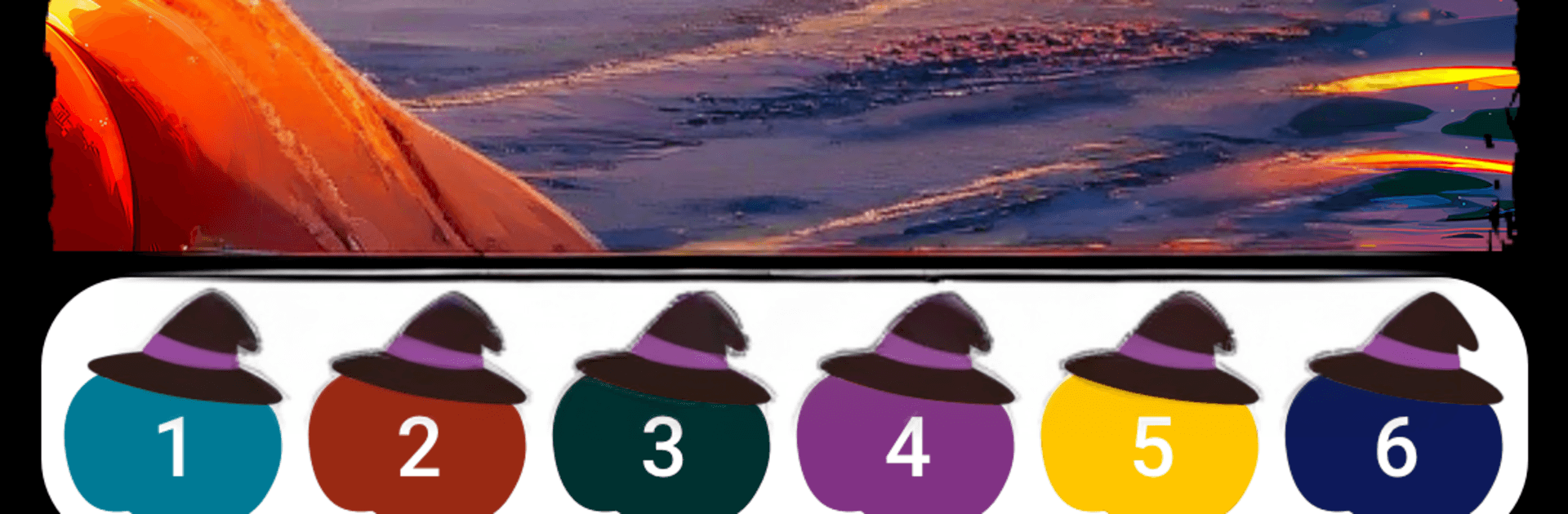
  • Moody Color Palettes: Work with deep purples, ember oranges, inky blacks, and wine reds that make each scene pop.
  • Satisfying Progress: See line art bloom into a finished piece one number at a time—small wins that feel surprisingly good.
  • Your Own Gallery: Save completed artwork, revisit favorites whenever you want, and share the ones you’re proud of.
  • Always Something New: Fresh pages arrive regularly, keeping your queue stocked with seasonal and spooky inspiration.
  • Clean, No-Pressure Design: No clutter and no timers—just you, color, and a calm flow.
  • Plays Nicely on BlueStacks: Enjoy crisp lines and comfy coloring when you want more room to work.

Start your journey now. Download the game on BlueStacks, invite your friends, and march on a new adventure.


Game Features

Enhancements

  • Macros
  • Multi Instance
  • Multi Instance Sync
  • Script
  • Enhancements
Macros

Macros

Automate the predictable in Dark Halloween Color by Number and transform your gameplay with Macros. Get access to inventive Macros in the BlueStacks Macro Community
Multi Instance

Multi Instance

Play Dark Halloween Color by Number on one window. And chat with your friend on the other. Press CTRL + Shift + 8 to open the Multi-Instance Manager. And start creating fresh instances or clone an existing one.
Multi Instance Sync

Multi Instance Sync

Play Dark Halloween Color by Number with the power of Multi-Instance Sync. Replicate what you are doing on the main instance on all other instances. Level up faster, play more.
Script

Script

Script your way to gaming glory in Dark Halloween Color by Number with BlueStacks Script. Write and run a set of commands to automate repeated tasks. Trigger the command by assigning it to any key.
Read More

How to Download and Play Dark Halloween Color by Number on PC or Mac

  • Download and install BlueStacks on your PC or Mac

  • Complete Google sign-in to access the Play Store, or do it later

  • Look for Dark Halloween Color by Number in the search bar at the top right corner

  • Click to install Dark Halloween Color by Number from the search results

  • Complete Google sign-in (if you skipped step 2) to install Dark Halloween Color by Number

  • Click the Dark Halloween Color by Number icon on the home screen to start playing

video
Watch Video

Minimum System Requirements

With BlueStacks 5, you can get started on a PC that fulfills the following requirements.

  • Operating System

    Microsoft Windows 7 or above, macOS 11 (Big Sur) or above

  • Processor

    Intel, AMD or Apple Silicon Processor

  • RAM

    at least 4GB

  • HDD

    10GB Free Disk Space

Note:

* You must be an Administrator on your PC. Up to date graphics drivers from Microsoft or the chipset vendor.

Dark Halloween Color by Number - FAQs

  • How to play Dark Halloween Color by Number on Windows PC & Mac?

    Play Dark Halloween Color by Number on your PC or Mac by following these simple steps.

    • Click on 'Play Dark Halloween Color by Number on PC’ to download BlueStacks
    • Install it and log-in to Google Play Store
    • Launch and play the game.
  • Why is BlueStacks the fastest and safest platform to play games on PC?

    BlueStacks respects your privacy and is always safe and secure to use. It does not carry any malware, spyware, or any sort of additional software that could harm your PC.

    It is engineered to optimize speed and performance for a seamless gaming experience.

  • What are Dark Halloween Color by Number PC requirements?

    Minimum requirement to run Dark Halloween Color by Number on your PC

    • OS: Microsoft Windows 7 or above MacOS 11 (Big Sur) or above
    • Processor: Intel, AMD or Apple Silicon Processor
    • RAM: Your PC must have at least 4GB of RAM. (Note that having 4GB or more disk space is not a substitute for RAM)
    • HDD: 10GB Free Disk Space.
    • You must be an Administrator on your PC.