Go With Friends!
Go With Friends!

Go With Friends!

Board

| DxT LLC

Play on PC with BlueStacks or from our cloud

  • Overview
  • Game Features
  • How to Play

Page Modified On: October 23, 2026

Play Go With Friends! on PC or Mac

Go With Friends! by DxT LLC has plenty to keep you busy. BlueStacks lets you play it on PC or Mac with more screen space, better control, and fewer mobile limits.

About the Game

Go With Friends! is a calm, modern way to play the timeless game of Go—whether you’re brand-new or polishing your endgame instincts. This Board experience puts quiet focus first, with clean visuals and rock-solid rules that feel true to the classic. Play solo against adaptive bots or share a board with someone next to you; it even feels right at home on BlueStacks if you prefer a bigger view.

Game Features

  • Adaptive bots: Practice against three AI levels—Gentle (~18 kyu), Steady (~8 kyu), and Sharp (~1 kyu)—so you can learn, spar, or really test yourself.
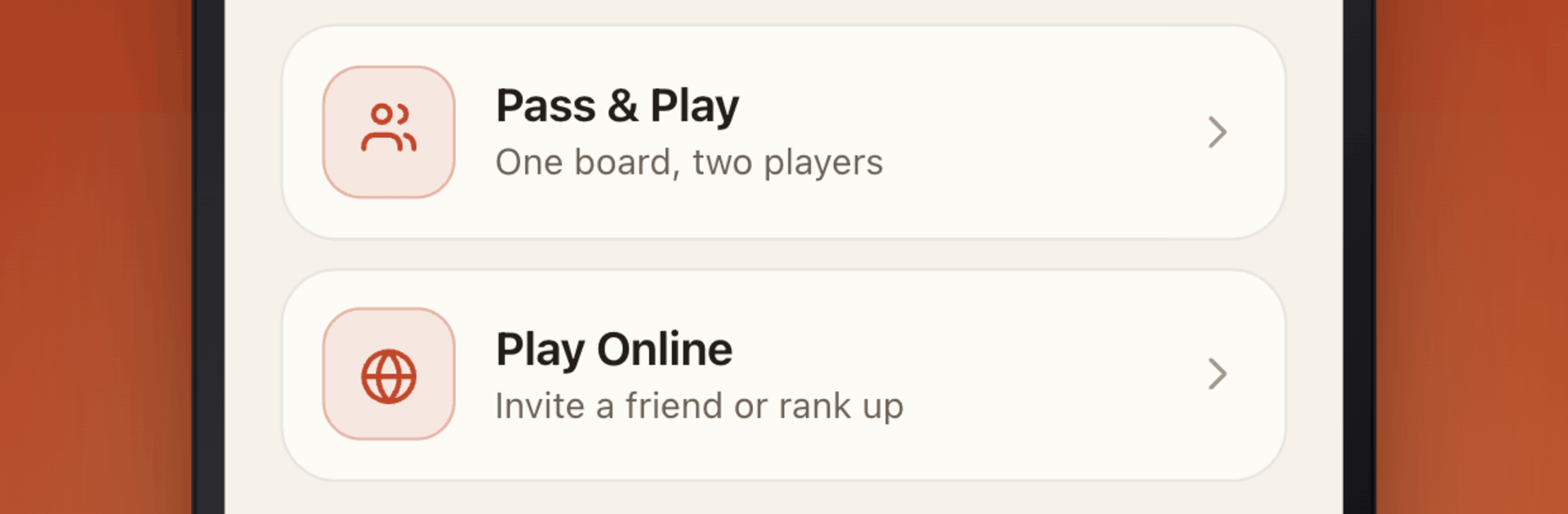
  • Pass & play: Two players, one screen, and easy turn-taking that’s perfect for teaching a friend or settling a friendly rivalry.
  • Board sizes: Choose 9×9 for quick tactical skirmishes, 13×13 for balanced mid-length games, or 19×19 for the full strategic canvas.
  • Fair starts: Pick your color and set komi the way you like, or flip a coin when you’re feeling indecisive.
  • Rules you can trust: Proper captures, ko handling, suicide safeguards, and area (Chinese) scoring keep every result clear and consistent.
  • Read the board at a glance: Liberties, captured groups, and last-move markers are shown cleanly, so counting and planning feel natural.
  • Auto-save between moves: Step away anytime—your game waits right where you left it.
  • Beautiful themes: Swap among Kaya, Walnut, and Sumi boards, with crisp, weighted stones that feel satisfying to place.
  • Light and dark modes: Match the mood and stay focused with a minimal, distraction-free interface.
  • Optional Go Pro: Remove ads, unlock all boards and stone styles, get post-game AI review, use unlimited hints and undo for study, face stronger bots, tune handicaps, and sync your games in the cloud.

Ready to top the leaderboard? We bet you do. Let precise controls and sharp visuals optimized on BlueStacks lead you to victory.


Game Features

Enhancements

  • Macros
  • Multi Instance
  • Multi Instance Sync
  • Script
  • Enhancements
Macros

Macros

Automate the predictable in Go With Friends! and transform your gameplay with Macros. Get access to inventive Macros in the BlueStacks Macro Community
Multi Instance

Multi Instance

Play Go With Friends! on one window. And chat with your friend on the other. Press CTRL + Shift + 8 to open the Multi-Instance Manager. And start creating fresh instances or clone an existing one.
Multi Instance Sync

Multi Instance Sync

Play Go With Friends! with the power of Multi-Instance Sync. Replicate what you are doing on the main instance on all other instances. Level up faster, play more.
Script

Script

Script your way to gaming glory in Go With Friends! with BlueStacks Script. Write and run a set of commands to automate repeated tasks. Trigger the command by assigning it to any key.
Read More

How to Download and Play Go With Friends! on PC or Mac

  • Download and install BlueStacks on your PC or Mac

  • Complete Google sign-in to access the Play Store, or do it later

  • Look for Go With Friends! in the search bar at the top right corner

  • Click to install Go With Friends! from the search results

  • Complete Google sign-in (if you skipped step 2) to install Go With Friends!

  • Click the Go With Friends! icon on the home screen to start playing

video
Watch Video

Minimum System Requirements

With BlueStacks 5, you can get started on a PC that fulfills the following requirements.

  • Operating System

    Microsoft Windows 7 or above, macOS 11 (Big Sur) or above

  • Processor

    Intel, AMD or Apple Silicon Processor

  • RAM

    at least 4GB

  • HDD

    10GB Free Disk Space

Note:

* You must be an Administrator on your PC. Up to date graphics drivers from Microsoft or the chipset vendor.

Go With Friends! - FAQs

  • How to play Go With Friends! on Windows PC & Mac?

    Play Go With Friends! on your PC or Mac by following these simple steps.

    • Click on 'Play Go With Friends! on PC’ to download BlueStacks
    • Install it and log-in to Google Play Store
    • Launch and play the game.
  • Why is BlueStacks the fastest and safest platform to play games on PC?

    BlueStacks respects your privacy and is always safe and secure to use. It does not carry any malware, spyware, or any sort of additional software that could harm your PC.

    It is engineered to optimize speed and performance for a seamless gaming experience.

  • What are Go With Friends! PC requirements?

    Minimum requirement to run Go With Friends! on your PC

    • OS: Microsoft Windows 7 or above MacOS 11 (Big Sur) or above
    • Processor: Intel, AMD or Apple Silicon Processor
    • RAM: Your PC must have at least 4GB of RAM. (Note that having 4GB or more disk space is not a substitute for RAM)
    • HDD: 10GB Free Disk Space.
    • You must be an Administrator on your PC.