

Bring your A-game to Legacy Chess Engines, the Board game sensation from Chess Engines. Give your gameplay the much-needed boost with precise game controls, high FPS graphics, and top-tier features on your PC or Mac with BlueStacks.
About the Game
Legacy Chess Engines is a handy toolkit for chess fans who love running powerful engines inside their favorite Android chess GUIs. Built by Chess Engines, this Board title packs a curated set of UCI engines that plug right into apps you already use, so you can analyze games, practice lines, or spar against serious strength without fuss. Setup is quick, and the engines are discovered automatically through OEX support.
Game Features
-
Ten engines included
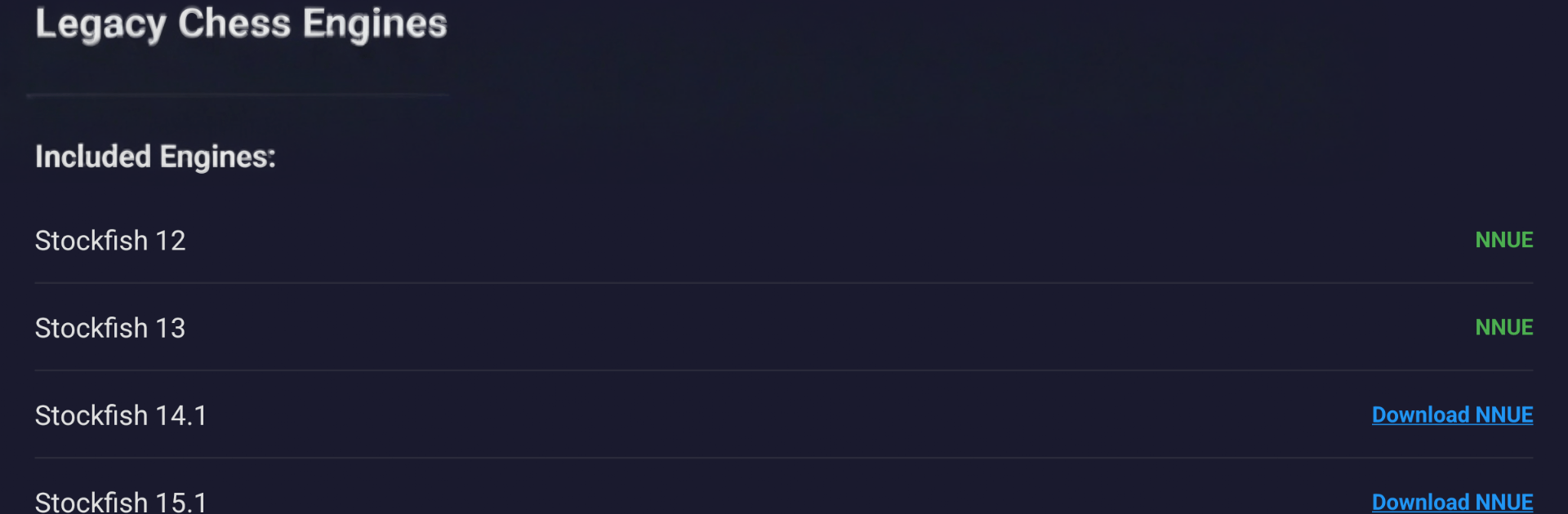
Stockfish 17.1 (NNUE built in), Stockfish 15.1 and 14.1 (optional ~45 MB NNUE nets), Stockfish 13 and 12 (NNUE included), Berserk 13, RubiChess, Koivisto 9.0, plus the classics Fruit 2.1 and Toga II. -
Plug-and-play integration
Works seamlessly with OEX-capable chess GUIs like Chessis, DroidFish, and Chess for All—just pick an engine from your GUI’s settings and you’re set. -
Simple, fast setup
Install the app, open your preferred GUI, choose an engine, and the list shows up automatically. No manual paths, no tricky config. -
NNUE strength when you want it
Modern neural-network evaluation boosts playing strength and analysis quality. Some engines include the net; others let you add it later. -
Lean install size
Keep storage light by downloading optional NNUE networks only if you need them. -
Runs on a wide range of devices
Supports arm64-v8a, armeabi-v7a, x86, and x86_64, so older phones, new tablets, and many Chromebooks are covered. -
Clean and private
No ads, no tracking, and no data collection getting in the way of your study or matches. -
Open-source foundations
Every engine is free and open source under GPLv3, maintained by their original authors and communities. -
Nice on desktop, too
Prefer a bigger screen for long analysis sessions? You can run it on BlueStacks to manage engines alongside your favorite Android chess GUI on PC.
Start your journey now. Download the game on BlueStacks, invite your friends, and march on a new adventure.