Pandanet(Go) -Internet Go Game

Pandanet(Go) -Internet Go Game

Board

| 株式会社パンダネット

Play on PC with BlueStacks or from our cloud

  • Overview
  • Game Features
  • How to Play

Page Modified On: July 06, 2026

Play Pandanet(Go) -Internet Go Game on PC or Mac

Pandanet(Go) -Internet Go Game by 株式会社パンダネット has plenty to keep you busy. BlueStacks lets you play it on PC or Mac with more screen space, better control, and fewer mobile limits.

About the Game

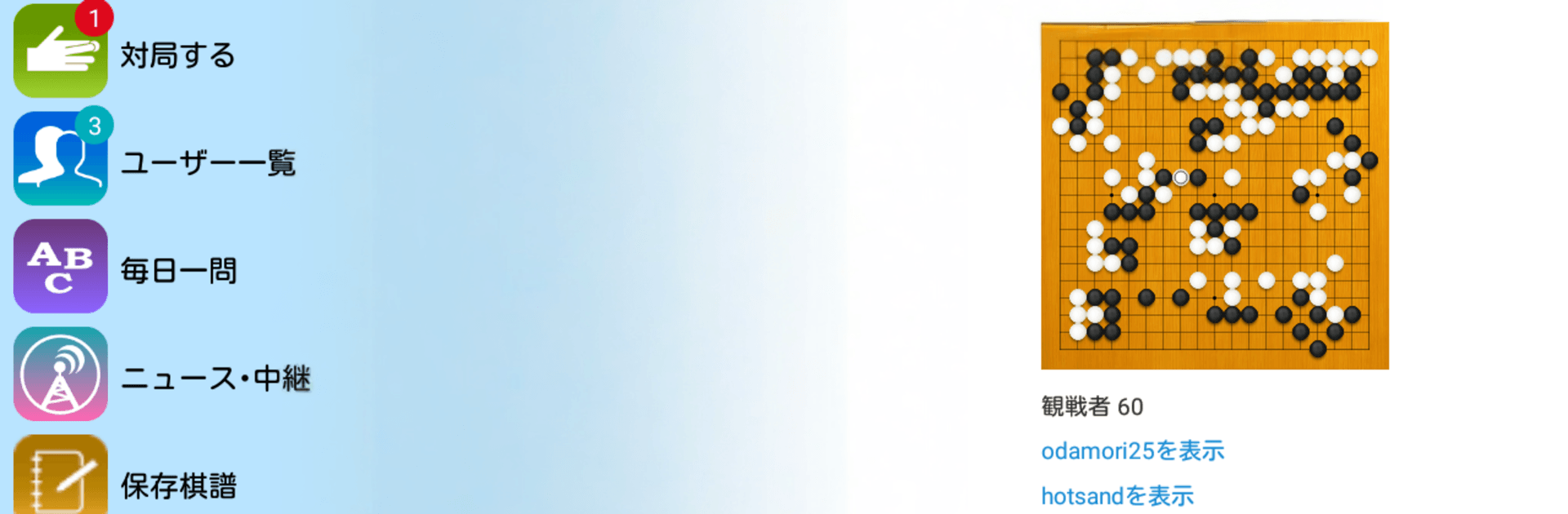
Pandanet(Go) -Internet Go Game puts the classic strategy board game right in your pocket. Jump into real matches any time, watch high-level play unfold live, and grow your skills with tools built for learners and veterans alike. Prefer a bigger board? You can play on your PC with BlueStacks for a roomier, comfortable view.

Game Features

  • Always someone to play: The lobby’s busy around the clock, so you can find a game or sit back and watch others battle whenever you’ve got a few minutes.
  • Fair matchmaking: A smart rating and handicap system pairs you with opponents at the right level, making close, satisfying games the norm.
  • Watch the pros: Catch major professional title matches live or on demand, plus special events and top amateur showdowns.
  • Real-time viewer: Browse rooms, follow ongoing games move by move, and pick up new ideas from stronger players.
  • Quick invites and auto-pairing: Send or accept match invitations, or let the system instantly find someone who fits your conditions.
  • Daily puzzles: Tackle a fresh problem every day. A few minutes of reading practice here really adds up over time.
  • Social Plaza: Track your match history, join communities that match your interests, post on forums, and message other Go fans.
  • Game archive and review: Save every game you play, import your own records, add variations, and study past fights anywhere.
  • News and live updates: Stay current with timely coverage of professional titles and notable amateur events.
  • Flexible settings: Adjust coordinates, autoplay speed, confirmations, zoom behavior, volume, and more. On tablets, customize board and stone styles to your taste.
  • Tournaments and leagues: Take part in large online cups and team competitions, including long-running European and American city leagues in the Go scene.

Start your journey now. Download the game on BlueStacks, invite your friends, and march on a new adventure.


Game Features

Enhancements

  • Macros
  • Multi Instance
  • Multi Instance Sync
  • Script
  • Enhancements
Macros

Macros

Automate the predictable in Pandanet(Go) -Internet Go Game and transform your gameplay with Macros. Get access to inventive Macros in the BlueStacks Macro Community
Multi Instance

Multi Instance

Play Pandanet(Go) -Internet Go Game on one window. And chat with your friend on the other. Press CTRL + Shift + 8 to open the Multi-Instance Manager. And start creating fresh instances or clone an existing one.
Multi Instance Sync

Multi Instance Sync

Play Pandanet(Go) -Internet Go Game with the power of Multi-Instance Sync. Replicate what you are doing on the main instance on all other instances. Level up faster, play more.
Script

Script

Script your way to gaming glory in Pandanet(Go) -Internet Go Game with BlueStacks Script. Write and run a set of commands to automate repeated tasks. Trigger the command by assigning it to any key.
Read More

How to Download and Play Pandanet(Go) -Internet Go Game on PC or Mac

  • Download and install BlueStacks on your PC or Mac

  • Complete Google sign-in to access the Play Store, or do it later

  • Look for Pandanet(Go) -Internet Go Game in the search bar at the top right corner

  • Click to install Pandanet(Go) -Internet Go Game from the search results

  • Complete Google sign-in (if you skipped step 2) to install Pandanet(Go) -Internet Go Game

  • Click the Pandanet(Go) -Internet Go Game icon on the home screen to start playing

video
Watch Video

Minimum System Requirements

With BlueStacks 5, you can get started on a PC that fulfills the following requirements.

  • Operating System

    Microsoft Windows 7 or above, macOS 11 (Big Sur) or above

  • Processor

    Intel, AMD or Apple Silicon Processor

  • RAM

    at least 4GB

  • HDD

    10GB Free Disk Space

Note:

* You must be an Administrator on your PC. Up to date graphics drivers from Microsoft or the chipset vendor.

Pandanet(Go) -Internet Go Game - FAQs

  • How to play Pandanet(Go) -Internet Go Game on Windows PC & Mac?

    Play Pandanet(Go) -Internet Go Game on your PC or Mac by following these simple steps.

    • Click on 'Play Pandanet(Go) -Internet Go Game on PC’ to download BlueStacks
    • Install it and log-in to Google Play Store
    • Launch and play the game.
  • Why is BlueStacks the fastest and safest platform to play games on PC?

    BlueStacks respects your privacy and is always safe and secure to use. It does not carry any malware, spyware, or any sort of additional software that could harm your PC.

    It is engineered to optimize speed and performance for a seamless gaming experience.

  • What are Pandanet(Go) -Internet Go Game PC requirements?

    Minimum requirement to run Pandanet(Go) -Internet Go Game on your PC

    • OS: Microsoft Windows 7 or above MacOS 11 (Big Sur) or above
    • Processor: Intel, AMD or Apple Silicon Processor
    • RAM: Your PC must have at least 4GB of RAM. (Note that having 4GB or more disk space is not a substitute for RAM)
    • HDD: 10GB Free Disk Space.
    • You must be an Administrator on your PC.