Rogue Master: Dice Hero

Rogue Master: Dice Hero

Board

| dns-89-0928

Play on PC with BlueStacks or from our cloud

  • Overview
  • Game Features
  • How to Play

Page Modified On: October 30, 2026

Play Rogue Master: Dice Hero on PC or Mac

Rogue Master: Dice Hero by dns-89-0928 has plenty to keep you busy. BlueStacks lets you play it on PC or Mac with more screen space, better control, and fewer mobile limits.

About the Game

Rogue Master: Dice Hero is a Board caper where you play a masked do-gooder who steals from the greedy and turns chance into a weapon. It’s part luck, part planning, and all about the thrill of rolling, raiding, and rebuilding your own turf. Prefer a bigger screen? It runs smoothly on BlueStacks, too.

Game Features

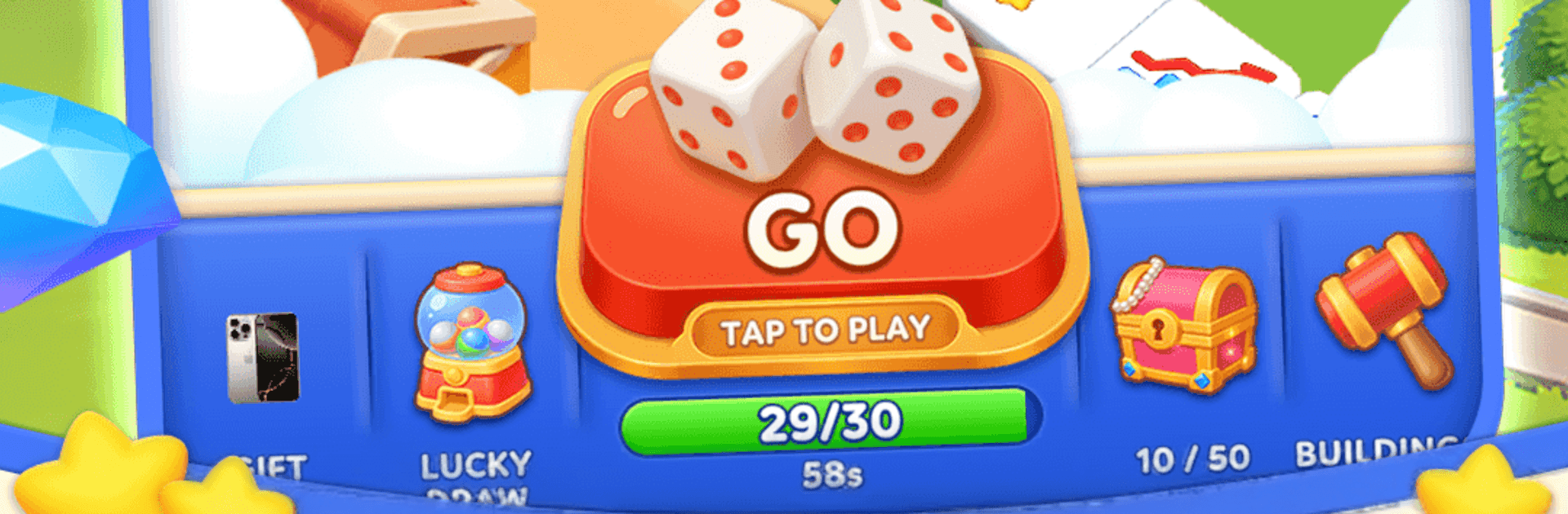
  • Roll-and-roam gameplay: Tap to toss the dice, stride across the board, and see what each space throws at you—surprise payouts, protective perks, quirky events, and the occasional curveball.
  • Heists with a conscience: Hit special tiles to sneak into vaults owned by crooked moguls, crack their safes through quick mini-challenges, and walk out with a haul that actually helps your cause.
  • Wreck their rackets: Target shady casinos and enemy structures, chip away at their defenses, and cash in when their crooked empires start to crumble.
  • Build your haven: Pour your earnings into new landmarks—flashy districts, secret hideouts, and more—and watch your board transform as you upgrade piece by piece.
  • Progress through fresh maps: Finish a board, unlock a new setting, and keep the spree going with different layouts and challenges that shake up your approach.
  • Strategy meets chance: Plan around risk and reward—stash protection, time your attacks, and make every roll count without losing that rush of unpredictability.
  • Style-packed worlds: Bounce between glimmering nightlife blocks and shadowy back alleys, each with its own vibe and surprises waiting around the corner.

Get ready for a buttery smooth, high-performance gaming action only on BlueStacks.

Game Features

Enhancements

  • Macros
  • Multi Instance
  • Multi Instance Sync
  • Script
  • Enhancements
Macros

Macros

Automate the predictable in Rogue Master: Dice Hero and transform your gameplay with Macros. Get access to inventive Macros in the BlueStacks Macro Community
Multi Instance

Multi Instance

Play Rogue Master: Dice Hero on one window. And chat with your friend on the other. Press CTRL + Shift + 8 to open the Multi-Instance Manager. And start creating fresh instances or clone an existing one.
Multi Instance Sync

Multi Instance Sync

Play Rogue Master: Dice Hero with the power of Multi-Instance Sync. Replicate what you are doing on the main instance on all other instances. Level up faster, play more.
Script

Script

Script your way to gaming glory in Rogue Master: Dice Hero with BlueStacks Script. Write and run a set of commands to automate repeated tasks. Trigger the command by assigning it to any key.
Read More

How to Download and Play Rogue Master: Dice Hero on PC or Mac

  • Download and install BlueStacks on your PC or Mac

  • Complete Google sign-in to access the Play Store, or do it later

  • Look for Rogue Master: Dice Hero in the search bar at the top right corner

  • Click to install Rogue Master: Dice Hero from the search results

  • Complete Google sign-in (if you skipped step 2) to install Rogue Master: Dice Hero

  • Click the Rogue Master: Dice Hero icon on the home screen to start playing

video
Watch Video

Minimum System Requirements

With BlueStacks 5, you can get started on a PC that fulfills the following requirements.

  • Operating System

    Microsoft Windows 7 or above, macOS 11 (Big Sur) or above

  • Processor

    Intel, AMD or Apple Silicon Processor

  • RAM

    at least 4GB

  • HDD

    10GB Free Disk Space

Note:

* You must be an Administrator on your PC. Up to date graphics drivers from Microsoft or the chipset vendor.

Rogue Master: Dice Hero - FAQs

  • How to play Rogue Master: Dice Hero on Windows PC & Mac?

    Play Rogue Master: Dice Hero on your PC or Mac by following these simple steps.

    • Click on 'Play Rogue Master: Dice Hero on PC’ to download BlueStacks
    • Install it and log-in to Google Play Store
    • Launch and play the game.
  • Why is BlueStacks the fastest and safest platform to play games on PC?

    BlueStacks respects your privacy and is always safe and secure to use. It does not carry any malware, spyware, or any sort of additional software that could harm your PC.

    It is engineered to optimize speed and performance for a seamless gaming experience.

  • What are Rogue Master: Dice Hero PC requirements?

    Minimum requirement to run Rogue Master: Dice Hero on your PC

    • OS: Microsoft Windows 7 or above MacOS 11 (Big Sur) or above
    • Processor: Intel, AMD or Apple Silicon Processor
    • RAM: Your PC must have at least 4GB of RAM. (Note that having 4GB or more disk space is not a substitute for RAM)
    • HDD: 10GB Free Disk Space.
    • You must be an Administrator on your PC.