The Dark Quarter
The Dark Quarter

The Dark Quarter

Board

| Lucky Duck Games

Play on PC with BlueStacks or from our cloud

  • Overview
  • Game Features
  • How to Play

Page Modified On: July 20, 2026

Play The Dark Quarter on PC or Mac

Bring your A-game to The Dark Quarter, the Board game sensation from Lucky Duck Games. Give your gameplay the much-needed boost with precise game controls, high FPS graphics, and top-tier features on your PC or Mac with BlueStacks.

About the Game

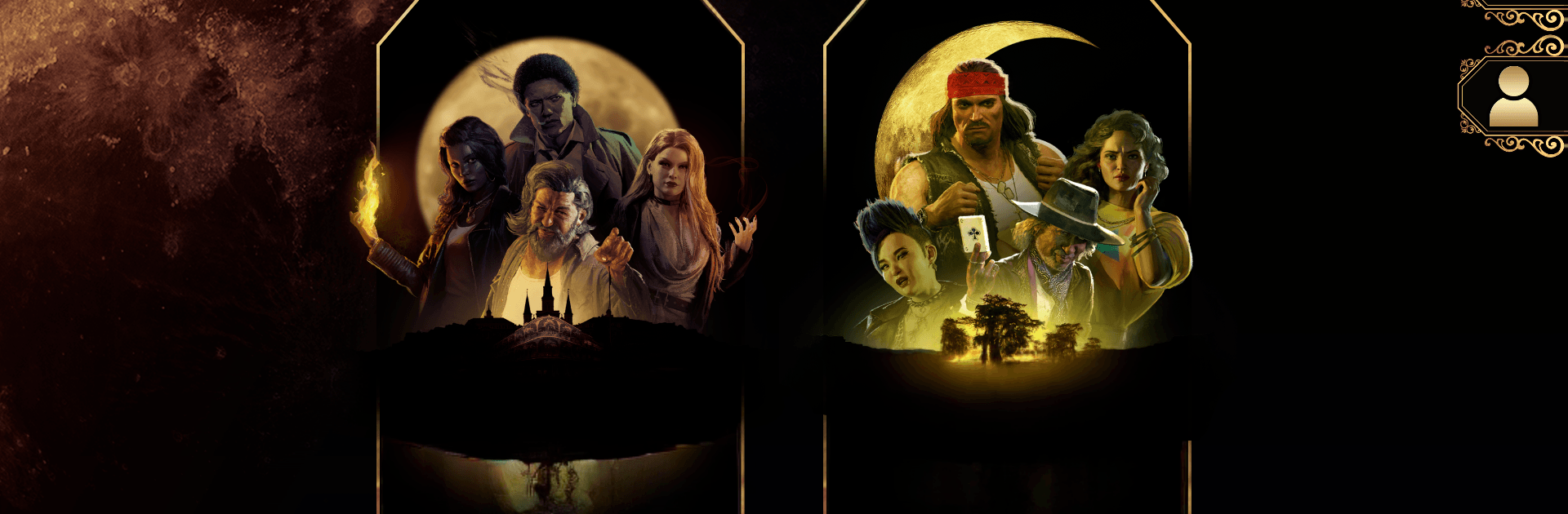
The Dark Quarter is a story-driven companion app that powers a cooperative Board adventure set in a haunted, jazz-soaked New Orleans. It blends an app with physical pieces to run a full campaign, so the story reacts to the choices you make at the table. Looking for a cleaner setup on a laptop beside the board? You can run the app with BlueStacks without changing how anyone plays.

Game Features

  • Branching Campaign: Face multi-scenario cases where decisions ripple through later scenes and reshape the investigation.
  • Your Character Matters: You’re not swapping faceless avatars—your investigator grows, carries scars, and stays tied to the overarching story.
  • App + Tabletop Together: Move miniatures on the map, roll dice for tense tests, and let the app handle the narrative beats and outcomes.
  • QR-Enabled Items: Scan QR codes on cards to use gear, unlock options, and trigger surprises right when they matter.
  • Guided Storytelling: The app delivers narration, prompts, and clear results for your actions, keeping the focus on roleplay and teamwork.
  • High-Stakes Choices: The fate of your crew—and a shadowy New Orleans—shifts based on what you do and who you help.
  • Cooperative Play: Work shoulder to shoulder, compare clues, and coordinate tests to push the case forward.
  • Tactile + Digital Flow: Dice, cards, and minis bring the table to life while the app tracks what happens next, no rules lookup spree required.

Start playing The Dark Quarter on BlueStacks and get a smoother, more comfortable PC or Mac setup.


Game Features

Enhancements

  • Macros
  • Multi Instance
  • Multi Instance Sync
  • Script
  • Enhancements
Macros

Macros

Automate the predictable in The Dark Quarter and transform your gameplay with Macros. Get access to inventive Macros in the BlueStacks Macro Community
Multi Instance

Multi Instance

Play The Dark Quarter on one window. And chat with your friend on the other. Press CTRL + Shift + 8 to open the Multi-Instance Manager. And start creating fresh instances or clone an existing one.
Multi Instance Sync

Multi Instance Sync

Play The Dark Quarter with the power of Multi-Instance Sync. Replicate what you are doing on the main instance on all other instances. Level up faster, play more.
Script

Script

Script your way to gaming glory in The Dark Quarter with BlueStacks Script. Write and run a set of commands to automate repeated tasks. Trigger the command by assigning it to any key.
Read More

How to Download and Play The Dark Quarter on PC or Mac

  • Download and install BlueStacks on your PC or Mac

  • Complete Google sign-in to access the Play Store, or do it later

  • Look for The Dark Quarter in the search bar at the top right corner

  • Click to install The Dark Quarter from the search results

  • Complete Google sign-in (if you skipped step 2) to install The Dark Quarter

  • Click the The Dark Quarter icon on the home screen to start playing

video
Watch Video

Minimum System Requirements

With BlueStacks 5, you can get started on a PC that fulfills the following requirements.

  • Operating System

    Microsoft Windows 7 or above, macOS 11 (Big Sur) or above

  • Processor

    Intel, AMD or Apple Silicon Processor

  • RAM

    at least 4GB

  • HDD

    10GB Free Disk Space

Note:

* You must be an Administrator on your PC. Up to date graphics drivers from Microsoft or the chipset vendor.

The Dark Quarter - FAQs

  • How to play The Dark Quarter on Windows PC & Mac?

    Play The Dark Quarter on your PC or Mac by following these simple steps.

    • Click on 'Play The Dark Quarter on PC’ to download BlueStacks
    • Install it and log-in to Google Play Store
    • Launch and play the game.
  • Why is BlueStacks the fastest and safest platform to play games on PC?

    BlueStacks respects your privacy and is always safe and secure to use. It does not carry any malware, spyware, or any sort of additional software that could harm your PC.

    It is engineered to optimize speed and performance for a seamless gaming experience.

  • What are The Dark Quarter PC requirements?

    Minimum requirement to run The Dark Quarter on your PC

    • OS: Microsoft Windows 7 or above MacOS 11 (Big Sur) or above
    • Processor: Intel, AMD or Apple Silicon Processor
    • RAM: Your PC must have at least 4GB of RAM. (Note that having 4GB or more disk space is not a substitute for RAM)
    • HDD: 10GB Free Disk Space.
    • You must be an Administrator on your PC.