XOX Clash - Tic Tac Toe Online

XOX Clash - Tic Tac Toe Online

Board

| Betelgeuse

Play on PC with BlueStacks or from our cloud

  • Overview
  • Game Features
  • How to Play

Page Modified On: June 25, 2026

Play XOX Clash - Tic Tac Toe Online on PC or Mac

Bring your A-game to XOX Clash – Tic Tac Toe Online, the Board game sensation from Betelgeuse. Give your gameplay the much-needed boost with precise game controls, high FPS graphics, and top-tier features on your PC or Mac with BlueStacks.

About the Game

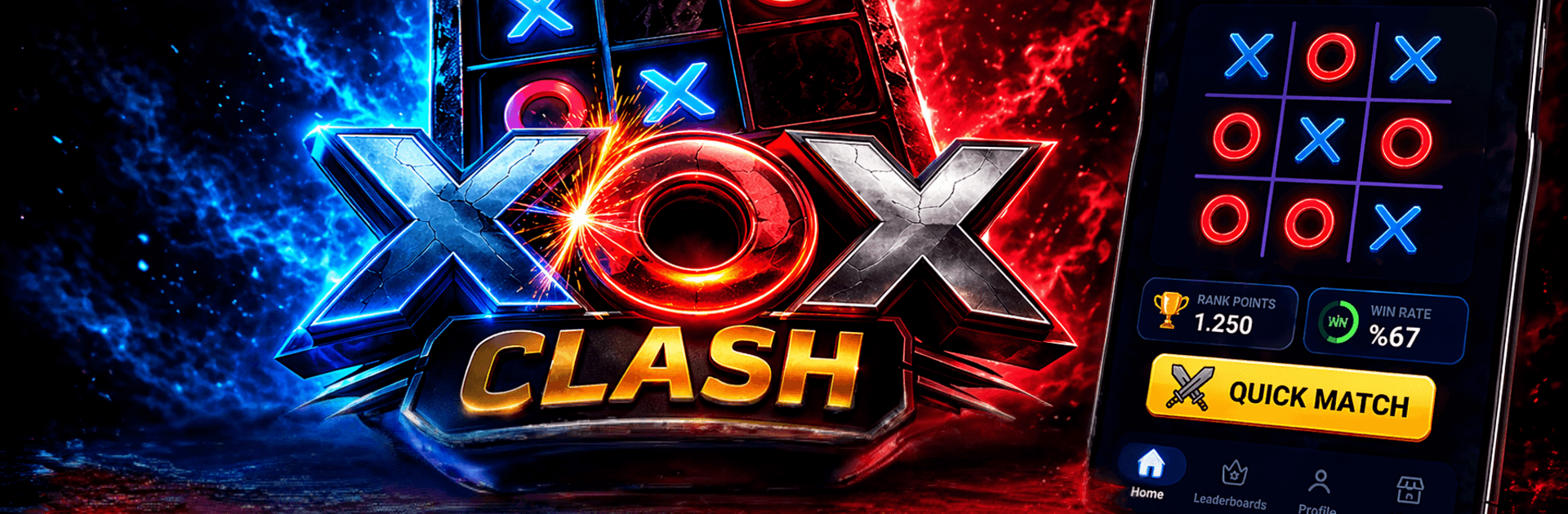
XOX Clash – Tic Tac Toe Online turns that familiar 3×3 grid into a real head-to-head showdown. It’s fast, competitive, and all about reading your opponent before they read you. Play on your phone—or kick back on PC with BlueStacks—while you climb ranks, collect slick skins, and sharpen your timing in quick, high-stakes rounds.

Game Features

  • Real-time PvP: Jump into instant, 2-player matchmaking and battle real people in quick, responsive matches—no bots getting in the way.
  • Ranked Leagues: Win games to earn points, rise through competitive tiers, and square off against stronger opponents as your skills grow.
  • Mind-game Moments: Every move counts. Set traps, block sneaky setups, and pull off clutch wins against opponents who adapt just like you.
  • Custom Look: Unlock stylish X and O skins, personalize your board, and add visual flair so your plays look as sharp as they feel.
  • Rewards That Build: Grab rewards after each match, open new cosmetics, and keep your progression rolling as you play.
  • Simple Rules, Real Depth: Classic 3×3 tic tac toe rules stay easy to learn, but there’s plenty of strategy for anyone who loves tight PvP.
  • Quick and Smooth: Snappy rounds, clean visuals, and steady performance make it ideal for short breaks or long competitive sessions.
  • Always Evolving: Fresh content and new ways to compete keep the multiplayer tic tac toe scene feeling modern in the Board genre.

BlueStacks gives you more room to focus on the game and less time adjusting around mobile limitations.


Game Features

Enhancements

  • Macros
  • Multi Instance
  • Multi Instance Sync
  • Script
  • Enhancements
Macros

Macros

Automate the predictable in XOX Clash - Tic Tac Toe Online and transform your gameplay with Macros. Get access to inventive Macros in the BlueStacks Macro Community
Multi Instance

Multi Instance

Play XOX Clash - Tic Tac Toe Online on one window. And chat with your friend on the other. Press CTRL + Shift + 8 to open the Multi-Instance Manager. And start creating fresh instances or clone an existing one.
Multi Instance Sync

Multi Instance Sync

Play XOX Clash - Tic Tac Toe Online with the power of Multi-Instance Sync. Replicate what you are doing on the main instance on all other instances. Level up faster, play more.
Script

Script

Script your way to gaming glory in XOX Clash - Tic Tac Toe Online with BlueStacks Script. Write and run a set of commands to automate repeated tasks. Trigger the command by assigning it to any key.
Read More

How to Download and Play XOX Clash - Tic Tac Toe Online on PC or Mac

  • Download and install BlueStacks on your PC or Mac

  • Complete Google sign-in to access the Play Store, or do it later

  • Look for XOX Clash - Tic Tac Toe Online in the search bar at the top right corner

  • Click to install XOX Clash - Tic Tac Toe Online from the search results

  • Complete Google sign-in (if you skipped step 2) to install XOX Clash - Tic Tac Toe Online

  • Click the XOX Clash - Tic Tac Toe Online icon on the home screen to start playing

video
Watch Video

Minimum System Requirements

With BlueStacks 5, you can get started on a PC that fulfills the following requirements.

  • Operating System

    Microsoft Windows 7 or above, macOS 11 (Big Sur) or above

  • Processor

    Intel, AMD or Apple Silicon Processor

  • RAM

    at least 4GB

  • HDD

    10GB Free Disk Space

Note:

* You must be an Administrator on your PC. Up to date graphics drivers from Microsoft or the chipset vendor.

XOX Clash - Tic Tac Toe Online - FAQs

  • How to play XOX Clash - Tic Tac Toe Online on Windows PC & Mac?

    Play XOX Clash - Tic Tac Toe Online on your PC or Mac by following these simple steps.

    • Click on 'Play XOX Clash - Tic Tac Toe Online on PC’ to download BlueStacks
    • Install it and log-in to Google Play Store
    • Launch and play the game.
  • Why is BlueStacks the fastest and safest platform to play games on PC?

    BlueStacks respects your privacy and is always safe and secure to use. It does not carry any malware, spyware, or any sort of additional software that could harm your PC.

    It is engineered to optimize speed and performance for a seamless gaming experience.

  • What are XOX Clash - Tic Tac Toe Online PC requirements?

    Minimum requirement to run XOX Clash - Tic Tac Toe Online on your PC

    • OS: Microsoft Windows 7 or above MacOS 11 (Big Sur) or above
    • Processor: Intel, AMD or Apple Silicon Processor
    • RAM: Your PC must have at least 4GB of RAM. (Note that having 4GB or more disk space is not a substitute for RAM)
    • HDD: 10GB Free Disk Space.
    • You must be an Administrator on your PC.