Yatzy No Mercy! Dice Duel

Yatzy No Mercy! Dice Duel

Board

| Bombay Play - Tile and Block Number Puzzles

Play on PC with BlueStacks or from our cloud

  • Overview
  • Game Features
  • How to Play

Page Modified On: September 18, 2026

Play Yatzy No Mercy! Dice Duel on PC or Mac

Yatzy No Mercy! Dice Duel brings the Board genre to life, and throws up exciting challenges for gamers. Developed by Bombay Play – Tile and Block Number Puzzles, this Android game is best experienced on BlueStacks, the World’s #1 app player for PC and Mac users.

About the Game

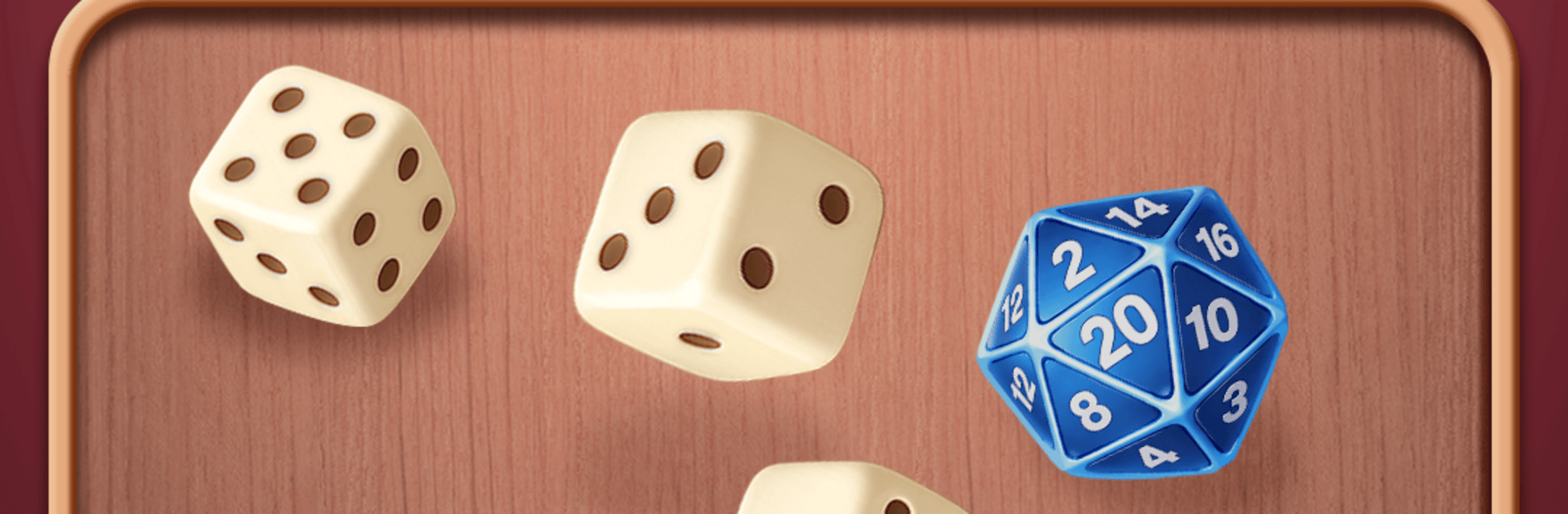
Yatzy No Mercy! Dice Duel is all about quick-thinking rolls and gutsy decisions. You’re racing an opponent, chasing high-scoring combos, and shaping a run that can snowball fast if you play it right. It blends classic dice tactics with a roguelite feel, wrapped up in a fast, competitive Board experience that’s easy to pick up and hard to shake off. It also plays smoothly on BlueStacks if you want a crisp, comfy setup.

Game Features

  • Smart Rolls, Big Payouts: Lock the dice you love, reroll the rest, and squeeze every point you can from each turn without overreaching.
  • Tight Duels, Real Stakes: Each level gives you only a handful of rounds to outscore your rival, so every decision counts.
  • Evolving Opponents: Face new enemies as you advance, with shifting targets and trickier hurdles that force you to adapt on the fly.
  • Upgrades That Change Everything: Pick a perk after every stage—boost multipliers, bend odds in your favor, and stack effects that turn modest hands into monsters.
  • Synergies That Pop: Find combos that work together so well they feel a little broken—in the best way—and watch your score leap.
  • Roguelite Runs With Bite: Lose and the run resets, but the next attempt always deals a fresh spread of choices, paths, and surprises.
  • Push Your Luck, Or Don’t: Play it safe to bank a steady lead, or chase one more reroll for the kind of swing that wins matches.
  • Clutch Saves and Rerolls: Use well-timed revives and selective rerolls to keep a promising build alive when things get dicey.

Ready to top the leaderboard? We bet you do. Let precise controls and sharp visuals optimized on BlueStacks lead you to victory.


Game Features

Enhancements

  • Macros
  • Multi Instance
  • Multi Instance Sync
  • Script
  • Enhancements
Macros

Macros

Automate the predictable in Yatzy No Mercy! Dice Duel and transform your gameplay with Macros. Get access to inventive Macros in the BlueStacks Macro Community
Multi Instance

Multi Instance

Play Yatzy No Mercy! Dice Duel on one window. And chat with your friend on the other. Press CTRL + Shift + 8 to open the Multi-Instance Manager. And start creating fresh instances or clone an existing one.
Multi Instance Sync

Multi Instance Sync

Play Yatzy No Mercy! Dice Duel with the power of Multi-Instance Sync. Replicate what you are doing on the main instance on all other instances. Level up faster, play more.
Script

Script

Script your way to gaming glory in Yatzy No Mercy! Dice Duel with BlueStacks Script. Write and run a set of commands to automate repeated tasks. Trigger the command by assigning it to any key.
Read More

How to Download and Play Yatzy No Mercy! Dice Duel on PC or Mac

  • Download and install BlueStacks on your PC or Mac

  • Complete Google sign-in to access the Play Store, or do it later

  • Look for Yatzy No Mercy! Dice Duel in the search bar at the top right corner

  • Click to install Yatzy No Mercy! Dice Duel from the search results

  • Complete Google sign-in (if you skipped step 2) to install Yatzy No Mercy! Dice Duel

  • Click the Yatzy No Mercy! Dice Duel icon on the home screen to start playing

video
Watch Video

Minimum System Requirements

With BlueStacks 5, you can get started on a PC that fulfills the following requirements.

  • Operating System

    Microsoft Windows 7 or above, macOS 11 (Big Sur) or above

  • Processor

    Intel, AMD or Apple Silicon Processor

  • RAM

    at least 4GB

  • HDD

    10GB Free Disk Space

Note:

* You must be an Administrator on your PC. Up to date graphics drivers from Microsoft or the chipset vendor.

Yatzy No Mercy! Dice Duel - FAQs

  • How to play Yatzy No Mercy! Dice Duel on Windows PC & Mac?

    Play Yatzy No Mercy! Dice Duel on your PC or Mac by following these simple steps.

    • Click on 'Play Yatzy No Mercy! Dice Duel on PC’ to download BlueStacks
    • Install it and log-in to Google Play Store
    • Launch and play the game.
  • Why is BlueStacks the fastest and safest platform to play games on PC?

    BlueStacks respects your privacy and is always safe and secure to use. It does not carry any malware, spyware, or any sort of additional software that could harm your PC.

    It is engineered to optimize speed and performance for a seamless gaming experience.

  • What are Yatzy No Mercy! Dice Duel PC requirements?

    Minimum requirement to run Yatzy No Mercy! Dice Duel on your PC

    • OS: Microsoft Windows 7 or above MacOS 11 (Big Sur) or above
    • Processor: Intel, AMD or Apple Silicon Processor
    • RAM: Your PC must have at least 4GB of RAM. (Note that having 4GB or more disk space is not a substitute for RAM)
    • HDD: 10GB Free Disk Space.
    • You must be an Administrator on your PC.