Auto Gladiators
Auto Gladiators

Auto Gladiators

Card

| Seirin Corporation

Play on PC with BlueStacks or from our cloud

  • Overview
  • Game Features
  • How to Play

Page Modified On: July 14, 2026

Play Auto Gladiators on PC or Mac

Auto Gladiators by Seirin Corporation has plenty to keep you busy. BlueStacks lets you play it on PC or Mac with more screen space, better control, and fewer mobile limits.

About the Game

Auto Gladiators throws you into fast, scrappy PvP arenas where your fighter builds itself round by round from the cards you pick. It’s a wild blend of auto battler tactics, roguelike runs, and Card-style deck-building, so no two matches ever feel the same. Prefer playing on a computer? It also works smoothly with BlueStacks.

Game Features

  • Craft-a-Gladiator: Mix dozens of perks and artifacts to create a fighter that’s unmistakably yours. Want a furious bruiser, a spell-slinging menace, or a walking fortress? You can make it happen.

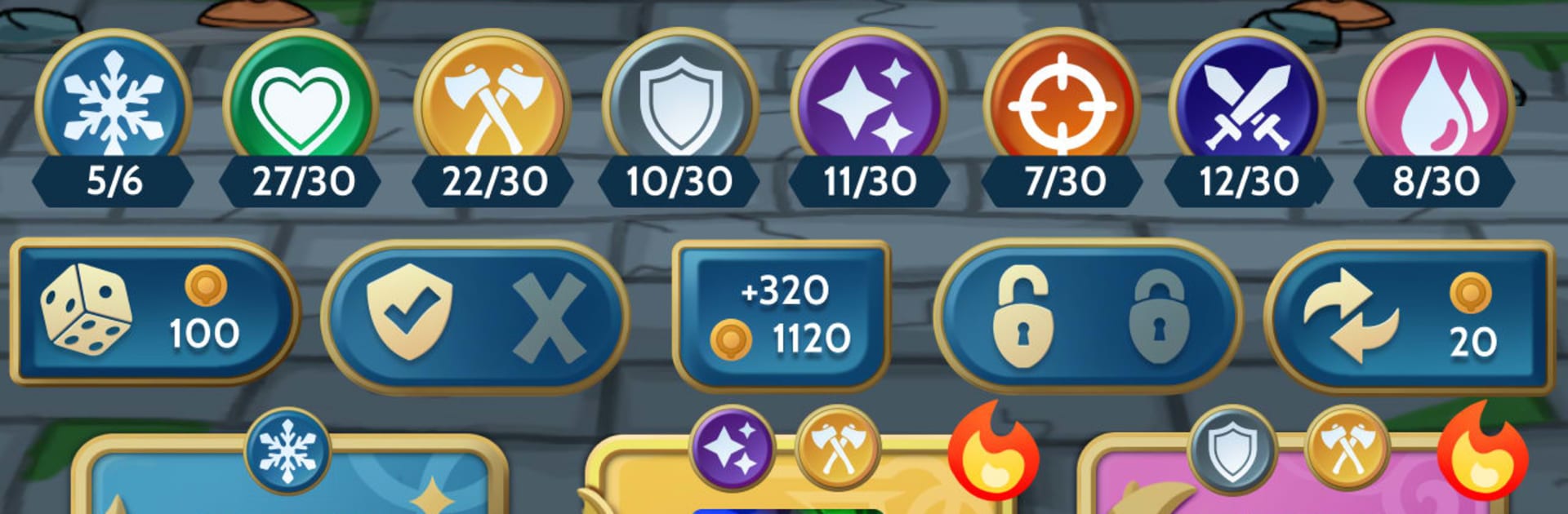
  • Nine Skill Schools: Pull from card pools like Crit, Flame, Giant, Ice, Shield, Attack, Magic, Regeneration, and Wound. Combine them to unlock quirky combos and surprising power spikes.

  • Real-Time PvP: Go head-to-head against seven other players in tight, tactical matches. Your choices between rounds matter just as much as your positioning when the fight starts.

  • Evolving Builds: Reroll, merge, and upgrade as the match unfolds. Each round is a chance to adjust your plan, patch a weakness, or double down on a synergy that’s popping off.

  • Smart Economy: Spend now for immediate power or stash gold to grow your income. Finding that sweet spot between short-term wins and long-term scaling is half the game.

  • Distinct Heroes, Real Paths: Pick from multiple heroes with unique abilities and specialization routes. Your starting choice nudges you in a direction—but you’re free to pivot when the shop hands you something spicy.

  • Genre: Card Meets Auto Battler: Strategic drafting, combo hunting, and hands-off combat collide, rewarding creativity, timing, and a bit of nerve when the stakes rise.

Start your journey now. Download the game on BlueStacks, invite your friends, and march on a new adventure.


Game Features

Enhancements

  • Macros
  • Multi Instance
  • Multi Instance Sync
  • Script
  • Enhancements
Macros

Macros

Automate the predictable in Auto Gladiators and transform your gameplay with Macros. Get access to inventive Macros in the BlueStacks Macro Community
Multi Instance

Multi Instance

Play Auto Gladiators on one window. And chat with your friend on the other. Press CTRL + Shift + 8 to open the Multi-Instance Manager. And start creating fresh instances or clone an existing one.
Multi Instance Sync

Multi Instance Sync

Play Auto Gladiators with the power of Multi-Instance Sync. Replicate what you are doing on the main instance on all other instances. Level up faster, play more.
Script

Script

Script your way to gaming glory in Auto Gladiators with BlueStacks Script. Write and run a set of commands to automate repeated tasks. Trigger the command by assigning it to any key.
Read More

How to Download and Play Auto Gladiators on PC or Mac

  • Download and install BlueStacks on your PC or Mac

  • Complete Google sign-in to access the Play Store, or do it later

  • Look for Auto Gladiators in the search bar at the top right corner

  • Click to install Auto Gladiators from the search results

  • Complete Google sign-in (if you skipped step 2) to install Auto Gladiators

  • Click the Auto Gladiators icon on the home screen to start playing

video
Watch Video

Minimum System Requirements

With BlueStacks 5, you can get started on a PC that fulfills the following requirements.

  • Operating System

    Microsoft Windows 7 or above, macOS 11 (Big Sur) or above

  • Processor

    Intel, AMD or Apple Silicon Processor

  • RAM

    at least 4GB

  • HDD

    10GB Free Disk Space

Note:

* You must be an Administrator on your PC. Up to date graphics drivers from Microsoft or the chipset vendor.

Auto Gladiators - FAQs

  • How to play Auto Gladiators on Windows PC & Mac?

    Play Auto Gladiators on your PC or Mac by following these simple steps.

    • Click on 'Play Auto Gladiators on PC’ to download BlueStacks
    • Install it and log-in to Google Play Store
    • Launch and play the game.
  • Why is BlueStacks the fastest and safest platform to play games on PC?

    BlueStacks respects your privacy and is always safe and secure to use. It does not carry any malware, spyware, or any sort of additional software that could harm your PC.

    It is engineered to optimize speed and performance for a seamless gaming experience.

  • What are Auto Gladiators PC requirements?

    Minimum requirement to run Auto Gladiators on your PC

    • OS: Microsoft Windows 7 or above MacOS 11 (Big Sur) or above
    • Processor: Intel, AMD or Apple Silicon Processor
    • RAM: Your PC must have at least 4GB of RAM. (Note that having 4GB or more disk space is not a substitute for RAM)
    • HDD: 10GB Free Disk Space.
    • You must be an Administrator on your PC.