Cacheta Online
Cacheta Online

Cacheta Online

Card

| VNG ZingPlay Game Studios

Play on PC with BlueStacks or from our cloud

  • Overview
  • Game Features
  • How to Play

Page Modified On: October 12, 2026

Play Cacheta Online on PC or Mac

Cacheta Online by VNG ZingPlay Game Studios has plenty to keep you busy. BlueStacks lets you play it on PC or Mac with more screen space, better control, and fewer mobile limits.

About the Game

Cacheta Online brings Brazil’s take on rummy to your screen with fast, friendly competition. This social Card game pits three players in quick rounds where you build sets and runs, manage wildcards, and decide the perfect moment to go out. It’s easy to learn, surprisingly deep, and feels great on a bigger screen with BlueStacks.

Game Features

  • Fast 3-Player Tables: Shorter waits, more decisions, and a steady rhythm that keeps you in the action from start to finish.
  • Classic Cacheta Flow: Draw or pick up the last discard, arrange your hand into sets and sequences, call “Por Uma” when you’re one card away, and go out at just the right time.
  • Smart Wildcards: Flexible jokers let you complete tricky melds, so timing and creativity really pay off.
  • Real Opponents, Real-Time: Jump into live matches against players who think, bluff, and adapt just like you.
  • Pot System & Virtual Gold: Each table has a pot—play well, claim your share, and grow your stash.
  • Rooms for Every Skill Level: Whether you’re new or seasoned, find tables that match your pace and experience.
  • Profile, Stats & Rankings: Track your progress, check your numbers, and see how you stack up on the leaderboard.
  • Quick Chat & Reactions: Say hello, celebrate a slick play, or nudge the table with fast messages and emojis.
  • Guided Tutorial: Learn the rules step by step and pick up strategy tips without feeling overwhelmed.
  • Play with Friends or Meet New Rivals: Sit down with buddies for casual rounds or test yourself against daily competition.

Start your journey now. Download the game on BlueStacks, invite your friends, and march on a new adventure.

Game Features

Enhancements

  • Macros
  • Multi Instance
  • Multi Instance Sync
  • Script
  • Enhancements
Macros

Macros

Automate the predictable in Cacheta Online and transform your gameplay with Macros. Get access to inventive Macros in the BlueStacks Macro Community
Multi Instance

Multi Instance

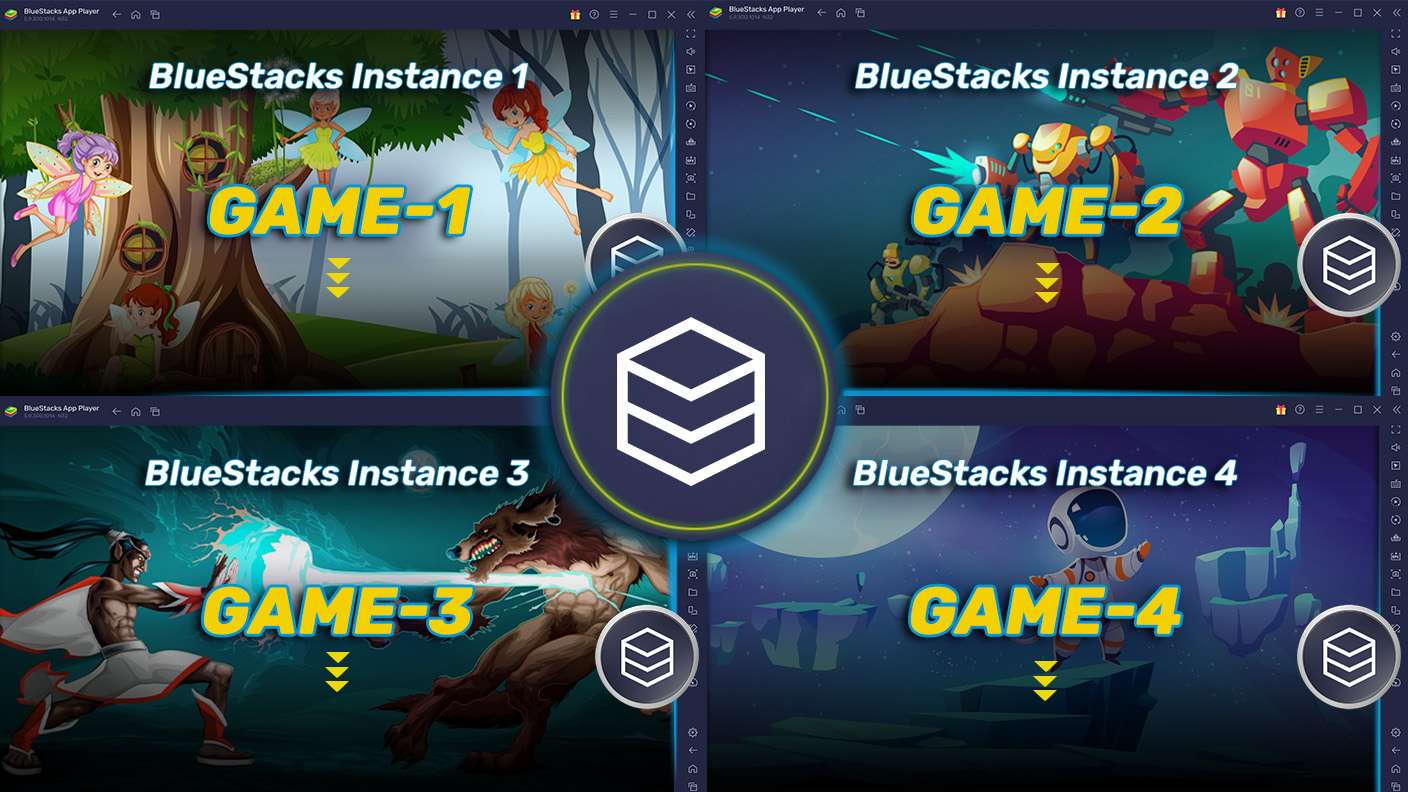
Play Cacheta Online on one window. And chat with your friend on the other. Press CTRL + Shift + 8 to open the Multi-Instance Manager. And start creating fresh instances or clone an existing one.
Multi Instance Sync

Multi Instance Sync

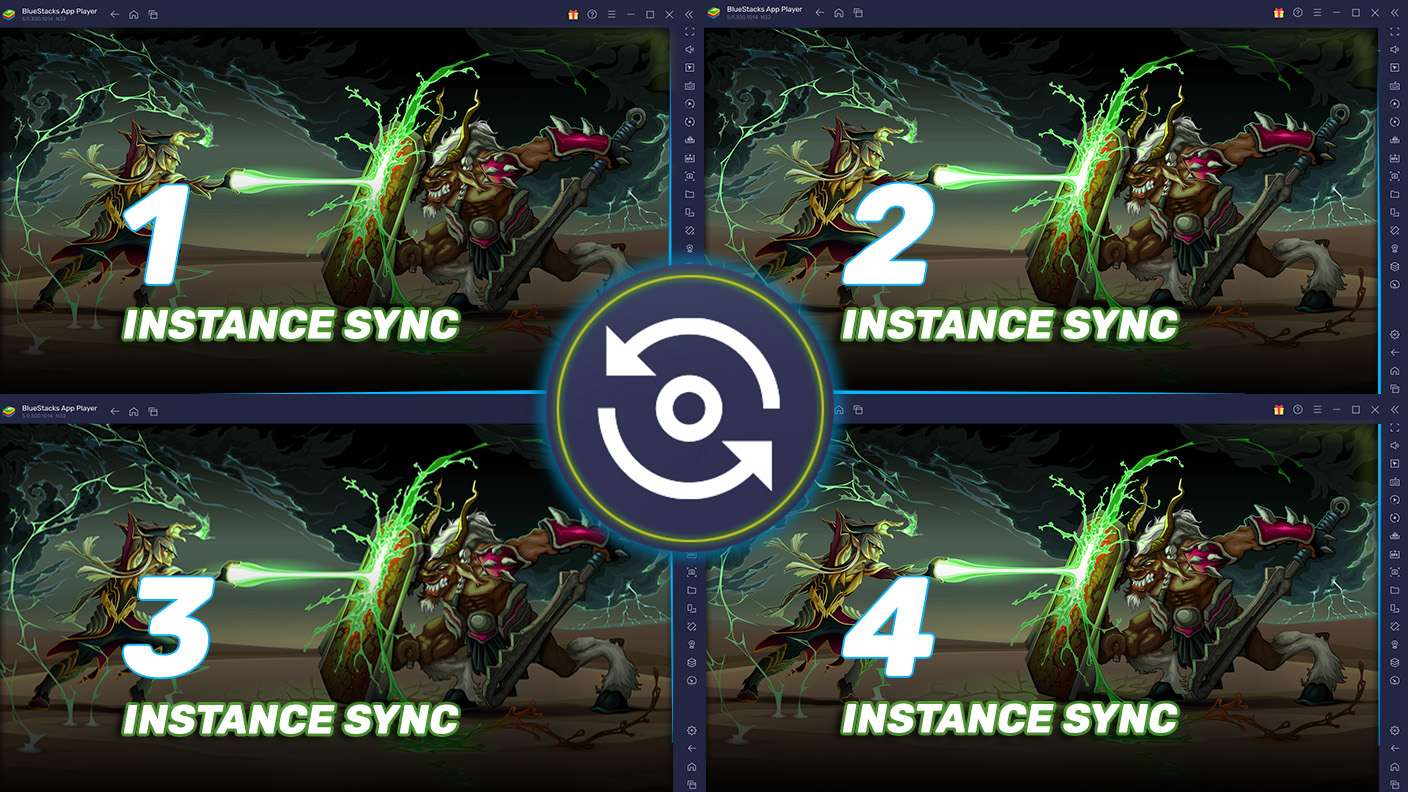
Play Cacheta Online with the power of Multi-Instance Sync. Replicate what you are doing on the main instance on all other instances. Level up faster, play more.
Script

Script

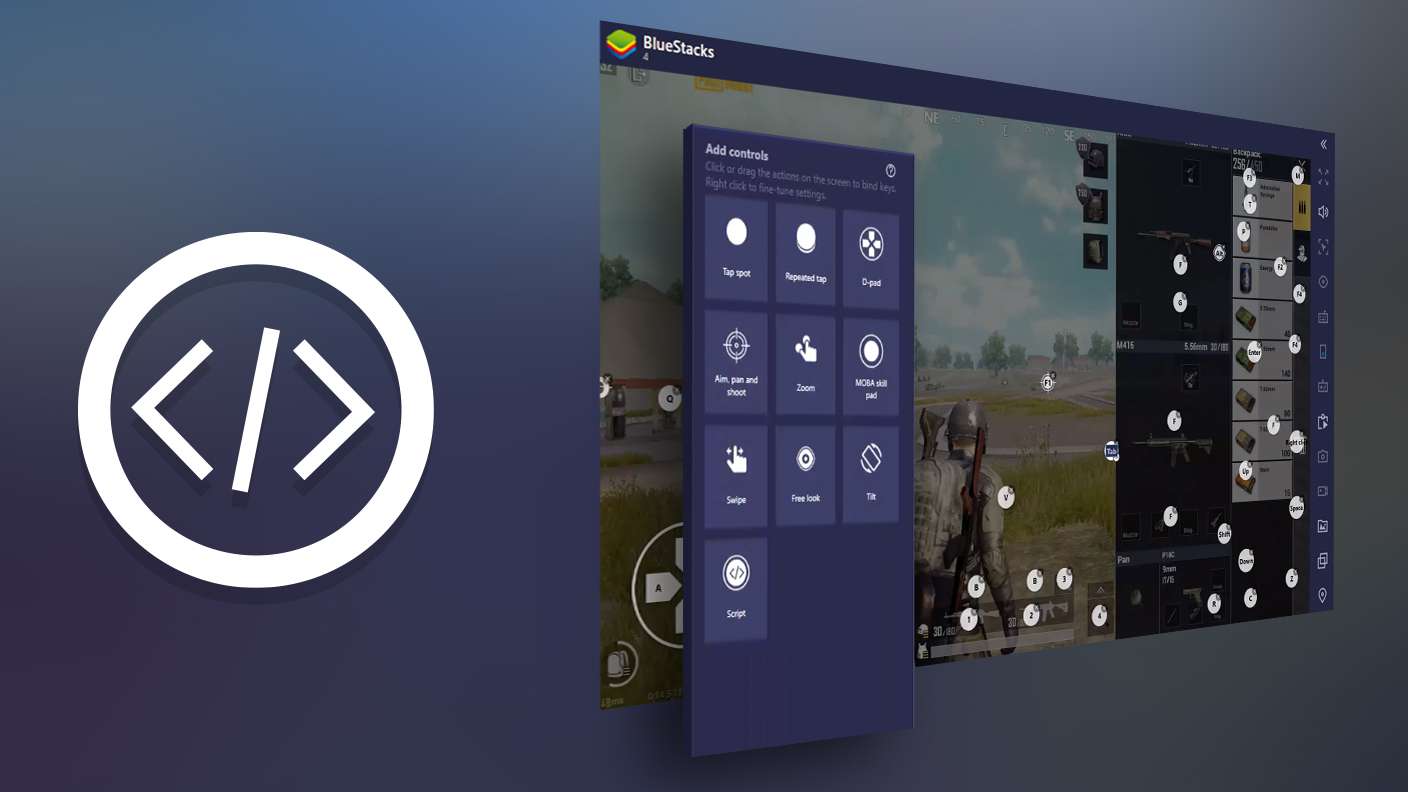
Script your way to gaming glory in Cacheta Online with BlueStacks Script. Write and run a set of commands to automate repeated tasks. Trigger the command by assigning it to any key.
Read More

How to Download and Play Cacheta Online on PC or Mac

  • Download and install BlueStacks on your PC or Mac

  • Complete Google sign-in to access the Play Store, or do it later

  • Look for Cacheta Online in the search bar at the top right corner

  • Click to install Cacheta Online from the search results

  • Complete Google sign-in (if you skipped step 2) to install Cacheta Online

  • Click the Cacheta Online icon on the home screen to start playing

video
Watch Video

Minimum System Requirements

With BlueStacks 5, you can get started on a PC that fulfills the following requirements.

  • Operating System

    Microsoft Windows 7 or above, macOS 11 (Big Sur) or above

  • Processor

    Intel, AMD or Apple Silicon Processor

  • RAM

    at least 4GB

  • HDD

    10GB Free Disk Space

Note:

* You must be an Administrator on your PC. Up to date graphics drivers from Microsoft or the chipset vendor.

Cacheta Online - FAQs

  • How to play Cacheta Online on Windows PC & Mac?

    Play Cacheta Online on your PC or Mac by following these simple steps.

    • Click on 'Play Cacheta Online on PC’ to download BlueStacks
    • Install it and log-in to Google Play Store
    • Launch and play the game.
  • Why is BlueStacks the fastest and safest platform to play games on PC?

    BlueStacks respects your privacy and is always safe and secure to use. It does not carry any malware, spyware, or any sort of additional software that could harm your PC.

    It is engineered to optimize speed and performance for a seamless gaming experience.

  • What are Cacheta Online PC requirements?

    Minimum requirement to run Cacheta Online on your PC

    • OS: Microsoft Windows 7 or above MacOS 11 (Big Sur) or above
    • Processor: Intel, AMD or Apple Silicon Processor
    • RAM: Your PC must have at least 4GB of RAM. (Note that having 4GB or more disk space is not a substitute for RAM)
    • HDD: 10GB Free Disk Space.
    • You must be an Administrator on your PC.