Card Crawl 2
Card Crawl 2

Card Crawl 2

Card

| Arnold Rauers

Play on PC with BlueStacks or from our cloud

  • Overview
  • Game Features
  • How to Play

Page Modified On: April 21, 2026

Play Card Crawl 2 on PC or Mac

Card Crawl 2 brings the Card genre to life, and throws up exciting challenges for gamers. Developed by Arnold Rauers, this Android game is best experienced on BlueStacks, the World’s #1 app player for PC and Mac users.

About the Game

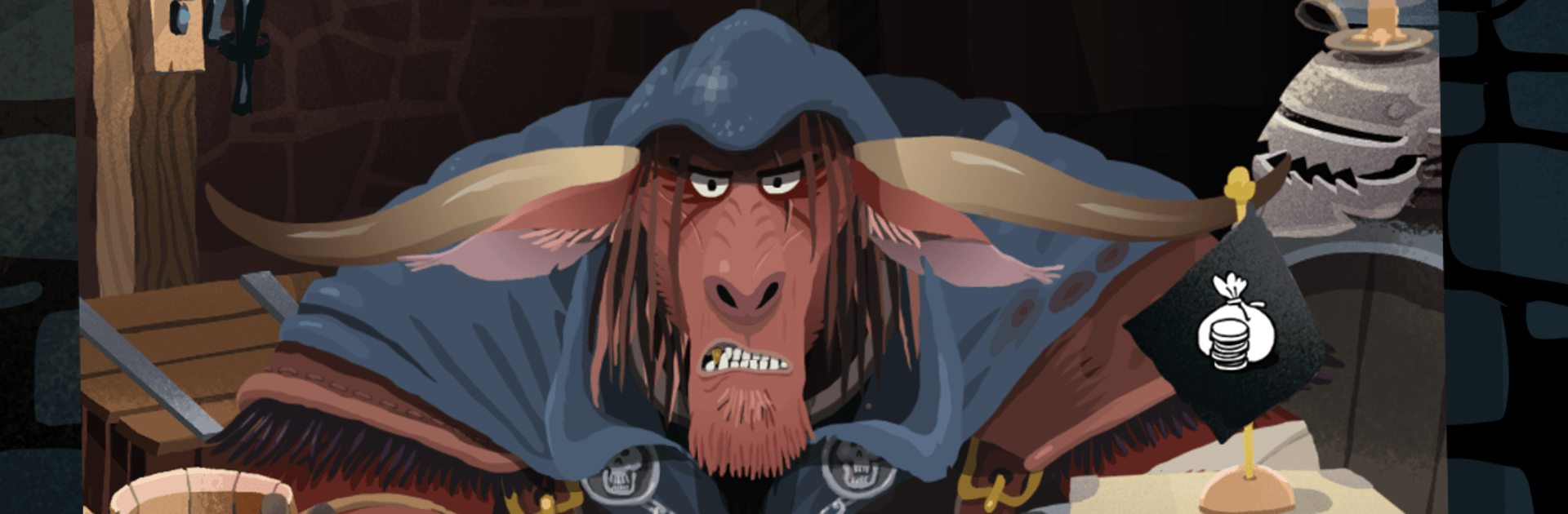
Card Crawl 2 takes the cozy feel of solitaire and turns it into a slick, bite-sized dungeon crawl. You’ll juggle monsters, loot, and spells across a clever tabletop layout, squeezing every move for value while trying not to get clobbered. It’s a Card game from Arnold Rauers that’s easy to pick up, deep enough to obsess over, and surprisingly chill. Prefer a bigger screen? It also plays nicely on BlueStacks.

Game Features

  • Sequel with a twist: The follow-up to the original shakes up the formula with new systems, fresh heroes, and smarter enemy patterns—familiar, but not a repeat.
  • 4-column tableau: Manage up to 16 cards spread across four columns, creating more room for planning, risk-taking, and last-second saves.
  • Sort, equip, or sell: Every card is a decision. Tuck gear into slots, cash out what you don’t need, and rearrange the field to set up cleaner turns.
  • Spells meet equipment: Spells return with new tricks, and equipment joins the run for the first time, layering powerful synergies and “wait, that actually works?” combos.
  • Distinct hero cards: Unlock hero cards with unique abilities that push you toward different playstyles—aggressive bursts, careful stalling, or crafty resource loops.
  • Offline and online modes: Whether you want a quiet session or a competitive streak, there’s a mode that fits. Play at your pace or test your builds against real pressure.
  • Weekly Tavern Crawl: Jump into rotating challenges and compare your runs with others in the weekly mix-up. Same rules for everyone, wildly different outcomes.
  • Progress that matters: Earn achievements, expand your card pool, and spruce up the tavern as you play—little rewards that keep each run feeling worthwhile.
  • Cloud saves and service support: Keep your progress safe with cloud saving and Google Play integration, so your collection stays with you across devices.

Make your gaming sessions memorable with precise controls that give you an edge in close combats and visuals that pop up, bringing every character to life.


Game Features

Enhancements

  • Macros
  • Multi Instance
  • Multi Instance Sync
  • Script
  • Enhancements
Macros

Macros

Automate the predictable in Card Crawl 2 and transform your gameplay with Macros. Get access to inventive Macros in the BlueStacks Macro Community
Multi Instance

Multi Instance

Play Card Crawl 2 on one window. And chat with your friend on the other. Press CTRL + Shift + 8 to open the Multi-Instance Manager. And start creating fresh instances or clone an existing one.
Multi Instance Sync

Multi Instance Sync

Play Card Crawl 2 with the power of Multi-Instance Sync. Replicate what you are doing on the main instance on all other instances. Level up faster, play more.
Script

Script

Script your way to gaming glory in Card Crawl 2 with BlueStacks Script. Write and run a set of commands to automate repeated tasks. Trigger the command by assigning it to any key.
Read More

How to Download and Play Card Crawl 2 on PC or Mac

  • Download and install BlueStacks on your PC or Mac

  • Complete Google sign-in to access the Play Store, or do it later

  • Look for Card Crawl 2 in the search bar at the top right corner

  • Click to install Card Crawl 2 from the search results

  • Complete Google sign-in (if you skipped step 2) to install Card Crawl 2

  • Click the Card Crawl 2 icon on the home screen to start playing

video
Watch Video

Minimum System Requirements

With BlueStacks 5, you can get started on a PC that fulfills the following requirements.

  • Operating System

    Microsoft Windows 7 or above, macOS 11 (Big Sur) or above

  • Processor

    Intel, AMD or Apple Silicon Processor

  • RAM

    at least 4GB

  • HDD

    10GB Free Disk Space

Note:

* You must be an Administrator on your PC. Up to date graphics drivers from Microsoft or the chipset vendor.

Card Crawl 2 - FAQs

  • How to play Card Crawl 2 on Windows PC & Mac?

    Play Card Crawl 2 on your PC or Mac by following these simple steps.

    • Click on 'Play Card Crawl 2 on PC’ to download BlueStacks
    • Install it and log-in to Google Play Store
    • Launch and play the game.
  • Why is BlueStacks the fastest and safest platform to play games on PC?

    BlueStacks respects your privacy and is always safe and secure to use. It does not carry any malware, spyware, or any sort of additional software that could harm your PC.

    It is engineered to optimize speed and performance for a seamless gaming experience.

  • What are Card Crawl 2 PC requirements?

    Minimum requirement to run Card Crawl 2 on your PC

    • OS: Microsoft Windows 7 or above MacOS 11 (Big Sur) or above
    • Processor: Intel, AMD or Apple Silicon Processor
    • RAM: Your PC must have at least 4GB of RAM. (Note that having 4GB or more disk space is not a substitute for RAM)
    • HDD: 10GB Free Disk Space.
    • You must be an Administrator on your PC.