Decked Builder
Decked Builder

Decked Builder

Card

| Circle City Gaming, LLC.

Play on PC with BlueStacks or from our cloud

  • Overview
  • Game Features
  • How to Play

Page Modified On: July 27, 2026

Play Decked Builder on PC or Mac

Play Decked Builder by Circle City Gaming, LLC. on PC or Mac with BlueStacks. Use a bigger screen, mouse and keyboard controls, and smoother performance while you play.

About the Game

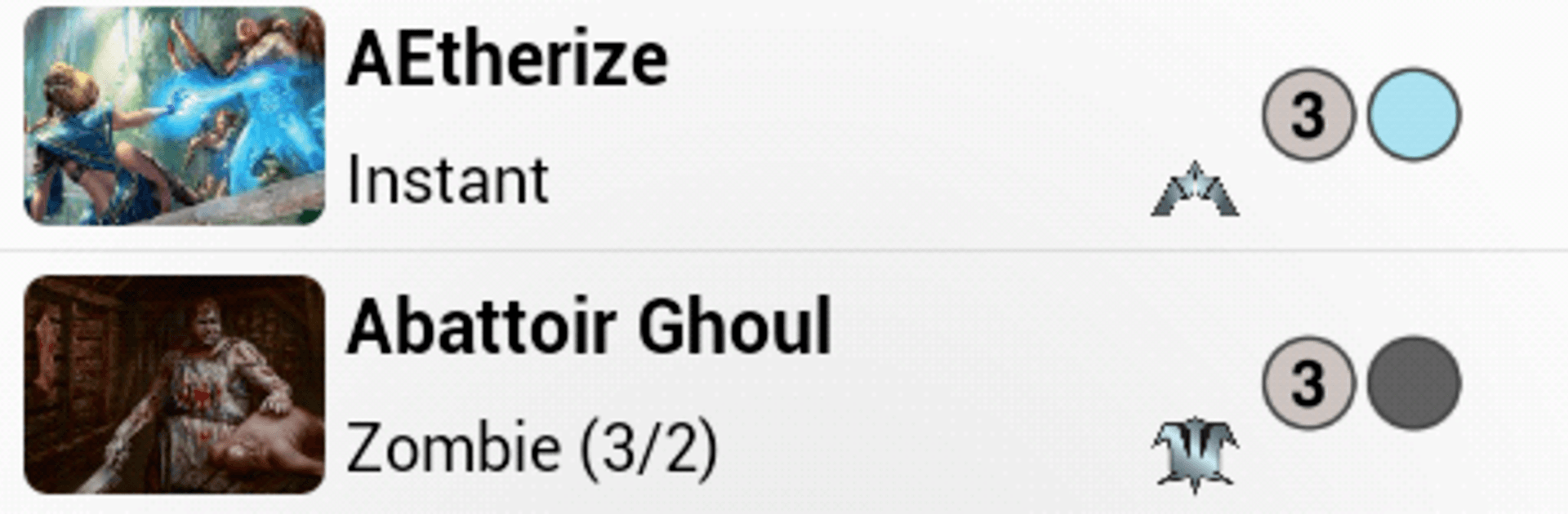
Decked Builder is a clean, no-nonsense toolkit for crafting Magic: The Gathering decks. It’s built for quick searches, smart filters, and fast iteration—so you can move from idea to polished list without fuss. Whether you’re tuning a competitive brew or a casual Commander pile, this Card companion keeps everything in one place, online or off.

Game Features

  • Instant, offline search: Get results as you type with a complete local database. No signal? No problem—everything still works.
  • Powerful filters: Mix and match expansion, rarity, color, type, and mana cost. You can even search full card text to find themes like Landfall or tribes like Elves.
  • Format savvy: Check cards and builds against major formats like Standard, Modern, and EDH/Commander to keep your lists legal.
  • Build it your way: Create multiple decks and sideboards, then sort and filter by cost, color, or type to keep things tidy.
  • Goldfish and sample hands: Draw test hands and play cards onto a simple battlefield to feel the deck’s tempo before a real match.
  • Know your numbers: See mana curves, color symbol counts, and card-type percentages at a glance to spot weak points fast.
  • Price and purchase: Pull live prices from popular retailers, total your deck with one tap, and buy the full list or just your missing pieces.
  • Deck research on tap: Browse curated news feeds and highlight card names for instant lookups. Import recent winning lists to analyze and test.
  • Crisp visuals: High-resolution card art looks great on modern screens, and double-faced day/night cards are handled smoothly.
  • Share and stash: Keep multiple versions of a list and email builds to friends for feedback or trades.
  • Nice on bigger screens with BlueStacks: Browsing card art, comparing lists side by side, and long testing sessions feel extra comfortable on a desktop setup.

Start your journey now. Download the game on BlueStacks, invite your friends, and march on a new adventure.


Game Features

Enhancements

  • Macros
  • Multi Instance
  • Multi Instance Sync
  • Script
  • Enhancements
Macros

Macros

Automate the predictable in Decked Builder and transform your gameplay with Macros. Get access to inventive Macros in the BlueStacks Macro Community
Multi Instance

Multi Instance

Play Decked Builder on one window. And chat with your friend on the other. Press CTRL + Shift + 8 to open the Multi-Instance Manager. And start creating fresh instances or clone an existing one.
Multi Instance Sync

Multi Instance Sync

Play Decked Builder with the power of Multi-Instance Sync. Replicate what you are doing on the main instance on all other instances. Level up faster, play more.
Script

Script

Script your way to gaming glory in Decked Builder with BlueStacks Script. Write and run a set of commands to automate repeated tasks. Trigger the command by assigning it to any key.
Read More

How to Download and Play Decked Builder on PC or Mac

  • Download and install BlueStacks on your PC or Mac

  • Complete Google sign-in to access the Play Store, or do it later

  • Look for Decked Builder in the search bar at the top right corner

  • Click to install Decked Builder from the search results

  • Complete Google sign-in (if you skipped step 2) to install Decked Builder

  • Click the Decked Builder icon on the home screen to start playing

video
Watch Video

Minimum System Requirements

With BlueStacks 5, you can get started on a PC that fulfills the following requirements.

  • Operating System

    Microsoft Windows 7 or above, macOS 11 (Big Sur) or above

  • Processor

    Intel, AMD or Apple Silicon Processor

  • RAM

    at least 4GB

  • HDD

    10GB Free Disk Space

Note:

* You must be an Administrator on your PC. Up to date graphics drivers from Microsoft or the chipset vendor.

Decked Builder - FAQs

  • How to play Decked Builder on Windows PC & Mac?

    Play Decked Builder on your PC or Mac by following these simple steps.

    • Click on 'Play Decked Builder on PC’ to download BlueStacks
    • Install it and log-in to Google Play Store
    • Launch and play the game.
  • Why is BlueStacks the fastest and safest platform to play games on PC?

    BlueStacks respects your privacy and is always safe and secure to use. It does not carry any malware, spyware, or any sort of additional software that could harm your PC.

    It is engineered to optimize speed and performance for a seamless gaming experience.

  • What are Decked Builder PC requirements?

    Minimum requirement to run Decked Builder on your PC

    • OS: Microsoft Windows 7 or above MacOS 11 (Big Sur) or above
    • Processor: Intel, AMD or Apple Silicon Processor
    • RAM: Your PC must have at least 4GB of RAM. (Note that having 4GB or more disk space is not a substitute for RAM)
    • HDD: 10GB Free Disk Space.
    • You must be an Administrator on your PC.