Durak Go
Durak Go

Durak Go

Card

| Durak Go

Play on PC with BlueStacks or from our cloud

  • Overview
  • Game Features
  • How to Play

Page Modified On: October 30, 2026

Play Durak Go on PC or Mac

Step into the World of Durak Go, a thrilling Card game from the house of Durak Go. Play this Android game on BlueStacks App Player and experience immersive gaming on PC or Mac.

About the Game

Durak Go brings a timeless table favorite online, nailing the push-and-pull of attack, defense, and clever transfers. This Card game works for quick bursts or unhurried evenings with friends, and if you want a bigger view, it runs smoothly on PC with BlueStacks.

Game Features

  • Two Rule Sets: Swap between Throw-in Durak for the classic rhythm and Transfer Durak when you want trickier turnarounds and bolder escapes.
  • Online Matches: Challenge other players and keep the pace brisk—every hand plays out differently, so you’re always adapting.
  • Play With Friends: Create your own table and hang out together, whether you’ve got five minutes or a whole evening.
  • Flexible Deck Sizes: Pick the deck size that fits your group and tempo, from quick sprints to thoughtful, tactical battles.
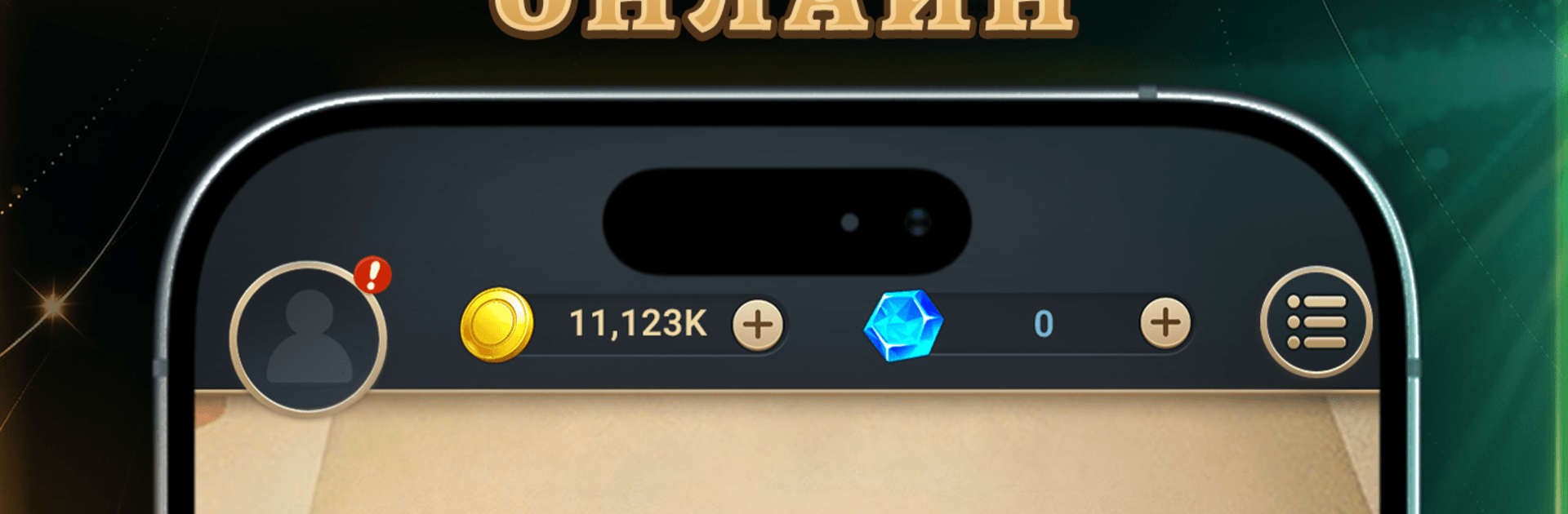
  • Clean, Readable Table: A clear layout and intuitive actions make it easy to see your options and react fast.
  • Quick Start, No Fuss: Grab a seat in seconds and jump straight into the next round without extra menus getting in the way.
  • Strategy Meets Chance: Outsmart opponents with smart defenses, sharp attacks, and timely transfers—then ride that lucky draw when it shows up.

Ready to top the leaderboard? We bet you do. Let precise controls and sharp visuals optimized on BlueStacks lead you to victory.


Game Features

Enhancements

  • Macros
  • Multi Instance
  • Multi Instance Sync
  • Script
  • Enhancements
Macros

Macros

Automate the predictable in Durak Go and transform your gameplay with Macros. Get access to inventive Macros in the BlueStacks Macro Community
Multi Instance

Multi Instance

Play Durak Go on one window. And chat with your friend on the other. Press CTRL + Shift + 8 to open the Multi-Instance Manager. And start creating fresh instances or clone an existing one.
Multi Instance Sync

Multi Instance Sync

Play Durak Go with the power of Multi-Instance Sync. Replicate what you are doing on the main instance on all other instances. Level up faster, play more.
Script

Script

Script your way to gaming glory in Durak Go with BlueStacks Script. Write and run a set of commands to automate repeated tasks. Trigger the command by assigning it to any key.
Read More

How to Download and Play Durak Go on PC or Mac

  • Download and install BlueStacks on your PC or Mac

  • Complete Google sign-in to access the Play Store, or do it later

  • Look for Durak Go in the search bar at the top right corner

  • Click to install Durak Go from the search results

  • Complete Google sign-in (if you skipped step 2) to install Durak Go

  • Click the Durak Go icon on the home screen to start playing

video
Watch Video

Minimum System Requirements

With BlueStacks 5, you can get started on a PC that fulfills the following requirements.

  • Operating System

    Microsoft Windows 7 or above, macOS 11 (Big Sur) or above

  • Processor

    Intel, AMD or Apple Silicon Processor

  • RAM

    at least 4GB

  • HDD

    10GB Free Disk Space

Note:

* You must be an Administrator on your PC. Up to date graphics drivers from Microsoft or the chipset vendor.

Durak Go - FAQs

  • How to play Durak Go on Windows PC & Mac?

    Play Durak Go on your PC or Mac by following these simple steps.

    • Click on 'Play Durak Go on PC’ to download BlueStacks
    • Install it and log-in to Google Play Store
    • Launch and play the game.
  • Why is BlueStacks the fastest and safest platform to play games on PC?

    BlueStacks respects your privacy and is always safe and secure to use. It does not carry any malware, spyware, or any sort of additional software that could harm your PC.

    It is engineered to optimize speed and performance for a seamless gaming experience.

  • What are Durak Go PC requirements?

    Minimum requirement to run Durak Go on your PC

    • OS: Microsoft Windows 7 or above MacOS 11 (Big Sur) or above
    • Processor: Intel, AMD or Apple Silicon Processor
    • RAM: Your PC must have at least 4GB of RAM. (Note that having 4GB or more disk space is not a substitute for RAM)
    • HDD: 10GB Free Disk Space.
    • You must be an Administrator on your PC.