Fracctal TCG
Fracctal TCG

Fracctal TCG

Card

| Fracctal Labs Inc.

Play on PC with BlueStacks or from our cloud

  • Overview
  • Game Features
  • How to Play

Page Modified On: August 14, 2026

Play Fracctal TCG on PC or Mac

Fracctal TCG brings the Card genre to life, and throws up exciting challenges for gamers. Developed by Fracctal Labs Inc., this Android game is best experienced on BlueStacks, the World’s #1 app player for PC and Mac users.

About the Game

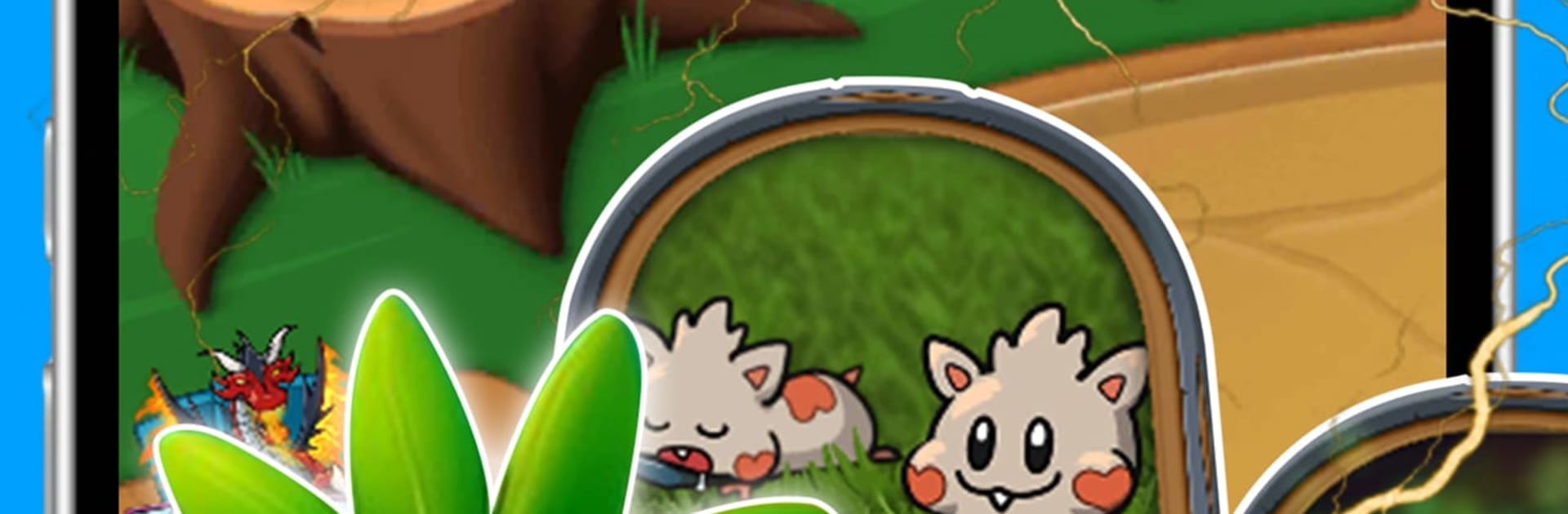
Fracctal TCG is a head-to-head Card battler where monster collecting meets sharp, snappy strategy. Build crafty decks from eight elemental teams and make split-second calls that can swing a match in minutes. New to the format? The tutorial gets you sorted fast—and if you like playing on a bigger screen, it runs smoothly on BlueStacks.

Game Features

  • Elemental teams and synergies: Fire hits harder, Plant patches up allies, Electric moves first, Rock stacks armor, Psychic disrupts—and that’s only half the lineup. Mix and match elements for clever combos or stick to one theme for consistency.
  • Growing mana, brisk pacing: Both players start with 2 energy and gain 1 each turn (capped at 10), so games stay tight, tactical, and never drag.
  • Compact decks, real stakes: With 30-card lists and 20-HP heroes, every draw matters. A single well-timed counter or tempo swing can decide a match in under ten minutes.
  • Evolving creatures: Let a unit survive through your turns and it morphs mid-battle into a stronger form. Guard it carefully—or punish your opponent for getting greedy.
  • Fairy skills each turn: Your hero power fires once per round—maybe a tidy damage ping, a heal, armor, or control. The right click at the right moment changes everything.
  • Progression that fuels creativity: Win matches, clear daily quests, and use the currency you earn to enhance favorites or unlock new archetypes to explore.
  • Modes for every mood: Learn the ropes in Tutorial, sharpen up in Solo, or climb the Ranked ladder with seasonal resets and cosmetics to chase.
  • Tournaments your way: Jump into automated brackets for in-game prizes, or host custom events with your own rules—great for friends, communities, and streamers.
  • Fresh content, fair balance: Seasonal expansions add mechanics and cards without leaving older strategies behind.
  • Built for where you play: Cross-platform support across iOS, macOS, Android, and PC means your collection travels with you.

Start playing Fracctal TCG on BlueStacks and get a smoother, more comfortable PC or Mac setup.

Game Features

Enhancements

  • Macros
  • Multi Instance
  • Multi Instance Sync
  • Script
  • Enhancements
Macros

Macros

Automate the predictable in Fracctal TCG and transform your gameplay with Macros. Get access to inventive Macros in the BlueStacks Macro Community
Multi Instance

Multi Instance

Play Fracctal TCG on one window. And chat with your friend on the other. Press CTRL + Shift + 8 to open the Multi-Instance Manager. And start creating fresh instances or clone an existing one.
Multi Instance Sync

Multi Instance Sync

Play Fracctal TCG with the power of Multi-Instance Sync. Replicate what you are doing on the main instance on all other instances. Level up faster, play more.
Script

Script

Script your way to gaming glory in Fracctal TCG with BlueStacks Script. Write and run a set of commands to automate repeated tasks. Trigger the command by assigning it to any key.
Read More

How to Download and Play Fracctal TCG on PC or Mac

  • Download and install BlueStacks on your PC or Mac

  • Complete Google sign-in to access the Play Store, or do it later

  • Look for Fracctal TCG in the search bar at the top right corner

  • Click to install Fracctal TCG from the search results

  • Complete Google sign-in (if you skipped step 2) to install Fracctal TCG

  • Click the Fracctal TCG icon on the home screen to start playing

video
Watch Video

Minimum System Requirements

With BlueStacks 5, you can get started on a PC that fulfills the following requirements.

  • Operating System

    Microsoft Windows 7 or above, macOS 11 (Big Sur) or above

  • Processor

    Intel, AMD or Apple Silicon Processor

  • RAM

    at least 4GB

  • HDD

    10GB Free Disk Space

Note:

* You must be an Administrator on your PC. Up to date graphics drivers from Microsoft or the chipset vendor.

Fracctal TCG - FAQs

  • How to play Fracctal TCG on Windows PC & Mac?

    Play Fracctal TCG on your PC or Mac by following these simple steps.

    • Click on 'Play Fracctal TCG on PC’ to download BlueStacks
    • Install it and log-in to Google Play Store
    • Launch and play the game.
  • Why is BlueStacks the fastest and safest platform to play games on PC?

    BlueStacks respects your privacy and is always safe and secure to use. It does not carry any malware, spyware, or any sort of additional software that could harm your PC.

    It is engineered to optimize speed and performance for a seamless gaming experience.

  • What are Fracctal TCG PC requirements?

    Minimum requirement to run Fracctal TCG on your PC

    • OS: Microsoft Windows 7 or above MacOS 11 (Big Sur) or above
    • Processor: Intel, AMD or Apple Silicon Processor
    • RAM: Your PC must have at least 4GB of RAM. (Note that having 4GB or more disk space is not a substitute for RAM)
    • HDD: 10GB Free Disk Space.
    • You must be an Administrator on your PC.