口袋夢想:大探險
口袋夢想:大探險

口袋夢想:大探險

Card

| delicacydream

Play on PC with BlueStacks or from our cloud

  • Overview
  • Game Features
  • How to Play

Page Modified On: June 09, 2026

Play 口袋夢想:大探險 on PC or Mac

口袋夢想:大探險 by delicacydream has plenty to keep you busy. BlueStacks lets you play it on PC or Mac with more screen space, better control, and fewer mobile limits.

About the Game

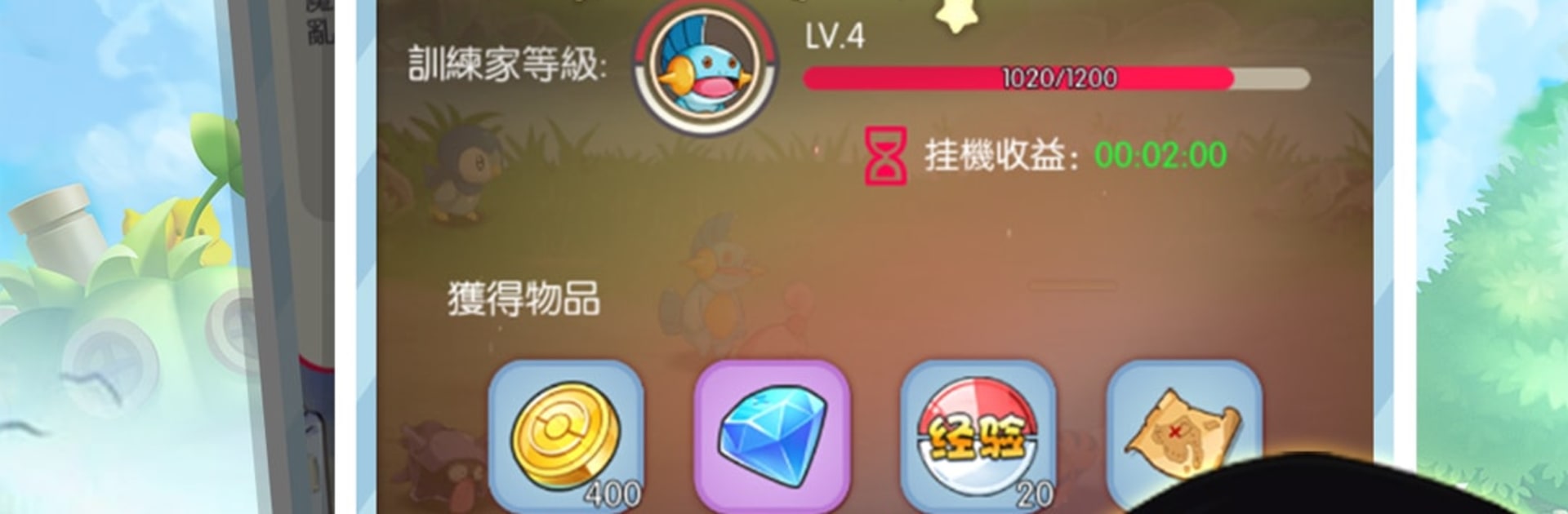
口袋夢想:大探險 is a relaxed Card battler where you collect quirky elves, set clever lineups, and watch turn-based fights unfold with satisfying punch. It blends idle “placement” progress with hands-on strategy—tweak positions, craft gear, and let your squad handle the grind while you plan the next big win. Like collection, adventure, and a little tinkering? You’re in the right place.

Game Features

  • Collectible elves: Recruit elves from across the realm, each with distinct roles and personalities that shape your team’s style.
  • Placement meets strategy: The placement system keeps resources flowing even when you’re away, so you can grow your roster without the grind.
  • Tactical, turn-based battles: Positioning matters—frontline anchors, backline damage, smart targeting. Small moves can flip a fight.
  • Craft and enhance gear: Gather materials, forge powerful equipment, and tune stats to match your lineup’s game plan.
  • PvE quests and PvP challenges: Tackle story adventures, test your builds in competitive matchups, and sharpen your tactics against real players.
  • Bonds that boost: Build bond and feelings between partners to unlock handy perks and smooth team synergy.
  • Guild team-ups: Join a guild, coordinate strategies, and take on big team battles together for bragging rights.
  • Polished animation and effects: Clean animation and punchy skill visuals make every clash look and feel great.
  • Card-first design: A true Card experience—collect, manage, and play with cards that represent your elves’ strengths and specialties.
  • Easy on PC with BlueStacks: Prefer a bigger screen and simple clicks? The game plays smoothly on BlueStacks.

Get ready for a buttery smooth, high-performance gaming action only on BlueStacks.

Game Features

Enhancements

  • Macros
  • Multi Instance
  • Multi Instance Sync
  • Script
  • Enhancements
Macros

Macros

Automate the predictable in 口袋夢想:大探險 and transform your gameplay with Macros. Get access to inventive Macros in the BlueStacks Macro Community
Multi Instance

Multi Instance

Play 口袋夢想:大探險 on one window. And chat with your friend on the other. Press CTRL + Shift + 8 to open the Multi-Instance Manager. And start creating fresh instances or clone an existing one.
Multi Instance Sync

Multi Instance Sync

Play 口袋夢想:大探險 with the power of Multi-Instance Sync. Replicate what you are doing on the main instance on all other instances. Level up faster, play more.
Script

Script

Script your way to gaming glory in 口袋夢想:大探險 with BlueStacks Script. Write and run a set of commands to automate repeated tasks. Trigger the command by assigning it to any key.
Read More

How to Download and Play 口袋夢想:大探險 on PC or Mac

  • Download and install BlueStacks on your PC or Mac

  • Complete Google sign-in to access the Play Store, or do it later

  • Look for 口袋夢想:大探險 in the search bar at the top right corner

  • Click to install 口袋夢想:大探險 from the search results

  • Complete Google sign-in (if you skipped step 2) to install 口袋夢想:大探險

  • Click the 口袋夢想:大探險 icon on the home screen to start playing

video
Watch Video

Minimum System Requirements

With BlueStacks 5, you can get started on a PC that fulfills the following requirements.

  • Operating System

    Microsoft Windows 7 or above, macOS 11 (Big Sur) or above

  • Processor

    Intel, AMD or Apple Silicon Processor

  • RAM

    at least 4GB

  • HDD

    10GB Free Disk Space

Note:

* You must be an Administrator on your PC. Up to date graphics drivers from Microsoft or the chipset vendor.

口袋夢想:大探險 - FAQs

  • How to play 口袋夢想:大探險 on Windows PC & Mac?

    Play 口袋夢想:大探險 on your PC or Mac by following these simple steps.

    • Click on 'Play 口袋夢想:大探險 on PC’ to download BlueStacks
    • Install it and log-in to Google Play Store
    • Launch and play the game.
  • Why is BlueStacks the fastest and safest platform to play games on PC?

    BlueStacks respects your privacy and is always safe and secure to use. It does not carry any malware, spyware, or any sort of additional software that could harm your PC.

    It is engineered to optimize speed and performance for a seamless gaming experience.

  • What are 口袋夢想:大探險 PC requirements?

    Minimum requirement to run 口袋夢想:大探險 on your PC

    • OS: Microsoft Windows 7 or above MacOS 11 (Big Sur) or above
    • Processor: Intel, AMD or Apple Silicon Processor
    • RAM: Your PC must have at least 4GB of RAM. (Note that having 4GB or more disk space is not a substitute for RAM)
    • HDD: 10GB Free Disk Space.
    • You must be an Administrator on your PC.