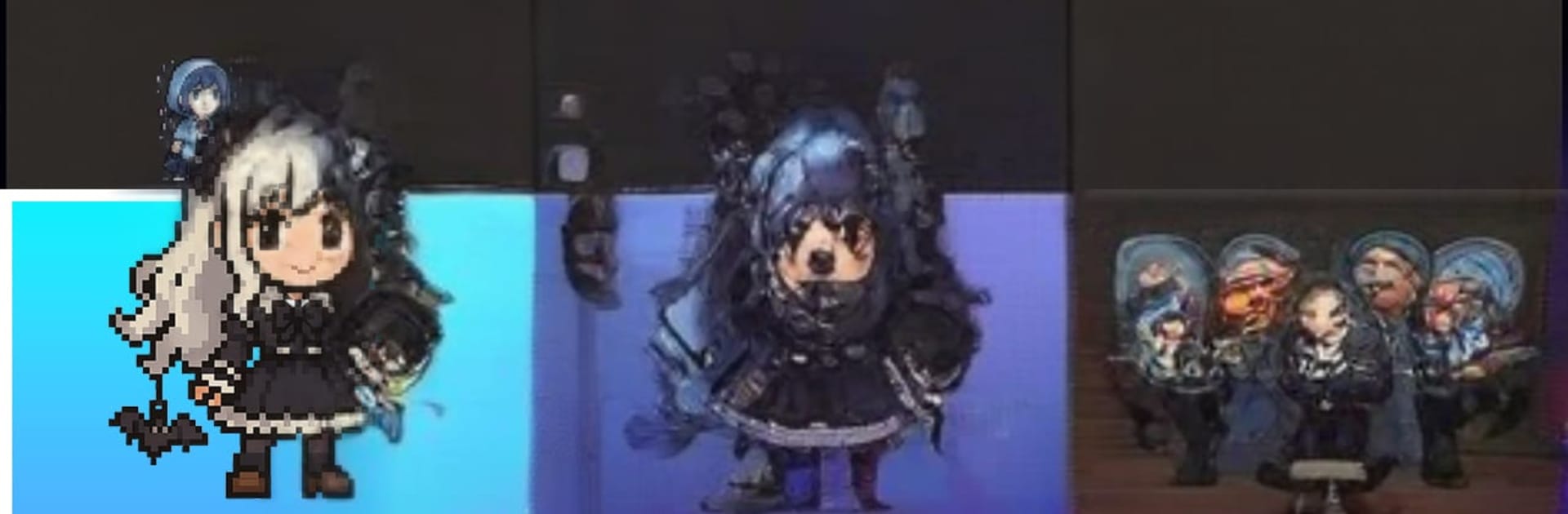
Tokyo After School Pixel Blade

Tokyo After School Pixel Blade

Card

| Just Idea

Play on PC with BlueStacks or from our cloud

  • Overview
  • Game Features
  • How to Play

Page Modified On: April 24, 2026

Play Tokyo After School Pixel Blade on PC or Mac

Tokyo After School Pixel Blade brings the Card genre to life, and throws up exciting challenges for gamers. Developed by Just Idea, this Android game is best experienced on BlueStacks, the World’s #1 app player for PC and Mac users.

About the Game

Tokyo After School Pixel Blade from Just Idea is a Card game with a wild premise: Tokyo glitches out, the grown-ups are gone, and a crew of schoolgirls grabs their gear to kick-start tomorrow. It’s stylish, punchy, and way more strategic than it first looks. You’ll collect heroes, tune up your squad, and tear through a pixel-broken city in quick, satisfying bursts—perfect when you’ve got a few minutes to spare.

Game Features

  • Glitched Tokyo, Pixel-Chic Vibes: A world shredded into pixels and static, wrapped in bright retro-pop art. It’s quirky, moody, and surprisingly charming.
  • Generous Gacha, Real Progress: Daily logins and missions hand you plenty of tickets, so you can pull often. Every spin feels useful, not wasteful.
  • All Characters Earnable: No wall to climb—every character can be unlocked just by playing. Build your dream lineup without opening your wallet.
  • Smart Auto-Battles: Zero fiddly controls. Wins come from team synergy, skill timing, and stats. Set it up, let it run, and enjoy that “I nailed the strategy” feeling.
  • Modes that Keep You Busy: Jump into Exploration and Ruins for steady grind-and-grow sessions, then test your mettle in the PvP Arena against other players.
  • Lightweight, Instant Start: A tidy download with no extra packs. You’re in the story almost as soon as it hits your device.
  • Commute-Friendly Pace: Short battles and steady upgrades make it ideal for quick breaks, waiting in line, or that last 5% of battery.
  • Build and Tinker: Mix roles, tweak skills, and chase synergies to push your team higher—and keep finding new combos that surprise you.
  • Plays Great on PC: Prefer keyboard and mouse? It runs smoothly on BlueStacks without getting in the way of the action.

Get ready for a buttery smooth, high-performance gaming action only on BlueStacks.

Game Features

Enhancements

  • Macros
  • Multi Instance
  • Multi Instance Sync
  • Script
  • Enhancements
Macros

Macros

Automate the predictable in Tokyo After School Pixel Blade and transform your gameplay with Macros. Get access to inventive Macros in the BlueStacks Macro Community
Multi Instance

Multi Instance

Play Tokyo After School Pixel Blade on one window. And chat with your friend on the other. Press CTRL + Shift + 8 to open the Multi-Instance Manager. And start creating fresh instances or clone an existing one.
Multi Instance Sync

Multi Instance Sync

Play Tokyo After School Pixel Blade with the power of Multi-Instance Sync. Replicate what you are doing on the main instance on all other instances. Level up faster, play more.
Script

Script

Script your way to gaming glory in Tokyo After School Pixel Blade with BlueStacks Script. Write and run a set of commands to automate repeated tasks. Trigger the command by assigning it to any key.
Read More

How to Download and Play Tokyo After School Pixel Blade on PC or Mac

  • Download and install BlueStacks on your PC or Mac

  • Complete Google sign-in to access the Play Store, or do it later

  • Look for Tokyo After School Pixel Blade in the search bar at the top right corner

  • Click to install Tokyo After School Pixel Blade from the search results

  • Complete Google sign-in (if you skipped step 2) to install Tokyo After School Pixel Blade

  • Click the Tokyo After School Pixel Blade icon on the home screen to start playing

video
Watch Video

Minimum System Requirements

With BlueStacks 5, you can get started on a PC that fulfills the following requirements.

  • Operating System

    Microsoft Windows 7 or above, macOS 11 (Big Sur) or above

  • Processor

    Intel, AMD or Apple Silicon Processor

  • RAM

    at least 4GB

  • HDD

    10GB Free Disk Space

Note:

* You must be an Administrator on your PC. Up to date graphics drivers from Microsoft or the chipset vendor.

Tokyo After School Pixel Blade - FAQs

  • How to play Tokyo After School Pixel Blade on Windows PC & Mac?

    Play Tokyo After School Pixel Blade on your PC or Mac by following these simple steps.

    • Click on 'Play Tokyo After School Pixel Blade on PC’ to download BlueStacks
    • Install it and log-in to Google Play Store
    • Launch and play the game.
  • Why is BlueStacks the fastest and safest platform to play games on PC?

    BlueStacks respects your privacy and is always safe and secure to use. It does not carry any malware, spyware, or any sort of additional software that could harm your PC.

    It is engineered to optimize speed and performance for a seamless gaming experience.

  • What are Tokyo After School Pixel Blade PC requirements?

    Minimum requirement to run Tokyo After School Pixel Blade on your PC

    • OS: Microsoft Windows 7 or above MacOS 11 (Big Sur) or above
    • Processor: Intel, AMD or Apple Silicon Processor
    • RAM: Your PC must have at least 4GB of RAM. (Note that having 4GB or more disk space is not a substitute for RAM)
    • HDD: 10GB Free Disk Space.
    • You must be an Administrator on your PC.