Block Smash - 3D Blast Puzzle

Block Smash - 3D Blast Puzzle

Casual

| FPS Shooter & Action Game

Play on PC with BlueStacks or from our cloud

  • Overview
  • Game Features
  • How to Play

Page Modified On: October 23, 2026

Play Block Smash - 3D Blast Puzzle on PC or Mac

Explore a whole new adventure with Block Smash – 3D Blast Puzzle, a Casual game created by FPS Shooter & Action Game. Experience great gameplay with BlueStacks, the most popular gaming platform to play Android games on your PC or Mac.

About the Game

Block Smash – 3D Blast Puzzle is a Casual brain teaser that turns color-matching into a surprisingly strategic habit. You’re knocking apart charming 3D builds—think animals, snacks, little vehicles—by seating the right cannons in the right order. It’s easy to pick up, pleasantly tactile, and sneaks in just enough planning to keep you hooked. It also plays smoothly on BlueStacks if you prefer a bigger screen.

Game Features

  • 3D Models to Bust: Tear down adorable block sculptures piece by piece, from tiny critters to tasty treats and beyond.
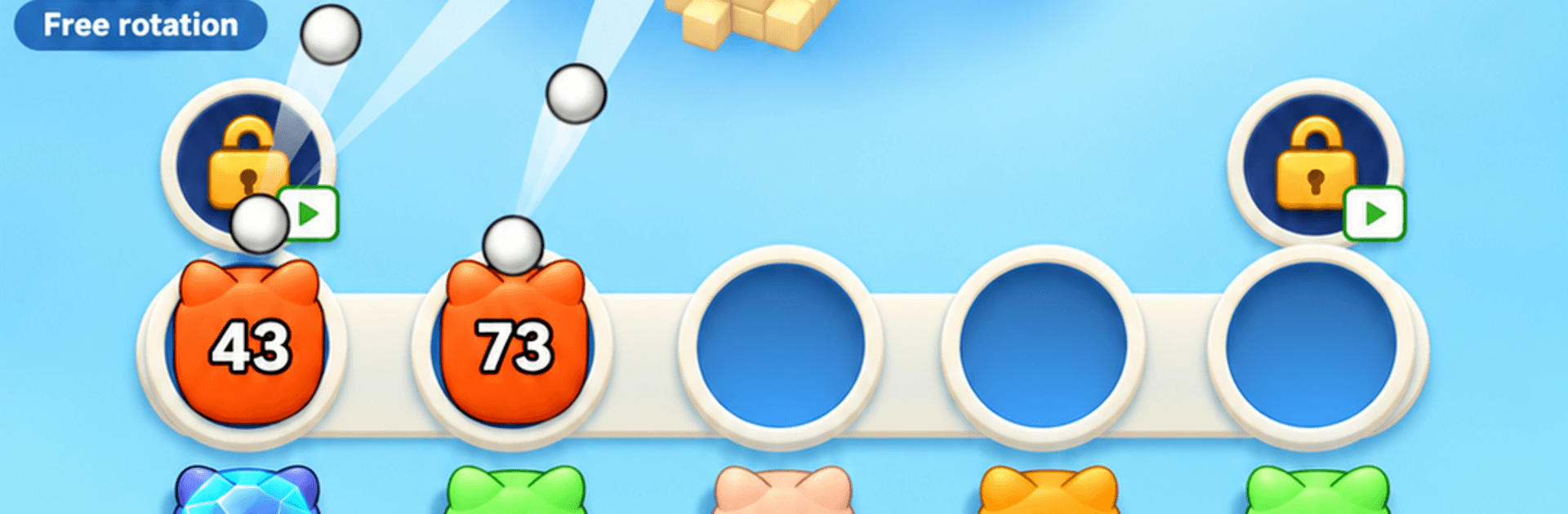
  • Color-Matched Cannons: Each cannon only hits blocks of its own color, so mismatches waste precious space.
  • Five Seats, Big Decisions: You’ve got five slots; fill them carelessly and you’ll jam the board. Careful sequencing wins.
  • Tap and Spin Controls: Drop a cannon with a tap, then drag to rotate the model and uncover sneaky hidden blocks.
  • Smart Queue Management: Read what’s left, plan your firing order, and keep seats freeing up as ammo runs out.
  • Special Cannon Types: Frozen, linked, mystery, and pipe cannons shake up the rules and demand fresh tactics.
  • Chain Reactions: String colors together to trigger rapid bursts that shred big chunks in a blink.
  • Handy Boosters: Use speed bursts, grab an extra seat, choose any cannon, or shuffle the queue when a layout gets tricky.
  • Easy Start, Clever Later: Early stages teach the ropes fast, then ramp into puzzles that reward foresight.
  • Tons of Levels: A long trail of new builds to dismantle, with daily treats that make coming back feel good.

Start your journey now. Download the game on BlueStacks, invite your friends, and march on a new adventure.


Game Features

Enhancements

  • Macros
  • Multi Instance
  • Script
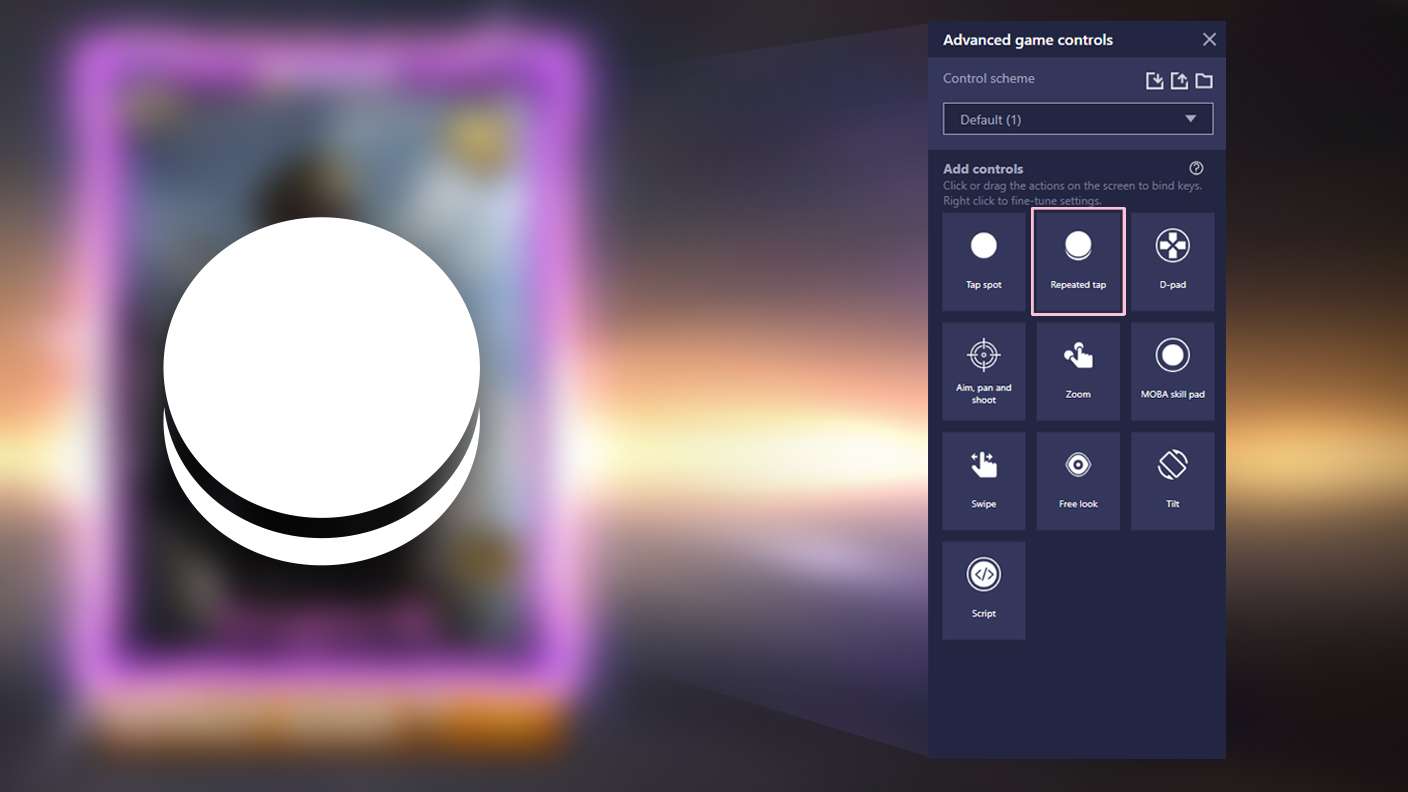
  • Repeated Tap
  • Enhancements
Macros

Macros

Automate the predictable in Block Smash - 3D Blast Puzzle and transform your gameplay with Macros. Get access to inventive Macros in the BlueStacks Macro Community
Multi Instance

Multi Instance

Play Block Smash - 3D Blast Puzzle on one window. And chat with your friend on the other. Press CTRL + Shift + 8 to open the Multi-Instance Manager. And start creating fresh instances or clone an existing one.
Script

Script

Script your way to gaming glory in Block Smash - 3D Blast Puzzle with BlueStacks Script. Write and run a set of commands to automate repeated tasks. Trigger the command by assigning it to any key.
Repeated Tap

Repeated Tap

BlueStacks lets you master Block Smash - 3D Blast Puzzle with useful features like the Repeated Tap. Now you do not have to press the same key repeatedly to initiate an action. Just assign it to one key and you are good to go.
Read More

How to Download and Play Block Smash - 3D Blast Puzzle on PC or Mac

  • Download and install BlueStacks on your PC or Mac

  • Complete Google sign-in to access the Play Store, or do it later

  • Look for Block Smash - 3D Blast Puzzle in the search bar at the top right corner

  • Click to install Block Smash - 3D Blast Puzzle from the search results

  • Complete Google sign-in (if you skipped step 2) to install Block Smash - 3D Blast Puzzle

  • Click the Block Smash - 3D Blast Puzzle icon on the home screen to start playing

video
Watch Video

Minimum System Requirements

With BlueStacks 5, you can get started on a PC that fulfills the following requirements.

  • Operating System

    Microsoft Windows 7 or above, macOS 11 (Big Sur) or above

  • Processor

    Intel, AMD or Apple Silicon Processor

  • RAM

    at least 4GB

  • HDD

    10GB Free Disk Space

Note:

* You must be an Administrator on your PC. Up to date graphics drivers from Microsoft or the chipset vendor.

Block Smash - 3D Blast Puzzle - FAQs

  • How to play Block Smash - 3D Blast Puzzle on Windows PC & Mac?

    Play Block Smash - 3D Blast Puzzle on your PC or Mac by following these simple steps.

    • Click on 'Play Block Smash - 3D Blast Puzzle on PC’ to download BlueStacks
    • Install it and log-in to Google Play Store
    • Launch and play the game.
  • Why is BlueStacks the fastest and safest platform to play games on PC?

    BlueStacks respects your privacy and is always safe and secure to use. It does not carry any malware, spyware, or any sort of additional software that could harm your PC.

    It is engineered to optimize speed and performance for a seamless gaming experience.

  • What are Block Smash - 3D Blast Puzzle PC requirements?

    Minimum requirement to run Block Smash - 3D Blast Puzzle on your PC

    • OS: Microsoft Windows 7 or above MacOS 11 (Big Sur) or above
    • Processor: Intel, AMD or Apple Silicon Processor
    • RAM: Your PC must have at least 4GB of RAM. (Note that having 4GB or more disk space is not a substitute for RAM)
    • HDD: 10GB Free Disk Space.
    • You must be an Administrator on your PC.