Charm Room sort
Charm Room sort

Charm Room sort

Casual

| Chances kicks

Play on PC with BlueStacks or from our cloud

  • Overview
  • Game Features
  • How to Play

Page Modified On: October 21, 2026

Play Charm Room sort on PC or Mac

Play Charm Room sort by Chances kicks on PC or Mac with BlueStacks. Use a bigger screen, mouse and keyboard controls, and smoother performance while you play.

About the Game

Charm Room sort is all about the simple joy of making order out of chaos. You’ll sort mixed items into the right containers, nudging pieces around until every last one fits just right. It’s a relaxed Casual brain workout that starts easy and grows trickier as you go, perfect for quick sessions or longer stretches. Prefer a bigger screen and precise cursor control? It plays smoothly on BlueStacks.

Game Features

  • Satisfying packing puzzles: Arrange assorted goods into tight spaces, finding that perfect layout where everything clicks into place.
  • Clear, comfy controls: Drag, drop, and rotate items with responsive handling that makes every move feel deliberate and clean.
  • Fresh twists each stage: New item shapes, container layouts, and spacing quirks keep the challenge evolving without piling on complexity.
  • Plan-first gameplay: Scan the container, predict how pieces interact, and choose a smart order to avoid last‑second jams.
  • Gentle difficulty curve: Early levels teach the basics, then ramp up with clever layouts that reward patience and a sharp eye.
  • Play at your pace: Take your time experimenting with different arrangements—there’s no rush to find the neatest fit.
  • Crisp visual feedback: Clear outlines and tidy snapping help you see what works (and what doesn’t) before you commit.
  • Great on bigger screens: Enjoy tidy organizing with more room to think and move when playing through BlueStacks.

BlueStacks gives you more room to focus on the game and less time adjusting around mobile limitations.


Game Features

Enhancements

  • Macros
  • Multi Instance
  • Script
  • Repeated Tap
  • Enhancements
Macros

Macros

Automate the predictable in Charm Room sort and transform your gameplay with Macros. Get access to inventive Macros in the BlueStacks Macro Community
Multi Instance

Multi Instance

Play Charm Room sort on one window. And chat with your friend on the other. Press CTRL + Shift + 8 to open the Multi-Instance Manager. And start creating fresh instances or clone an existing one.
Script

Script

Script your way to gaming glory in Charm Room sort with BlueStacks Script. Write and run a set of commands to automate repeated tasks. Trigger the command by assigning it to any key.
Repeated Tap

Repeated Tap

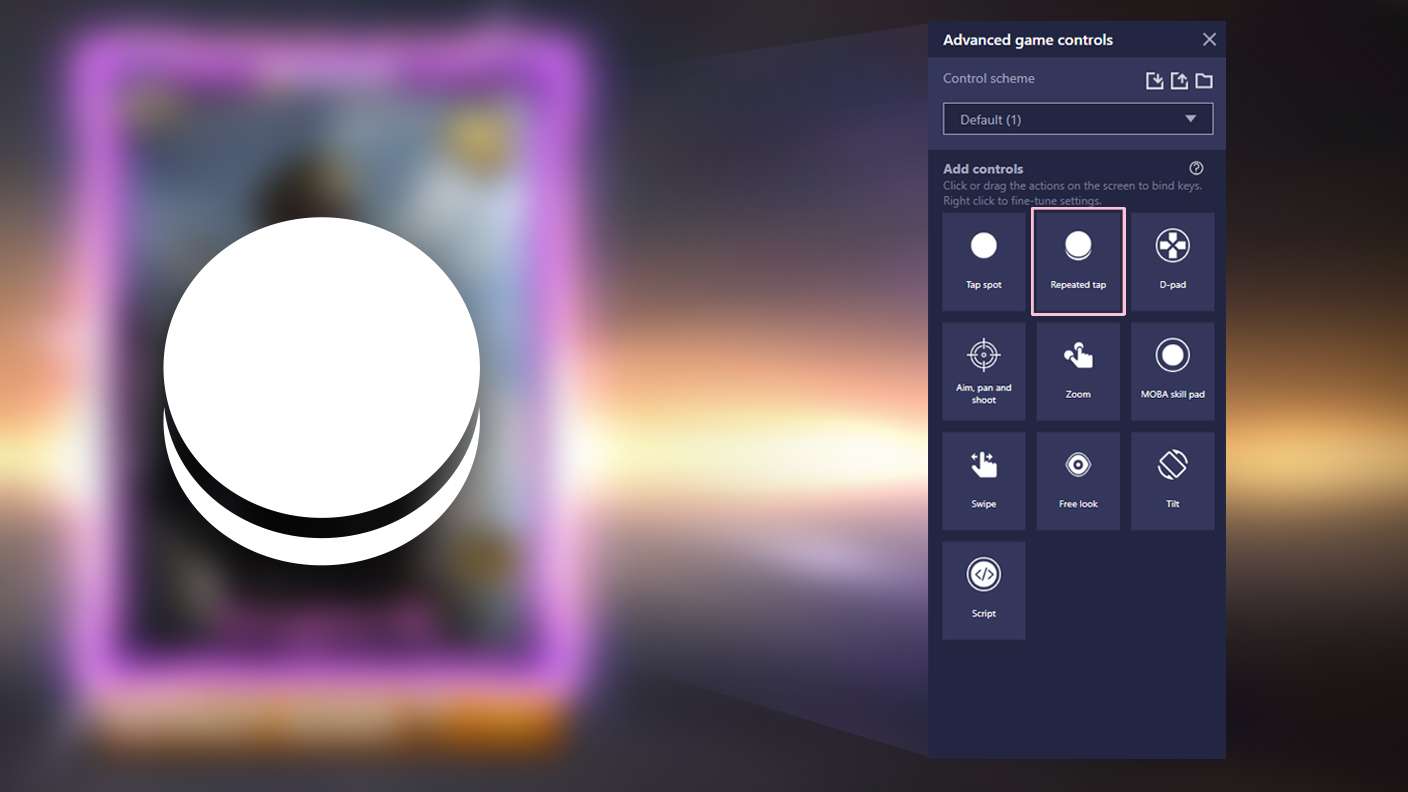
BlueStacks lets you master Charm Room sort with useful features like the Repeated Tap. Now you do not have to press the same key repeatedly to initiate an action. Just assign it to one key and you are good to go.
Read More

How to Download and Play Charm Room sort on PC or Mac

  • Download and install BlueStacks on your PC or Mac

  • Complete Google sign-in to access the Play Store, or do it later

  • Look for Charm Room sort in the search bar at the top right corner

  • Click to install Charm Room sort from the search results

  • Complete Google sign-in (if you skipped step 2) to install Charm Room sort

  • Click the Charm Room sort icon on the home screen to start playing

video
Watch Video

Minimum System Requirements

With BlueStacks 5, you can get started on a PC that fulfills the following requirements.

  • Operating System

    Microsoft Windows 7 or above, macOS 11 (Big Sur) or above

  • Processor

    Intel, AMD or Apple Silicon Processor

  • RAM

    at least 4GB

  • HDD

    10GB Free Disk Space

Note:

* You must be an Administrator on your PC. Up to date graphics drivers from Microsoft or the chipset vendor.

Charm Room sort - FAQs

  • How to play Charm Room sort on Windows PC & Mac?

    Play Charm Room sort on your PC or Mac by following these simple steps.

    • Click on 'Play Charm Room sort on PC’ to download BlueStacks
    • Install it and log-in to Google Play Store
    • Launch and play the game.
  • Why is BlueStacks the fastest and safest platform to play games on PC?

    BlueStacks respects your privacy and is always safe and secure to use. It does not carry any malware, spyware, or any sort of additional software that could harm your PC.

    It is engineered to optimize speed and performance for a seamless gaming experience.

  • What are Charm Room sort PC requirements?

    Minimum requirement to run Charm Room sort on your PC

    • OS: Microsoft Windows 7 or above MacOS 11 (Big Sur) or above
    • Processor: Intel, AMD or Apple Silicon Processor
    • RAM: Your PC must have at least 4GB of RAM. (Note that having 4GB or more disk space is not a substitute for RAM)
    • HDD: 10GB Free Disk Space.
    • You must be an Administrator on your PC.