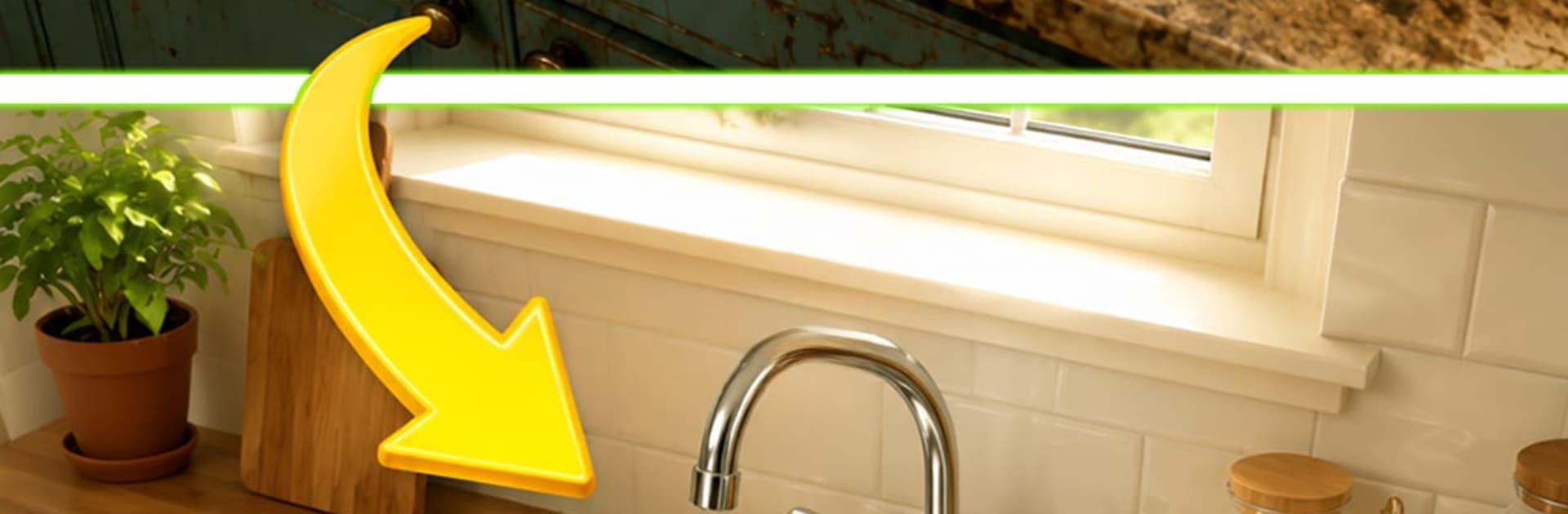
Cleaning Asmr: Rusty Restore

Cleaning Asmr: Rusty Restore

Casual

| Gaming Switch Studio

Play on PC with BlueStacks or from our cloud

  • Overview
  • Game Features
  • How to Play

Page Modified On: June 17, 2026

Play Cleaning Asmr: Rusty Restore on PC or Mac

Cleaning Asmr: Rusty Restore brings the Casual genre to life, and throws up exciting challenges for gamers. Developed by Gaming Switch Studio, this Android game is best experienced on BlueStacks, the World’s #1 app player for PC and Mac users.

About the Game

Cleaning Asmr: Rusty Restore is all about that calm, satisfying feeling of turning a total mess into something spotless. It’s a relaxing Casual experience where you wash, wipe, and buff old, rusty objects until they shine again. Short bursts of cleaning paired with soft, soothing sounds make it perfect when you need a quick reset.

Game Features

  • Satisfying soundscape: Every spritz, swipe, and scrub comes with gentle ASMR audio that melts away the noise in your head.
  • Rust to radiance: Watch dingy tools, dusty trinkets, and grimy corners transform into clean, glossy showpieces right before your eyes.
  • Intuitive touch controls: Tap to spray, swipe to wipe, and hold to polish—super simple, pleasantly tactile, and easy to settle into.
  • Bite-size tasks: Levels are short and focused, so you can finish a piece or two on a break—or tackle a whole set when you’ve got time.
  • Realistic grime and shine: Grit looks convincingly rough, water beads feel crisp, and the final polish is extra satisfying.
  • Tools that feel right: Swap between sponge, brush, and buffer to handle different messes, each with its own texture and rhythm.
  • Room-by-room glow-ups: Clean individual objects and see the whole space come together as each piece is restored.
  • Smooth anywhere: Plays great on mobile, and it’s extra comfy with a mouse on BlueStacks if you like a bigger screen.

Get ready for a buttery smooth, high-performance gaming action only on BlueStacks.

Game Features

Enhancements

  • Macros
  • Multi Instance
  • Script
  • Repeated Tap
  • Enhancements
Macros

Macros

Automate the predictable in Cleaning Asmr: Rusty Restore and transform your gameplay with Macros. Get access to inventive Macros in the BlueStacks Macro Community
Multi Instance

Multi Instance

Play Cleaning Asmr: Rusty Restore on one window. And chat with your friend on the other. Press CTRL + Shift + 8 to open the Multi-Instance Manager. And start creating fresh instances or clone an existing one.
Script

Script

Script your way to gaming glory in Cleaning Asmr: Rusty Restore with BlueStacks Script. Write and run a set of commands to automate repeated tasks. Trigger the command by assigning it to any key.
Repeated Tap

Repeated Tap

BlueStacks lets you master Cleaning Asmr: Rusty Restore with useful features like the Repeated Tap. Now you do not have to press the same key repeatedly to initiate an action. Just assign it to one key and you are good to go.
Read More

How to Download and Play Cleaning Asmr: Rusty Restore on PC or Mac

  • Download and install BlueStacks on your PC or Mac

  • Complete Google sign-in to access the Play Store, or do it later

  • Look for Cleaning Asmr: Rusty Restore in the search bar at the top right corner

  • Click to install Cleaning Asmr: Rusty Restore from the search results

  • Complete Google sign-in (if you skipped step 2) to install Cleaning Asmr: Rusty Restore

  • Click the Cleaning Asmr: Rusty Restore icon on the home screen to start playing

video
Watch Video

Minimum System Requirements

With BlueStacks 5, you can get started on a PC that fulfills the following requirements.

  • Operating System

    Microsoft Windows 7 or above, macOS 11 (Big Sur) or above

  • Processor

    Intel, AMD or Apple Silicon Processor

  • RAM

    at least 4GB

  • HDD

    10GB Free Disk Space

Note:

* You must be an Administrator on your PC. Up to date graphics drivers from Microsoft or the chipset vendor.

Cleaning Asmr: Rusty Restore - FAQs

  • How to play Cleaning Asmr: Rusty Restore on Windows PC & Mac?

    Play Cleaning Asmr: Rusty Restore on your PC or Mac by following these simple steps.

    • Click on 'Play Cleaning Asmr: Rusty Restore on PC’ to download BlueStacks
    • Install it and log-in to Google Play Store
    • Launch and play the game.
  • Why is BlueStacks the fastest and safest platform to play games on PC?

    BlueStacks respects your privacy and is always safe and secure to use. It does not carry any malware, spyware, or any sort of additional software that could harm your PC.

    It is engineered to optimize speed and performance for a seamless gaming experience.

  • What are Cleaning Asmr: Rusty Restore PC requirements?

    Minimum requirement to run Cleaning Asmr: Rusty Restore on your PC

    • OS: Microsoft Windows 7 or above MacOS 11 (Big Sur) or above
    • Processor: Intel, AMD or Apple Silicon Processor
    • RAM: Your PC must have at least 4GB of RAM. (Note that having 4GB or more disk space is not a substitute for RAM)
    • HDD: 10GB Free Disk Space.
    • You must be an Administrator on your PC.