DIY Phone Makeover & Cleaning

DIY Phone Makeover & Cleaning

Casual

| K Zee Games

Play on PC with BlueStacks or from our cloud

  • Overview
  • Game Features
  • How to Play

Page Modified On: October 30, 2026

Play DIY Phone Makeover & Cleaning on PC or Mac

Play DIY Phone Makeover & Cleaning by K Zee Games on PC or Mac with BlueStacks. Use a bigger screen, mouse and keyboard controls, and smoother performance while you play.

About the Game

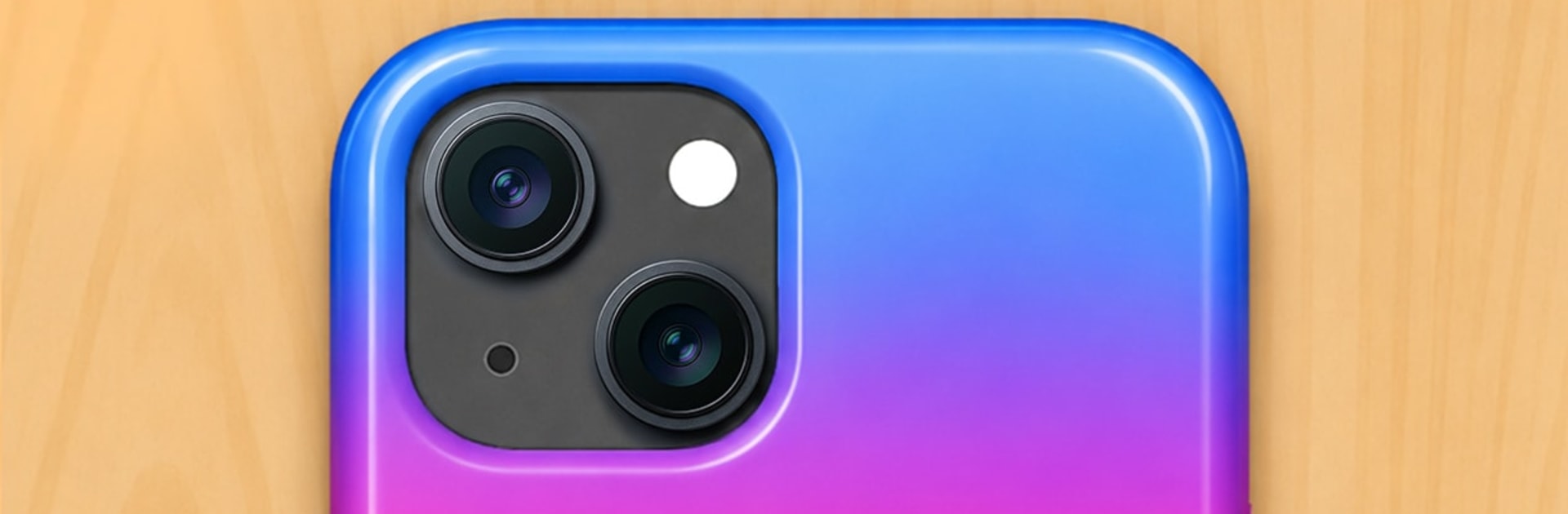
DIY Phone Makeover & Cleaning is a laid-back Casual fixer-upper where grimy gadgets get a second life. You’ll clean, repair, and style everyday tech while crisp ASMR sounds scratch that oddly satisfying itch. Prefer a bigger display for those tiny details? It runs smoothly on BlueStacks, too.

Game Features

  • Satisfying Cleanup: Brush off dust, wipe stains, scrub grime, and finish with a glossy polish that shows progress with every swipe.
  • Hands-On Repairs: Swap cracked parts, smooth scuffs, and tune up worn components to bring tired devices back to life.
  • Case Makeovers: Paint base coats, layer patterns, and add stickers, charms, and tiny details for a look that’s totally yours.
  • ASMR Vibes: Enjoy gentle brushing, spritzing, and polishing audio that makes each step calm and cozy.
  • Simple Gestures: Tap, drag, and swipe—controls stay easy so you can focus on the glow-up.
  • Varied Gadgets: Every item offers a different restoration path, so no two cleanups feel the same.
  • Before & After Reveals: Watch the final comparison pop as your hard work clicks into a super satisfying result.
  • Creative Palette: Mix colors, textures, and finishes to match the mood—bold, cute, minimal, or ultra-clean.
  • Play Your Way: Knock out quick touch-ups or sink into a longer makeover session at your own pace.

Get ready for a buttery smooth, high-performance gaming action only on BlueStacks.

Game Features

Enhancements

  • Macros
  • Multi Instance
  • Script
  • Repeated Tap
  • Enhancements
Macros

Macros

Automate the predictable in DIY Phone Makeover & Cleaning and transform your gameplay with Macros. Get access to inventive Macros in the BlueStacks Macro Community
Multi Instance

Multi Instance

Play DIY Phone Makeover & Cleaning on one window. And chat with your friend on the other. Press CTRL + Shift + 8 to open the Multi-Instance Manager. And start creating fresh instances or clone an existing one.
Script

Script

Script your way to gaming glory in DIY Phone Makeover & Cleaning with BlueStacks Script. Write and run a set of commands to automate repeated tasks. Trigger the command by assigning it to any key.
Repeated Tap

Repeated Tap

BlueStacks lets you master DIY Phone Makeover & Cleaning with useful features like the Repeated Tap. Now you do not have to press the same key repeatedly to initiate an action. Just assign it to one key and you are good to go.
Read More

How to Download and Play DIY Phone Makeover & Cleaning on PC or Mac

  • Download and install BlueStacks on your PC or Mac

  • Complete Google sign-in to access the Play Store, or do it later

  • Look for DIY Phone Makeover & Cleaning in the search bar at the top right corner

  • Click to install DIY Phone Makeover & Cleaning from the search results

  • Complete Google sign-in (if you skipped step 2) to install DIY Phone Makeover & Cleaning

  • Click the DIY Phone Makeover & Cleaning icon on the home screen to start playing

video
Watch Video

Minimum System Requirements

With BlueStacks 5, you can get started on a PC that fulfills the following requirements.

  • Operating System

    Microsoft Windows 7 or above, macOS 11 (Big Sur) or above

  • Processor

    Intel, AMD or Apple Silicon Processor

  • RAM

    at least 4GB

  • HDD

    10GB Free Disk Space

Note:

* You must be an Administrator on your PC. Up to date graphics drivers from Microsoft or the chipset vendor.

DIY Phone Makeover & Cleaning - FAQs

  • How to play DIY Phone Makeover & Cleaning on Windows PC & Mac?

    Play DIY Phone Makeover & Cleaning on your PC or Mac by following these simple steps.

    • Click on 'Play DIY Phone Makeover & Cleaning on PC’ to download BlueStacks
    • Install it and log-in to Google Play Store
    • Launch and play the game.
  • Why is BlueStacks the fastest and safest platform to play games on PC?

    BlueStacks respects your privacy and is always safe and secure to use. It does not carry any malware, spyware, or any sort of additional software that could harm your PC.

    It is engineered to optimize speed and performance for a seamless gaming experience.

  • What are DIY Phone Makeover & Cleaning PC requirements?

    Minimum requirement to run DIY Phone Makeover & Cleaning on your PC

    • OS: Microsoft Windows 7 or above MacOS 11 (Big Sur) or above
    • Processor: Intel, AMD or Apple Silicon Processor
    • RAM: Your PC must have at least 4GB of RAM. (Note that having 4GB or more disk space is not a substitute for RAM)
    • HDD: 10GB Free Disk Space.
    • You must be an Administrator on your PC.