Grab Cat Hospital
Grab Cat Hospital

Grab Cat Hospital

Casual

| EYESTORM PTE. LTD.

Play on PC with BlueStacks or from our cloud

  • Overview
  • Game Features
  • How to Play

Page Modified On: November 18, 2026

Play Grab Cat Hospital on PC or Mac

Grab Cat Hospital by EYESTORM PTE. LTD. has plenty to keep you busy. BlueStacks lets you play it on PC or Mac with more screen space, better control, and fewer mobile limits.

About the Game

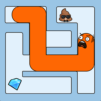
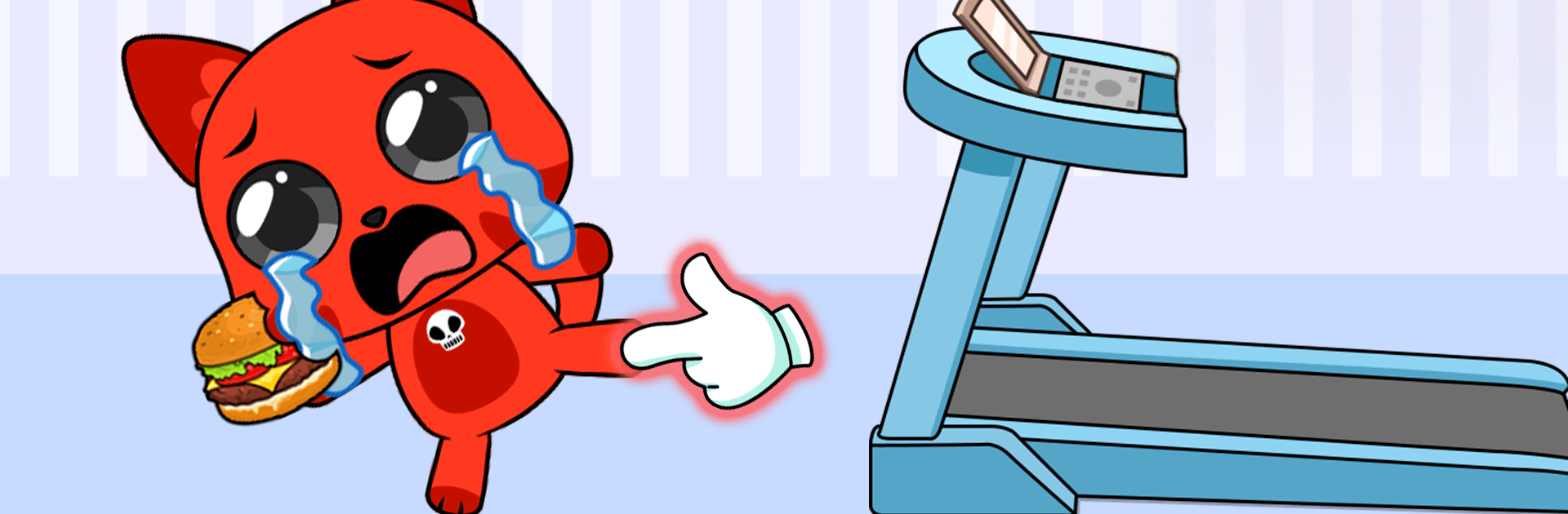
Grab Cat Hospital is a quirky, pull-and-release physics puzzler where mischievous felines refuse to cooperate. Your job? Tug these stubborn cats toward the finish while everything around them tries to distract, bump, or fling them off course. It’s a light, pick-up-and-play Casual experience with short stages, quick restarts, and a clean “one more try” loop that sneaks up on you. Prefer playing at a desk? It feels great on BlueStacks too.

Game Features

  • Pull-and-snap movement: Press and drag to stretch a cat forward, then keep holding—because the second you let go, it zips back to the start.
  • Quirky cat cast: Meet oddballs with expressive faces and unpredictable reactions that make every attempt feel like a tiny comedy sketch.
  • Physics-first puzzles: Bounce, slide, swing, and squeeze through setups that reward clean angles and steady hands.
  • Timing that matters: Watch the layout, learn the rhythm of hazards, and release at just the right moment to thread the perfect route.
  • Fresh layouts each stage: No repeats here—new obstacles, contraptions, and sight gags pop up as you progress.
  • Simple controls, deep nuance: The basics click fast, but mastering distance, tension, and momentum takes real practice.
  • Laugh-out-loud mishaps: Silly animations and over-the-top reactions keep failures entertaining instead of frustrating.
  • Hundreds of challenges: Settle in for a steady climb from breezy warm-ups to head-scratching gauntlets.
  • Quick retries, smooth flow: Instant restarts and stable physics make experimentation painless and satisfying.
  • Comfortable on PC with BlueStacks: Use a mouse for precise pulls and relaxed sessions without missing a beat.

BlueStacks gives you more room to focus on the game and less time adjusting around mobile limitations.


Game Features

Enhancements

  • Macros
  • Multi Instance
  • Script
  • Repeated Tap
  • Enhancements
Macros

Macros

Automate the predictable in Grab Cat Hospital and transform your gameplay with Macros. Get access to inventive Macros in the BlueStacks Macro Community
Multi Instance

Multi Instance

Play Grab Cat Hospital on one window. And chat with your friend on the other. Press CTRL + Shift + 8 to open the Multi-Instance Manager. And start creating fresh instances or clone an existing one.
Script

Script

Script your way to gaming glory in Grab Cat Hospital with BlueStacks Script. Write and run a set of commands to automate repeated tasks. Trigger the command by assigning it to any key.
Repeated Tap

Repeated Tap

BlueStacks lets you master Grab Cat Hospital with useful features like the Repeated Tap. Now you do not have to press the same key repeatedly to initiate an action. Just assign it to one key and you are good to go.
Read More

How to Download and Play Grab Cat Hospital on PC or Mac

  • Download and install BlueStacks on your PC or Mac

  • Complete Google sign-in to access the Play Store, or do it later

  • Look for Grab Cat Hospital in the search bar at the top right corner

  • Click to install Grab Cat Hospital from the search results

  • Complete Google sign-in (if you skipped step 2) to install Grab Cat Hospital

  • Click the Grab Cat Hospital icon on the home screen to start playing

video
Watch Video

Minimum System Requirements

With BlueStacks 5, you can get started on a PC that fulfills the following requirements.

  • Operating System

    Microsoft Windows 7 or above, macOS 11 (Big Sur) or above

  • Processor

    Intel, AMD or Apple Silicon Processor

  • RAM

    at least 4GB

  • HDD

    10GB Free Disk Space

Note:

* You must be an Administrator on your PC. Up to date graphics drivers from Microsoft or the chipset vendor.

Grab Cat Hospital - FAQs

  • How to play Grab Cat Hospital on Windows PC & Mac?

    Play Grab Cat Hospital on your PC or Mac by following these simple steps.

    • Click on 'Play Grab Cat Hospital on PC’ to download BlueStacks
    • Install it and log-in to Google Play Store
    • Launch and play the game.
  • Why is BlueStacks the fastest and safest platform to play games on PC?

    BlueStacks respects your privacy and is always safe and secure to use. It does not carry any malware, spyware, or any sort of additional software that could harm your PC.

    It is engineered to optimize speed and performance for a seamless gaming experience.

  • What are Grab Cat Hospital PC requirements?

    Minimum requirement to run Grab Cat Hospital on your PC

    • OS: Microsoft Windows 7 or above MacOS 11 (Big Sur) or above
    • Processor: Intel, AMD or Apple Silicon Processor
    • RAM: Your PC must have at least 4GB of RAM. (Note that having 4GB or more disk space is not a substitute for RAM)
    • HDD: 10GB Free Disk Space.
    • You must be an Administrator on your PC.