Hair Salon Makeover Studio

Hair Salon Makeover Studio

Casual

| MR. PROXY CORE

Play on PC with BlueStacks or from our cloud

  • Overview
  • Game Features
  • How to Play

Page Modified On: October 08, 2026

Play Hair Salon Makeover Studio on PC or Mac

Step into the World of Hair Salon Makeover Studio, a thrilling Casual game from the house of MR. PROXY CORE. Play this Android game on BlueStacks App Player and experience immersive gaming on PC or Mac.

About the Game

Hair Salon Makeover Studio is a Casual beauty playground where you transform everyday clients into total style standouts. From first rinse to final selfie, you’ll shape hair, pick colors, add makeup, and pull together outfits that actually feel cohesive. Prefer a bigger canvas? It also runs smoothly on BlueStacks.

Game Features

  • Full Salon Toolkit: Shampoo, trim, curl, flat-iron, blow-dry, and dye with all the tools you’d expect at a real chair.
  • Play With Color: Test bold neons, soft pastels, natural shades—mix and match until the tone and shine feel just right.
  • Shape Any Style: Go sleek and straight, bouncy and layered, short and edgy, or long and romantic—your call, your scissors.
  • Makeup That Complements: Finish the face with brows, eyes, blush, and lips designed to suit the haircut instead of fighting it.
  • Outfits and Accessories: Build complete looks with clothing and extras that tie the whole makeover together.
  • Snapshot Studio: Save your favorites in a tidy photo album, compare before-and-afters, and track your growing style vibe.
  • Chill, No-Stress Sessions: Play at your own pace, even when you’re offline—perfect for quick creative breaks or longer makeover sprees.
  • Smooth, Friendly Controls: Drag, tap, and swipe through each step with responsive tools that feel natural from the first cut.
  • Endless Combinations: Hundreds of hairstyles, shades, and fashion pieces mean you’ll rarely repeat the same look twice.

Start your journey now. Download the game on BlueStacks, invite your friends, and march on a new adventure.


Game Features

Enhancements

  • Macros
  • Multi Instance
  • Script
  • Repeated Tap
  • Enhancements
Macros

Macros

Automate the predictable in Hair Salon Makeover Studio and transform your gameplay with Macros. Get access to inventive Macros in the BlueStacks Macro Community
Multi Instance

Multi Instance

Play Hair Salon Makeover Studio on one window. And chat with your friend on the other. Press CTRL + Shift + 8 to open the Multi-Instance Manager. And start creating fresh instances or clone an existing one.
Script

Script

Script your way to gaming glory in Hair Salon Makeover Studio with BlueStacks Script. Write and run a set of commands to automate repeated tasks. Trigger the command by assigning it to any key.
Repeated Tap

Repeated Tap

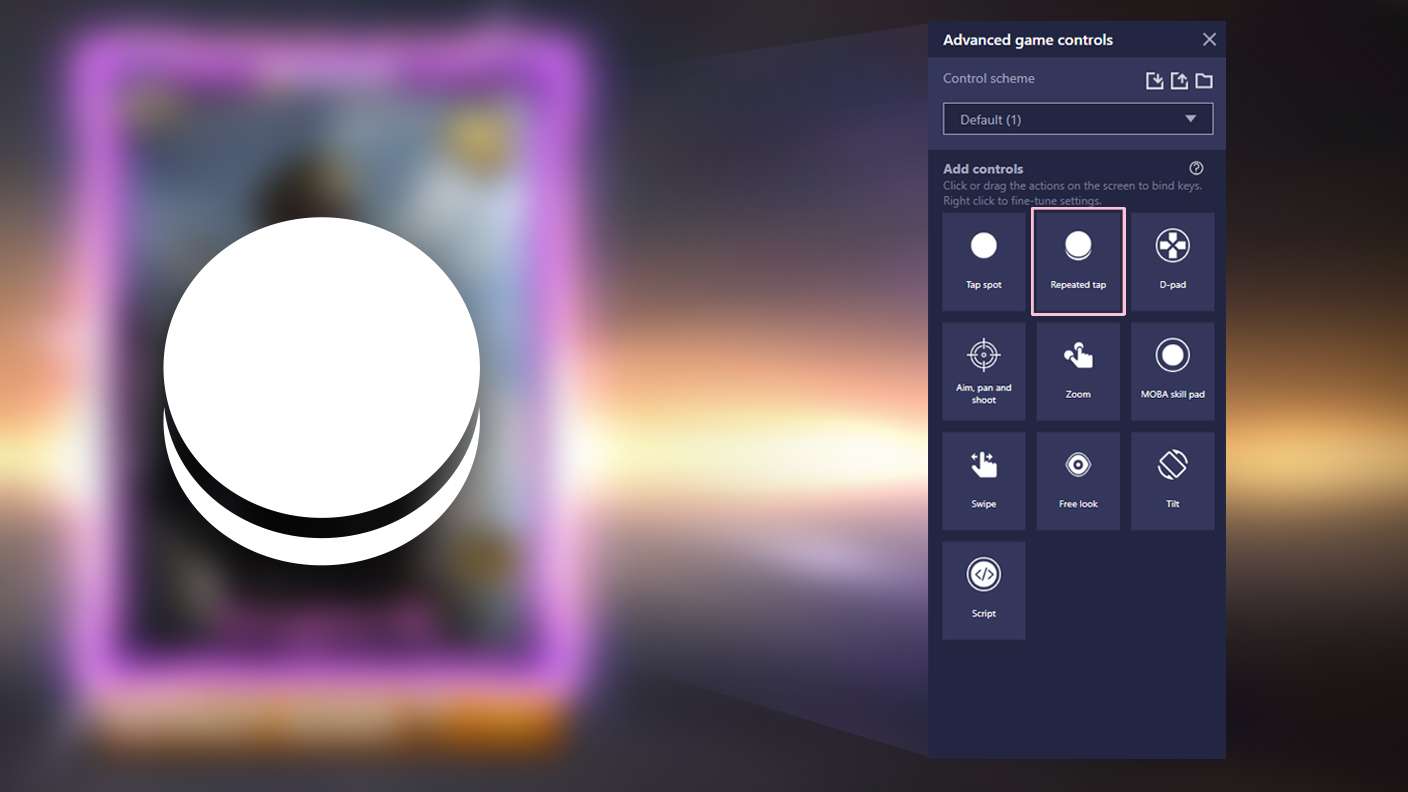
BlueStacks lets you master Hair Salon Makeover Studio with useful features like the Repeated Tap. Now you do not have to press the same key repeatedly to initiate an action. Just assign it to one key and you are good to go.
Read More

How to Download and Play Hair Salon Makeover Studio on PC or Mac

  • Download and install BlueStacks on your PC or Mac

  • Complete Google sign-in to access the Play Store, or do it later

  • Look for Hair Salon Makeover Studio in the search bar at the top right corner

  • Click to install Hair Salon Makeover Studio from the search results

  • Complete Google sign-in (if you skipped step 2) to install Hair Salon Makeover Studio

  • Click the Hair Salon Makeover Studio icon on the home screen to start playing

video
Watch Video

Minimum System Requirements

With BlueStacks 5, you can get started on a PC that fulfills the following requirements.

  • Operating System

    Microsoft Windows 7 or above, macOS 11 (Big Sur) or above

  • Processor

    Intel, AMD or Apple Silicon Processor

  • RAM

    at least 4GB

  • HDD

    10GB Free Disk Space

Note:

* You must be an Administrator on your PC. Up to date graphics drivers from Microsoft or the chipset vendor.

Hair Salon Makeover Studio - FAQs

  • How to play Hair Salon Makeover Studio on Windows PC & Mac?

    Play Hair Salon Makeover Studio on your PC or Mac by following these simple steps.

    • Click on 'Play Hair Salon Makeover Studio on PC’ to download BlueStacks
    • Install it and log-in to Google Play Store
    • Launch and play the game.
  • Why is BlueStacks the fastest and safest platform to play games on PC?

    BlueStacks respects your privacy and is always safe and secure to use. It does not carry any malware, spyware, or any sort of additional software that could harm your PC.

    It is engineered to optimize speed and performance for a seamless gaming experience.

  • What are Hair Salon Makeover Studio PC requirements?

    Minimum requirement to run Hair Salon Makeover Studio on your PC

    • OS: Microsoft Windows 7 or above MacOS 11 (Big Sur) or above
    • Processor: Intel, AMD or Apple Silicon Processor
    • RAM: Your PC must have at least 4GB of RAM. (Note that having 4GB or more disk space is not a substitute for RAM)
    • HDD: 10GB Free Disk Space.
    • You must be an Administrator on your PC.