Hunter Hunter Heroes IDLE RPG

Hunter Hunter Heroes IDLE RPG

Casual

| Baby Stone Studios

Play on PC with BlueStacks or from our cloud

  • Overview
  • Game Features
  • How to Play

Page Modified On: June 25, 2026

Play Hunter Hunter Heroes IDLE RPG on PC or Mac

Hunter Hunter Heroes IDLE RPG brings the Casual genre to life, and throws up exciting challenges for gamers. Developed by Baby Stone Studios, this Android game is best experienced on BlueStacks, the World’s #1 app player for PC and Mac users.

About the Game

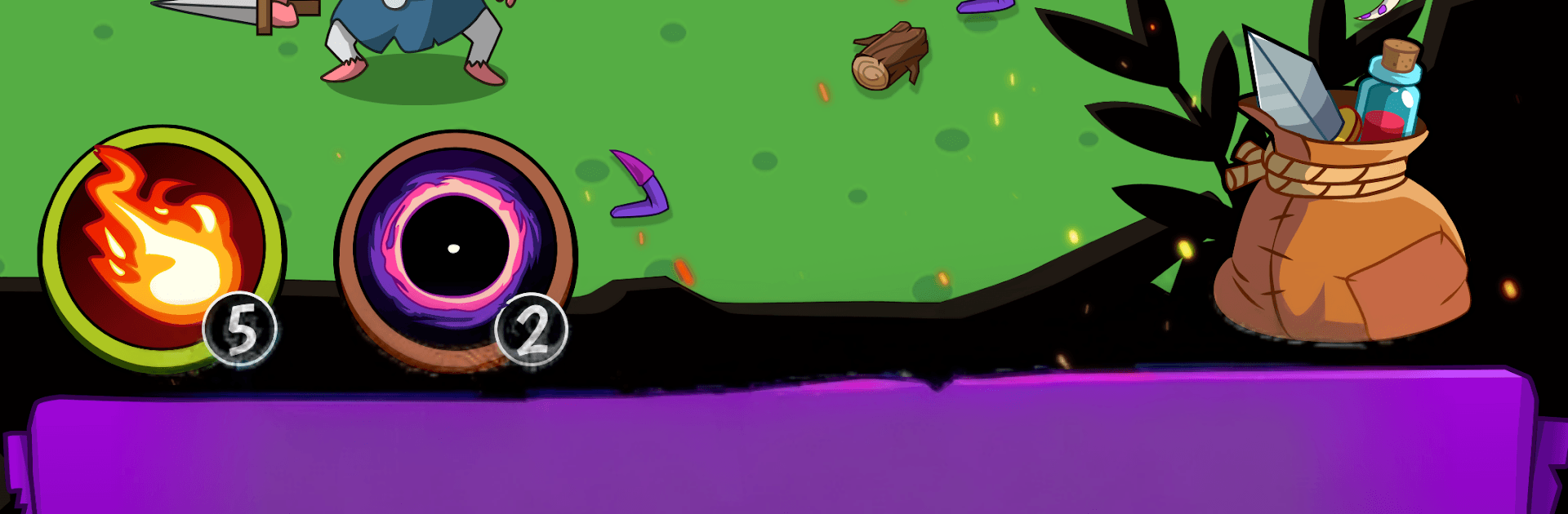
Hunter Hunter Heroes IDLE RPG is a Casual idle RPG where your squad of hunters keeps pushing forward, even when you’re off doing something else. Build a team, send them into nonstop battles, and watch the numbers climb as you unlock new areas, gear, and quirky surprises. Prefer playing on a bigger screen? It runs smoothly on BlueStacks too.

Game Features

  • Always-on action: Battles keep rolling automatically, clearing waves of creatures while you collect loot and grow stronger at your own pace.
  • Build your crew: Summon distinct heroes, mix roles and rarities, and kit them out to create a lineup that fits your style.
  • Regions full of foes: Tackle themed areas stuffed with different monsters and bosses, each bringing fresh mechanics and rewards.
  • Dungeons and hidden spots: Track down secret maps and special challenges for rare materials and brag-worthy finds.
  • Craft and gear up: Gather resources from runs and forge equipment that gives your team the boost it needs for the next hurdle.
  • Upgrades with purpose: Pour gains into meaningful stat bumps and improvements that actually change how tough your team feels.
  • Card drops: Monsters can drop cards of varying rarity—slot them in for powerful perks and clever build tweaks.
  • Pet helpers: Collect companions that add passive bonuses and help your hunters push further than before.
  • World boss teamwork: Jump into a global brawl, contribute damage alongside other players, and chase high rankings and special prizes.
  • Leaderboards: Compare your progress with players worldwide and see how your hunters stack up.
  • Rebirth loop: Reset a run to earn permanent relics, then come back faster and stronger the next time.
  • Play your way: Go active with skill taps like a clicker, or stay hands-off and enjoy steady offline progress.
  • Social touches: Chat with others, share milestones, and enjoy an MMO-style vibe without the pressure.

BlueStacks gives you more room to focus on the game and less time adjusting around mobile limitations.


Game Features

Enhancements

  • Macros
  • Multi Instance
  • Script
  • Repeated Tap
  • Enhancements
Macros

Macros

Automate the predictable in Hunter Hunter Heroes IDLE RPG and transform your gameplay with Macros. Get access to inventive Macros in the BlueStacks Macro Community
Multi Instance

Multi Instance

Play Hunter Hunter Heroes IDLE RPG on one window. And chat with your friend on the other. Press CTRL + Shift + 8 to open the Multi-Instance Manager. And start creating fresh instances or clone an existing one.
Script

Script

Script your way to gaming glory in Hunter Hunter Heroes IDLE RPG with BlueStacks Script. Write and run a set of commands to automate repeated tasks. Trigger the command by assigning it to any key.
Repeated Tap

Repeated Tap

BlueStacks lets you master Hunter Hunter Heroes IDLE RPG with useful features like the Repeated Tap. Now you do not have to press the same key repeatedly to initiate an action. Just assign it to one key and you are good to go.
Read More

How to Download and Play Hunter Hunter Heroes IDLE RPG on PC or Mac

  • Download and install BlueStacks on your PC or Mac

  • Complete Google sign-in to access the Play Store, or do it later

  • Look for Hunter Hunter Heroes IDLE RPG in the search bar at the top right corner

  • Click to install Hunter Hunter Heroes IDLE RPG from the search results

  • Complete Google sign-in (if you skipped step 2) to install Hunter Hunter Heroes IDLE RPG

  • Click the Hunter Hunter Heroes IDLE RPG icon on the home screen to start playing

video
Watch Video

Minimum System Requirements

With BlueStacks 5, you can get started on a PC that fulfills the following requirements.

  • Operating System

    Microsoft Windows 7 or above, macOS 11 (Big Sur) or above

  • Processor

    Intel, AMD or Apple Silicon Processor

  • RAM

    at least 4GB

  • HDD

    10GB Free Disk Space

Note:

* You must be an Administrator on your PC. Up to date graphics drivers from Microsoft or the chipset vendor.

Hunter Hunter Heroes IDLE RPG - FAQs

  • How to play Hunter Hunter Heroes IDLE RPG on Windows PC & Mac?

    Play Hunter Hunter Heroes IDLE RPG on your PC or Mac by following these simple steps.

    • Click on 'Play Hunter Hunter Heroes IDLE RPG on PC’ to download BlueStacks
    • Install it and log-in to Google Play Store
    • Launch and play the game.
  • Why is BlueStacks the fastest and safest platform to play games on PC?

    BlueStacks respects your privacy and is always safe and secure to use. It does not carry any malware, spyware, or any sort of additional software that could harm your PC.

    It is engineered to optimize speed and performance for a seamless gaming experience.

  • What are Hunter Hunter Heroes IDLE RPG PC requirements?

    Minimum requirement to run Hunter Hunter Heroes IDLE RPG on your PC

    • OS: Microsoft Windows 7 or above MacOS 11 (Big Sur) or above
    • Processor: Intel, AMD or Apple Silicon Processor
    • RAM: Your PC must have at least 4GB of RAM. (Note that having 4GB or more disk space is not a substitute for RAM)
    • HDD: 10GB Free Disk Space.
    • You must be an Administrator on your PC.