I AM MONSTER
I AM MONSTER

I AM MONSTER

Casual

| BIGINT64

Play on PC with BlueStacks or from our cloud

  • Overview
  • Game Features
  • How to Play

Page Modified On: October 30, 2026

Play I AM MONSTER on PC or Mac

Explore a whole new adventure with I AM MONSTER, a Casual game created by BIGINT64. Experience great gameplay with BlueStacks, the most popular gaming platform to play Android games on your PC or Mac.

About the Game

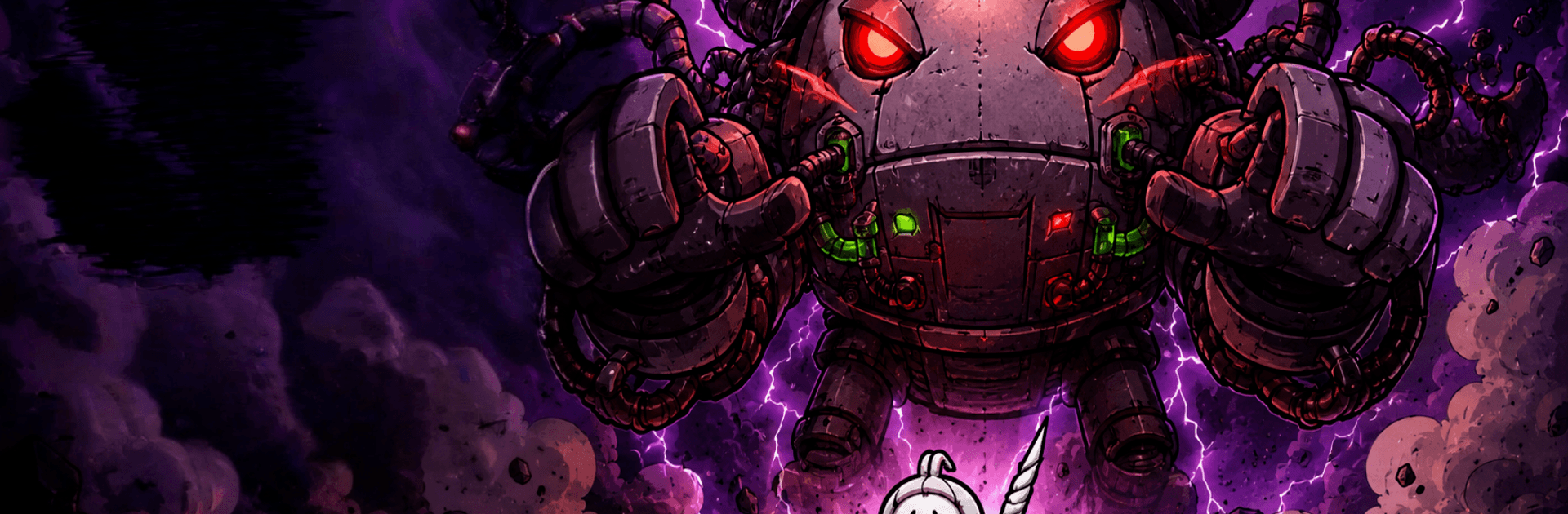
I AM MONSTER drops you into a broken world where people once used as test subjects are waking up with strange powers—and missing pieces of themselves. This Casual adventure blends hero collecting with approachable strategy as you lead a crew of so‑called “monsters” on a quest to remember who they are and what really happened. Prefer playing on a bigger screen? It runs smoothly on BlueStacks without getting in your way.

Game Features

  • Post-collapse mystery: Unravel a tangled conspiracy behind immortality experiments while guiding your team to reclaim their identities, one clue at a time.
  • Collectible misfits with stories: Recruit a varied cast of heroes, each with distinct skills, personalities, and backstories that actually matter in combat.
  • Build smart squads: Mix roles and pair abilities for powerful synergies, then swap lineups to counter tricky enemies and boss patterns.
  • Strategic battles that flow: Time skill chains, manage cooldowns, and make snap calls that can flip a losing fight into a highlight moment.
  • Explore and uncover secrets: Push into new regions, discover hidden events and side paths, and bring back resources that open fresh options.
  • Easy to start, fun to master: Simple controls make it welcoming, while meaningful choices and deep team tuning keep thinkers engaged for the long haul.
  • Meaningful progression: Earn rare gear, awaken abilities, and evolve your favorites in a system that rewards planning instead of mindless grind.

Start playing I AM MONSTER on BlueStacks and get a smoother, more comfortable PC or Mac setup.

Game Features

Enhancements

  • Macros
  • Multi Instance
  • Script
  • Repeated Tap
  • Enhancements
Macros

Macros

Automate the predictable in I AM MONSTER and transform your gameplay with Macros. Get access to inventive Macros in the BlueStacks Macro Community
Multi Instance

Multi Instance

Play I AM MONSTER on one window. And chat with your friend on the other. Press CTRL + Shift + 8 to open the Multi-Instance Manager. And start creating fresh instances or clone an existing one.
Script

Script

Script your way to gaming glory in I AM MONSTER with BlueStacks Script. Write and run a set of commands to automate repeated tasks. Trigger the command by assigning it to any key.
Repeated Tap

Repeated Tap

BlueStacks lets you master I AM MONSTER with useful features like the Repeated Tap. Now you do not have to press the same key repeatedly to initiate an action. Just assign it to one key and you are good to go.
Read More

How to Download and Play I AM MONSTER on PC or Mac

  • Download and install BlueStacks on your PC or Mac

  • Complete Google sign-in to access the Play Store, or do it later

  • Look for I AM MONSTER in the search bar at the top right corner

  • Click to install I AM MONSTER from the search results

  • Complete Google sign-in (if you skipped step 2) to install I AM MONSTER

  • Click the I AM MONSTER icon on the home screen to start playing

video
Watch Video

Minimum System Requirements

With BlueStacks 5, you can get started on a PC that fulfills the following requirements.

  • Operating System

    Microsoft Windows 7 or above, macOS 11 (Big Sur) or above

  • Processor

    Intel, AMD or Apple Silicon Processor

  • RAM

    at least 4GB

  • HDD

    10GB Free Disk Space

Note:

* You must be an Administrator on your PC. Up to date graphics drivers from Microsoft or the chipset vendor.

I AM MONSTER - FAQs

  • How to play I AM MONSTER on Windows PC & Mac?

    Play I AM MONSTER on your PC or Mac by following these simple steps.

    • Click on 'Play I AM MONSTER on PC’ to download BlueStacks
    • Install it and log-in to Google Play Store
    • Launch and play the game.
  • Why is BlueStacks the fastest and safest platform to play games on PC?

    BlueStacks respects your privacy and is always safe and secure to use. It does not carry any malware, spyware, or any sort of additional software that could harm your PC.

    It is engineered to optimize speed and performance for a seamless gaming experience.

  • What are I AM MONSTER PC requirements?

    Minimum requirement to run I AM MONSTER on your PC

    • OS: Microsoft Windows 7 or above MacOS 11 (Big Sur) or above
    • Processor: Intel, AMD or Apple Silicon Processor
    • RAM: Your PC must have at least 4GB of RAM. (Note that having 4GB or more disk space is not a substitute for RAM)
    • HDD: 10GB Free Disk Space.
    • You must be an Administrator on your PC.