Loot the Fallen Immortals

Loot the Fallen Immortals

Casual

| proofhero888

Play on PC with BlueStacks or from our cloud

  • Overview
  • Game Features
  • How to Play

Page Modified On: October 23, 2026

Play Loot the Fallen Immortals on PC or Mac

Loot the Fallen Immortals brings the Casual genre to life, and throws up exciting challenges for gamers. Developed by proofhero888, this Android game is best experienced on BlueStacks, the World’s #1 app player for PC and Mac users.

About the Game

Loot the Fallen Immortals is a Casual cultivation adventure that mixes laid-back idle progress with quick, real-time auto combat. You collect the legacies of heroes who fell before you, stitch their powers together, and carve your own path from ordinary mortal to something a lot more… celestial. Hatch spirit pets, crack new realms, and experiment with wild builds at your own pace. Prefer a bigger view? It runs nicely on BlueStacks, too.

Game Features

  • Immortal Legacies: Scour the remnants of fallen immortals, inherit their signature skills, and fulfill their last wishes to unlock deeper powers while uncovering who they really were.
  • Your Build, Your Call: Battles play out automatically, but you shape the strategy—pick from 100+ skills and traits, and discover new synergies each run.
  • Breakthrough Journeys: Climb from Mortal to Qi Refining, Core Formation, Nascent Soul, and beyond—each tier adds its own enemies, bosses, and event twists.
  • Spirit Pets: Hatch eggs, raise companions of different rarities, and rely on their unique abilities for timely backup.
  • The Sealed Lord: Chat with the mysterious immortal bound to the Soul-Summoning Banner to piece together your origins across a long tale of karma.
  • Forge and Discover: Gather materials in combat, craft gear that fits your style, and track down rare recipes to broaden your loadout.
  • Achievements and Frames: Take on tough challenges to earn rewards and flaunt exclusive avatar frames that mark your mastery.
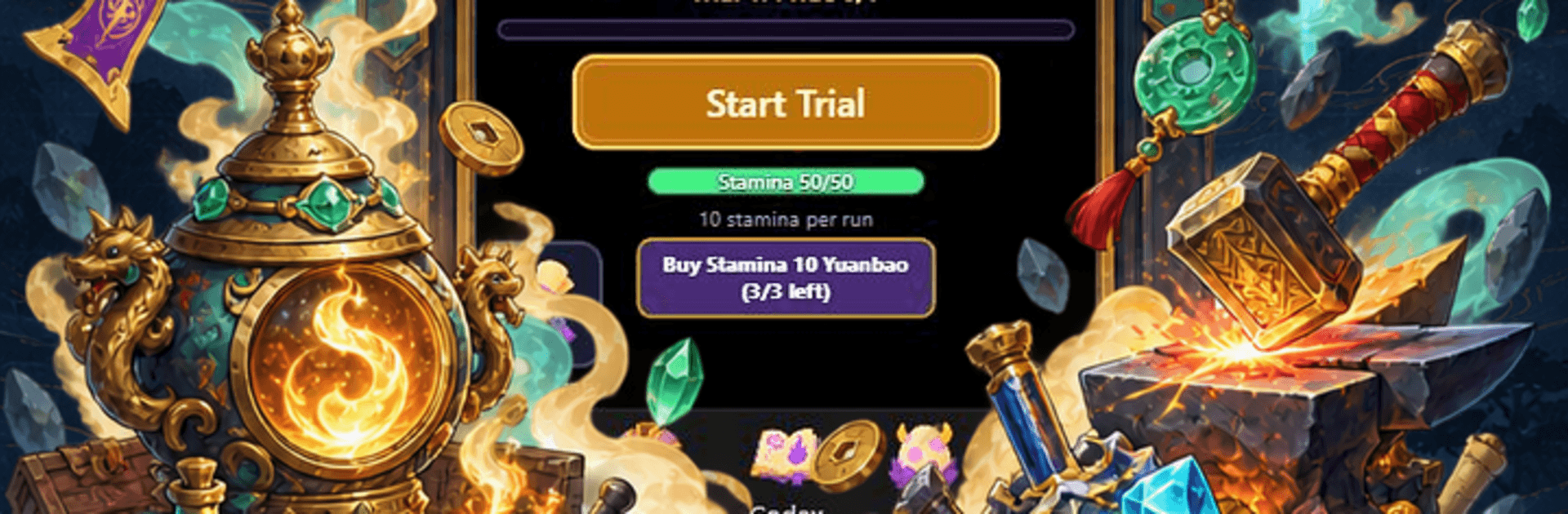
  • Progress While Away: Training and resources keep rolling even when you’re not playing, so you come back stronger and ready for the next push.

Get ready for a buttery smooth, high-performance gaming action only on BlueStacks.

Game Features

Enhancements

  • Macros
  • Multi Instance
  • Script
  • Repeated Tap
  • Enhancements
Macros

Macros

Automate the predictable in Loot the Fallen Immortals and transform your gameplay with Macros. Get access to inventive Macros in the BlueStacks Macro Community
Multi Instance

Multi Instance

Play Loot the Fallen Immortals on one window. And chat with your friend on the other. Press CTRL + Shift + 8 to open the Multi-Instance Manager. And start creating fresh instances or clone an existing one.
Script

Script

Script your way to gaming glory in Loot the Fallen Immortals with BlueStacks Script. Write and run a set of commands to automate repeated tasks. Trigger the command by assigning it to any key.
Repeated Tap

Repeated Tap

BlueStacks lets you master Loot the Fallen Immortals with useful features like the Repeated Tap. Now you do not have to press the same key repeatedly to initiate an action. Just assign it to one key and you are good to go.
Read More

How to Download and Play Loot the Fallen Immortals on PC or Mac

  • Download and install BlueStacks on your PC or Mac

  • Complete Google sign-in to access the Play Store, or do it later

  • Look for Loot the Fallen Immortals in the search bar at the top right corner

  • Click to install Loot the Fallen Immortals from the search results

  • Complete Google sign-in (if you skipped step 2) to install Loot the Fallen Immortals

  • Click the Loot the Fallen Immortals icon on the home screen to start playing

video
Watch Video

Minimum System Requirements

With BlueStacks 5, you can get started on a PC that fulfills the following requirements.

  • Operating System

    Microsoft Windows 7 or above, macOS 11 (Big Sur) or above

  • Processor

    Intel, AMD or Apple Silicon Processor

  • RAM

    at least 4GB

  • HDD

    10GB Free Disk Space

Note:

* You must be an Administrator on your PC. Up to date graphics drivers from Microsoft or the chipset vendor.

Loot the Fallen Immortals - FAQs

  • How to play Loot the Fallen Immortals on Windows PC & Mac?

    Play Loot the Fallen Immortals on your PC or Mac by following these simple steps.

    • Click on 'Play Loot the Fallen Immortals on PC’ to download BlueStacks
    • Install it and log-in to Google Play Store
    • Launch and play the game.
  • Why is BlueStacks the fastest and safest platform to play games on PC?

    BlueStacks respects your privacy and is always safe and secure to use. It does not carry any malware, spyware, or any sort of additional software that could harm your PC.

    It is engineered to optimize speed and performance for a seamless gaming experience.

  • What are Loot the Fallen Immortals PC requirements?

    Minimum requirement to run Loot the Fallen Immortals on your PC

    • OS: Microsoft Windows 7 or above MacOS 11 (Big Sur) or above
    • Processor: Intel, AMD or Apple Silicon Processor
    • RAM: Your PC must have at least 4GB of RAM. (Note that having 4GB or more disk space is not a substitute for RAM)
    • HDD: 10GB Free Disk Space.
    • You must be an Administrator on your PC.