Lords War
Lords War

Lords War

Casual

| K3GAMES

Play on PC with BlueStacks or from our cloud

  • Overview
  • Game Features
  • How to Play

Page Modified On: May 15, 2026

Play Lords War on PC or Mac

Step into the World of Lords War, a thrilling Casual game from the house of K3GAMES. Play this Android game on BlueStacks App Player and experience immersive gaming on PC or Mac.

About the Game

Lords War from K3GAMES is a Casual strategy battler where your castle is under constant pressure and quick thinking saves the day. You’re steering squads through tight spots, picking the smartest route, and turning tiny edges into huge wins. Prefer playing on a computer? It feels smooth with mouse-and-keyboard on BlueStacks.

Game Features

  • Snap Decisions, Real Stakes: Every encounter plays like a bite-sized puzzle. Read the field, time your moves, and shut down threats before they snowball.

  • Goblin Hunt: Gold-loving goblins bolt with your loot—track them, cut off escape paths, and snatch your treasure back. It’s fast, twitchy, and surprisingly tricky when the patterns get wild.

  • Multiplier Gates: Face zombie swarms by choosing lanes that boost your numbers. Hit the right multipliers and watch your tiny squad swell into a steamrolling force.

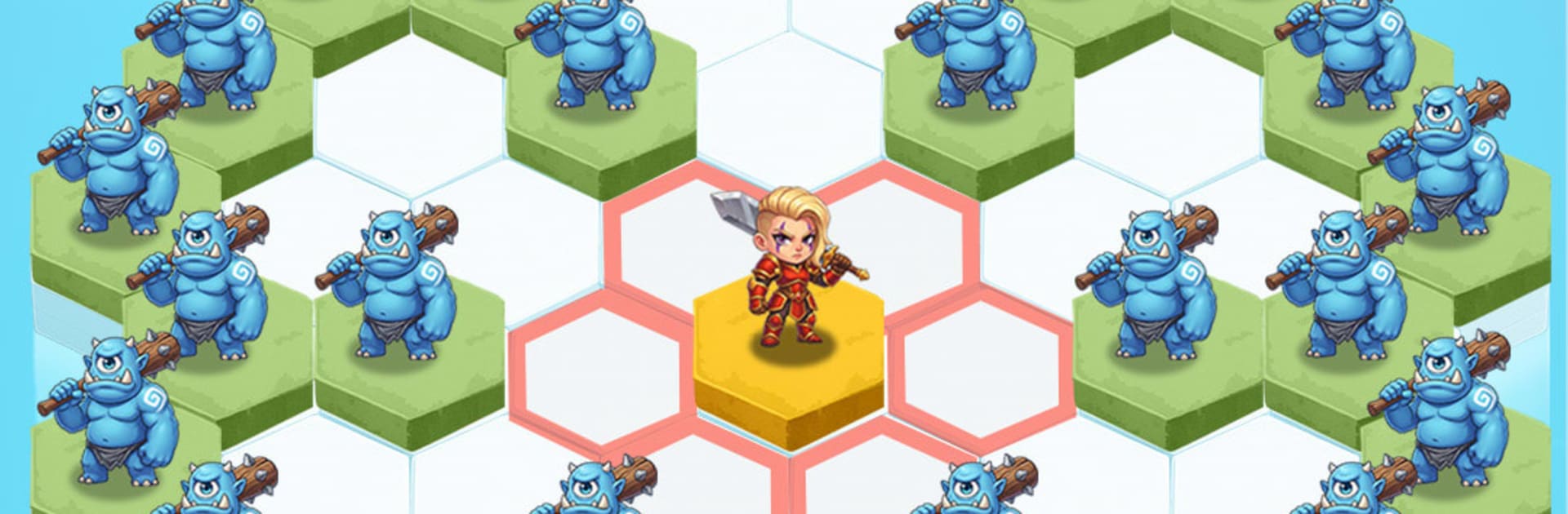
  • Massive Legions: Go big or go home. Battle with 2,000+ units on screen and coordinate 11 distinct troop classes alongside powerful heroes to tilt the odds.

  • Heroes That Matter: Pick leaders whose skills amplify your ranks. Drop clutch abilities, sync them with your unit mix, and flip losing fights into satisfying turnarounds.

  • Ultimate Conquest: March through the campaign toward the Dark Throne. Stir an ancient dragon back to life and use that colossal power to cement your rule across this embattled realm.

Make your gaming sessions memorable with precise controls that give you an edge in close combats and visuals that pop up, bringing every character to life.


Game Features

Enhancements

  • Macros
  • Multi Instance
  • Script
  • Repeated Tap
  • Enhancements
Macros

Macros

Automate the predictable in Lords War and transform your gameplay with Macros. Get access to inventive Macros in the BlueStacks Macro Community
Multi Instance

Multi Instance

Play Lords War on one window. And chat with your friend on the other. Press CTRL + Shift + 8 to open the Multi-Instance Manager. And start creating fresh instances or clone an existing one.
Script

Script

Script your way to gaming glory in Lords War with BlueStacks Script. Write and run a set of commands to automate repeated tasks. Trigger the command by assigning it to any key.
Repeated Tap

Repeated Tap

BlueStacks lets you master Lords War with useful features like the Repeated Tap. Now you do not have to press the same key repeatedly to initiate an action. Just assign it to one key and you are good to go.
Read More

How to Download and Play Lords War on PC or Mac

  • Download and install BlueStacks on your PC or Mac

  • Complete Google sign-in to access the Play Store, or do it later

  • Look for Lords War in the search bar at the top right corner

  • Click to install Lords War from the search results

  • Complete Google sign-in (if you skipped step 2) to install Lords War

  • Click the Lords War icon on the home screen to start playing

video
Watch Video

Minimum System Requirements

With BlueStacks 5, you can get started on a PC that fulfills the following requirements.

  • Operating System

    Microsoft Windows 7 or above, macOS 11 (Big Sur) or above

  • Processor

    Intel, AMD or Apple Silicon Processor

  • RAM

    at least 4GB

  • HDD

    10GB Free Disk Space

Note:

* You must be an Administrator on your PC. Up to date graphics drivers from Microsoft or the chipset vendor.

Lords War - FAQs

  • How to play Lords War on Windows PC & Mac?

    Play Lords War on your PC or Mac by following these simple steps.

    • Click on 'Play Lords War on PC’ to download BlueStacks
    • Install it and log-in to Google Play Store
    • Launch and play the game.
  • Why is BlueStacks the fastest and safest platform to play games on PC?

    BlueStacks respects your privacy and is always safe and secure to use. It does not carry any malware, spyware, or any sort of additional software that could harm your PC.

    It is engineered to optimize speed and performance for a seamless gaming experience.

  • What are Lords War PC requirements?

    Minimum requirement to run Lords War on your PC

    • OS: Microsoft Windows 7 or above MacOS 11 (Big Sur) or above
    • Processor: Intel, AMD or Apple Silicon Processor
    • RAM: Your PC must have at least 4GB of RAM. (Note that having 4GB or more disk space is not a substitute for RAM)
    • HDD: 10GB Free Disk Space.
    • You must be an Administrator on your PC.