Lucky Sort: Water Puzzle

Lucky Sort: Water Puzzle

Casual

| Ranat Studio

Play on PC with BlueStacks or from our cloud

  • Overview
  • Game Features
  • How to Play

Page Modified On: November 12, 2026

Play Lucky Sort: Water Puzzle on PC or Mac

Lucky Sort: Water Puzzle by Ranat Studio has plenty to keep you busy. BlueStacks lets you play it on PC or Mac with more screen space, better control, and fewer mobile limits.

About the Game

Lucky Sort: Water Puzzle is a relaxed Casual brain teaser where you shuffle colorful liquids between slim tubes until every shade sits neatly on its own. It’s easy to learn in seconds and oddly satisfying to perfect, with that “just one more try” feeling built in. Want a bigger view and smoother taps? It plays nicely on BlueStacks too.

Game Features

  • Tap-and-pour controls: Pick a tube, pick a destination, and watch the color glide over—simple rules keep it fair, so you can only pour into space that fits or onto the same color.
  • Clear, tidy goals: Your mission is straightforward—organize the liquids so each tube ends up as one clean, solid color.
  • Smooth difficulty curve: Early levels feel like quick warmups, then the puzzles grow from a couple of colors to big, busy racks with a dozen-plus shades to juggle.
  • No clocks, no stress: Take your time. Think a move through, set the device down, come back later—there’s zero time pressure.
  • Undo-friendly design: Mis-poured? Step back with Undo, or restart the whole stage when you want a fresh approach.
  • Unlockable tubes: Some layouts include sealed tubes you’ll open at the right moment, adding a neat twist to your planning.
  • Strategy without clutter: Minimal controls, lots of brainwork—scan the top layers, plan chains, and thread moves together for that perfect solve.
  • Satisfying sights and sounds: Bright liquids, smooth animations, and gentle splash effects make each perfect pour feel extra rewarding.

BlueStacks gives you more room to focus on the game and less time adjusting around mobile limitations.


Game Features

Enhancements

  • Macros
  • Multi Instance
  • Script
  • Repeated Tap
  • Enhancements
Macros

Macros

Automate the predictable in Lucky Sort: Water Puzzle and transform your gameplay with Macros. Get access to inventive Macros in the BlueStacks Macro Community
Multi Instance

Multi Instance

Play Lucky Sort: Water Puzzle on one window. And chat with your friend on the other. Press CTRL + Shift + 8 to open the Multi-Instance Manager. And start creating fresh instances or clone an existing one.
Script

Script

Script your way to gaming glory in Lucky Sort: Water Puzzle with BlueStacks Script. Write and run a set of commands to automate repeated tasks. Trigger the command by assigning it to any key.
Repeated Tap

Repeated Tap

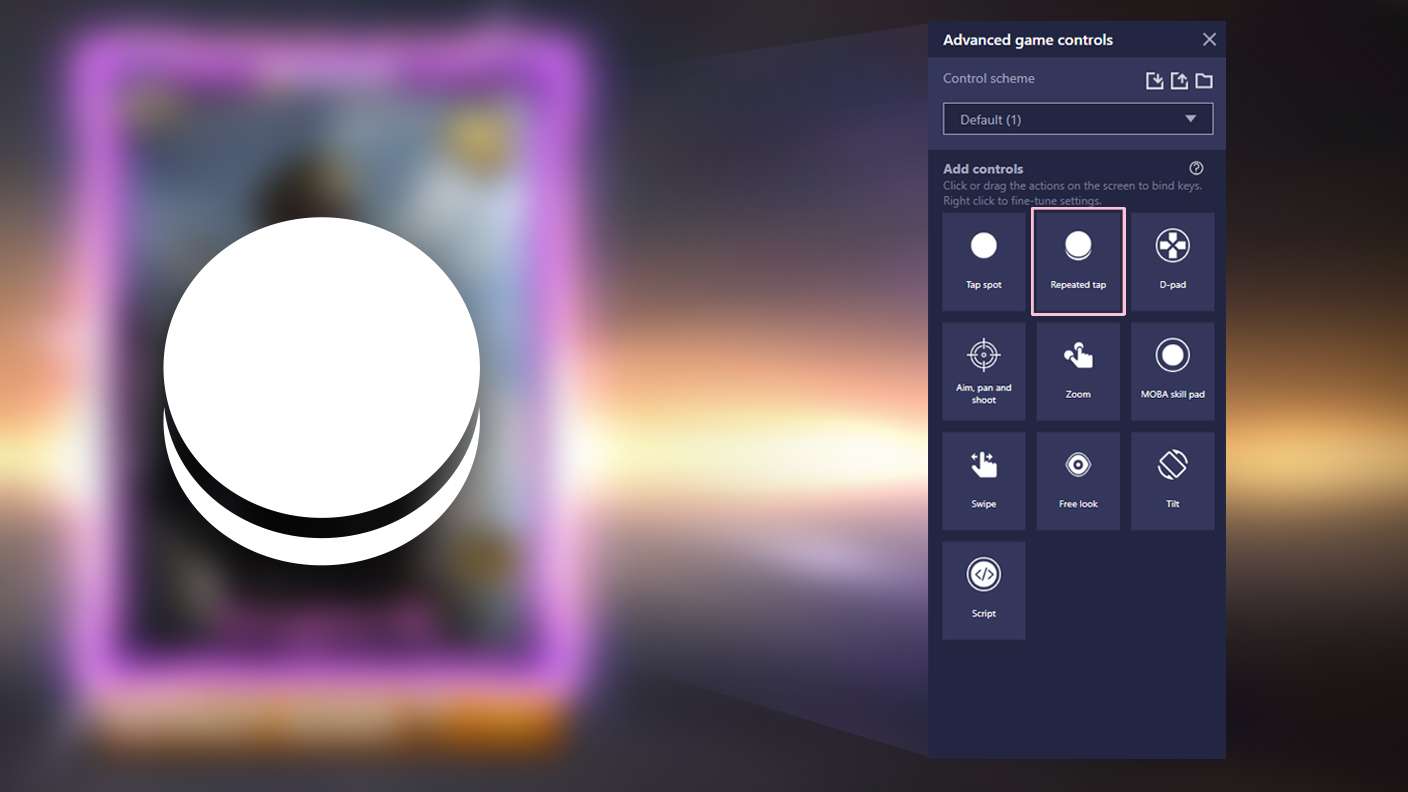
BlueStacks lets you master Lucky Sort: Water Puzzle with useful features like the Repeated Tap. Now you do not have to press the same key repeatedly to initiate an action. Just assign it to one key and you are good to go.
Read More

How to Download and Play Lucky Sort: Water Puzzle on PC or Mac

  • Download and install BlueStacks on your PC or Mac

  • Complete Google sign-in to access the Play Store, or do it later

  • Look for Lucky Sort: Water Puzzle in the search bar at the top right corner

  • Click to install Lucky Sort: Water Puzzle from the search results

  • Complete Google sign-in (if you skipped step 2) to install Lucky Sort: Water Puzzle

  • Click the Lucky Sort: Water Puzzle icon on the home screen to start playing

video
Watch Video

Minimum System Requirements

With BlueStacks 5, you can get started on a PC that fulfills the following requirements.

  • Operating System

    Microsoft Windows 7 or above, macOS 11 (Big Sur) or above

  • Processor

    Intel, AMD or Apple Silicon Processor

  • RAM

    at least 4GB

  • HDD

    10GB Free Disk Space

Note:

* You must be an Administrator on your PC. Up to date graphics drivers from Microsoft or the chipset vendor.

Lucky Sort: Water Puzzle - FAQs

  • How to play Lucky Sort: Water Puzzle on Windows PC & Mac?

    Play Lucky Sort: Water Puzzle on your PC or Mac by following these simple steps.

    • Click on 'Play Lucky Sort: Water Puzzle on PC’ to download BlueStacks
    • Install it and log-in to Google Play Store
    • Launch and play the game.
  • Why is BlueStacks the fastest and safest platform to play games on PC?

    BlueStacks respects your privacy and is always safe and secure to use. It does not carry any malware, spyware, or any sort of additional software that could harm your PC.

    It is engineered to optimize speed and performance for a seamless gaming experience.

  • What are Lucky Sort: Water Puzzle PC requirements?

    Minimum requirement to run Lucky Sort: Water Puzzle on your PC

    • OS: Microsoft Windows 7 or above MacOS 11 (Big Sur) or above
    • Processor: Intel, AMD or Apple Silicon Processor
    • RAM: Your PC must have at least 4GB of RAM. (Note that having 4GB or more disk space is not a substitute for RAM)
    • HDD: 10GB Free Disk Space.
    • You must be an Administrator on your PC.