Merge & Fight: Chaos Racer

Merge & Fight: Chaos Racer

Casual

| Pi Game

Play on PC with BlueStacks or from our cloud

  • Overview
  • Game Features
  • How to Play

Page Modified On: June 25, 2026

Play Merge & Fight: Chaos Racer on PC or Mac

Merge & Fight: Chaos Racer brings the Casual genre to life, and throws up exciting challenges for gamers. Developed by Pi Game, this Android game is best experienced on BlueStacks, the World’s #1 app player for PC and Mac users.

About the Game

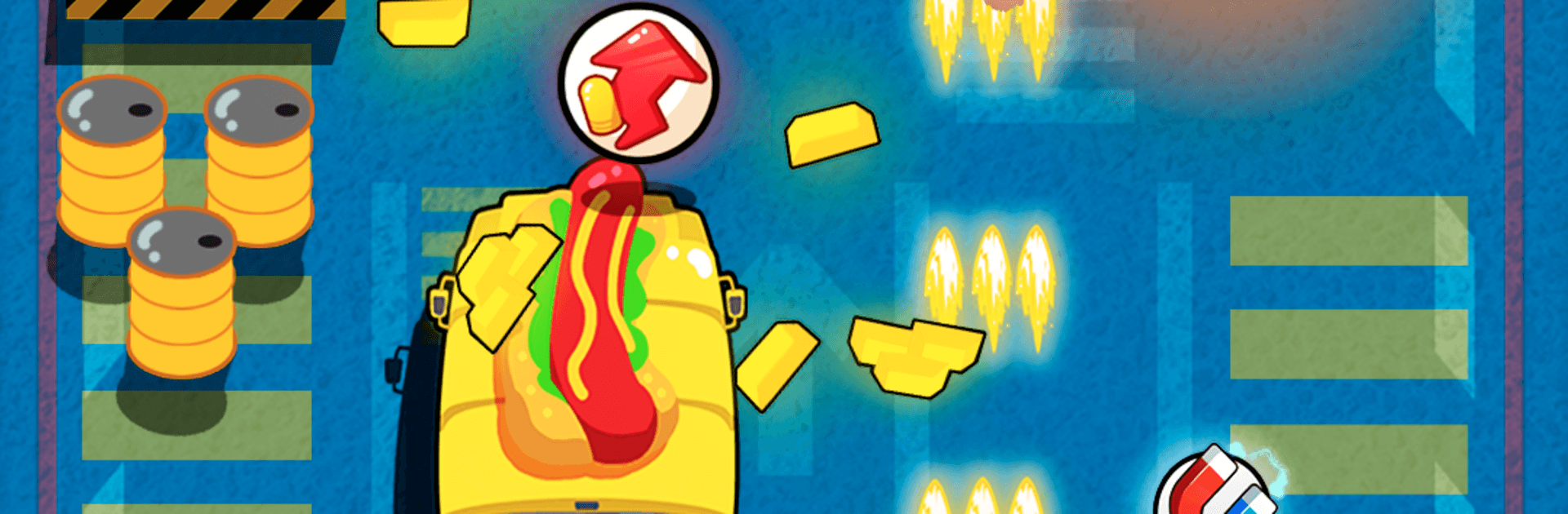
Merge & Fight: Chaos Racer drops you into a lawless neon city where every ride is a weapon and every corner could be an ambush. You’ll tear through traffic, outmaneuver pursuers, and keep the guns warm while piecing together stronger gear between runs. It’s a fast, pick-up-and-play Casual mash-up of arcade racing and car combat where you decide whether to clean up the streets—or make them wilder.

Game Features

  • Chaotic Car Combat: Drift past roadblocks, sideswipe enemies, and unload with mounted firepower. It’s high-speed mayhem with quick decisions every few seconds.
  • Merge and Upgrade: Combine duplicate vehicles and parts to unlock tougher builds, nastier weapons, and smarter loadouts without getting bogged down in menus.
  • 60+ Rides to Unlock: From sleek supercars and formula-style rockets to motorcycles and quirky compacts, there’s always a new set of wheels to test.
  • Gear, Gadgets, and Backup: Equip shields, boosters, and heavy hitters, then call in allies that run interference when things get messy.
  • Choose Your Chaos: Play the renegade savior or embrace pure destruction—your actions shape how the city remembers you.
  • Short Runs, Big Scores: Tons of bite-sized stages tuned for score-chasing, perfect for quick sessions or mastering that “one more try.”
  • Tight Controls on PC: Prefer a keyboard or gamepad? It feels smooth on BlueStacks, with snappy input and clean performance.

Start playing Merge & Fight: Chaos Racer on BlueStacks and get a smoother, more comfortable PC or Mac setup.


Game Features

Enhancements

  • Macros
  • Multi Instance
  • Script
  • Repeated Tap
  • Enhancements
Macros

Macros

Automate the predictable in Merge & Fight: Chaos Racer and transform your gameplay with Macros. Get access to inventive Macros in the BlueStacks Macro Community
Multi Instance

Multi Instance

Play Merge & Fight: Chaos Racer on one window. And chat with your friend on the other. Press CTRL + Shift + 8 to open the Multi-Instance Manager. And start creating fresh instances or clone an existing one.
Script

Script

Script your way to gaming glory in Merge & Fight: Chaos Racer with BlueStacks Script. Write and run a set of commands to automate repeated tasks. Trigger the command by assigning it to any key.
Repeated Tap

Repeated Tap

BlueStacks lets you master Merge & Fight: Chaos Racer with useful features like the Repeated Tap. Now you do not have to press the same key repeatedly to initiate an action. Just assign it to one key and you are good to go.
Read More

How to Download and Play Merge & Fight: Chaos Racer on PC or Mac

  • Download and install BlueStacks on your PC or Mac

  • Complete Google sign-in to access the Play Store, or do it later

  • Look for Merge & Fight: Chaos Racer in the search bar at the top right corner

  • Click to install Merge & Fight: Chaos Racer from the search results

  • Complete Google sign-in (if you skipped step 2) to install Merge & Fight: Chaos Racer

  • Click the Merge & Fight: Chaos Racer icon on the home screen to start playing

video
Watch Video

Minimum System Requirements

With BlueStacks 5, you can get started on a PC that fulfills the following requirements.

  • Operating System

    Microsoft Windows 7 or above, macOS 11 (Big Sur) or above

  • Processor

    Intel, AMD or Apple Silicon Processor

  • RAM

    at least 4GB

  • HDD

    10GB Free Disk Space

Note:

* You must be an Administrator on your PC. Up to date graphics drivers from Microsoft or the chipset vendor.

Merge & Fight: Chaos Racer - FAQs

  • How to play Merge & Fight: Chaos Racer on Windows PC & Mac?

    Play Merge & Fight: Chaos Racer on your PC or Mac by following these simple steps.

    • Click on 'Play Merge & Fight: Chaos Racer on PC’ to download BlueStacks
    • Install it and log-in to Google Play Store
    • Launch and play the game.
  • Why is BlueStacks the fastest and safest platform to play games on PC?

    BlueStacks respects your privacy and is always safe and secure to use. It does not carry any malware, spyware, or any sort of additional software that could harm your PC.

    It is engineered to optimize speed and performance for a seamless gaming experience.

  • What are Merge & Fight: Chaos Racer PC requirements?

    Minimum requirement to run Merge & Fight: Chaos Racer on your PC

    • OS: Microsoft Windows 7 or above MacOS 11 (Big Sur) or above
    • Processor: Intel, AMD or Apple Silicon Processor
    • RAM: Your PC must have at least 4GB of RAM. (Note that having 4GB or more disk space is not a substitute for RAM)
    • HDD: 10GB Free Disk Space.
    • You must be an Administrator on your PC.