Painty Online: Hide n Seek

Painty Online: Hide n Seek

Casual

| CDT Games Limited

Play on PC with BlueStacks or from our cloud

  • Overview
  • Game Features
  • How to Play

Page Modified On: September 18, 2026

Play Painty Online: Hide n Seek on PC or Mac

Bring your A-game to Painty Online: Hide n Seek, the Casual game sensation from CDT Games Limited. Give your gameplay the much-needed boost with precise game controls, high FPS graphics, and top-tier features on your PC or Mac with BlueStacks.

About the Game

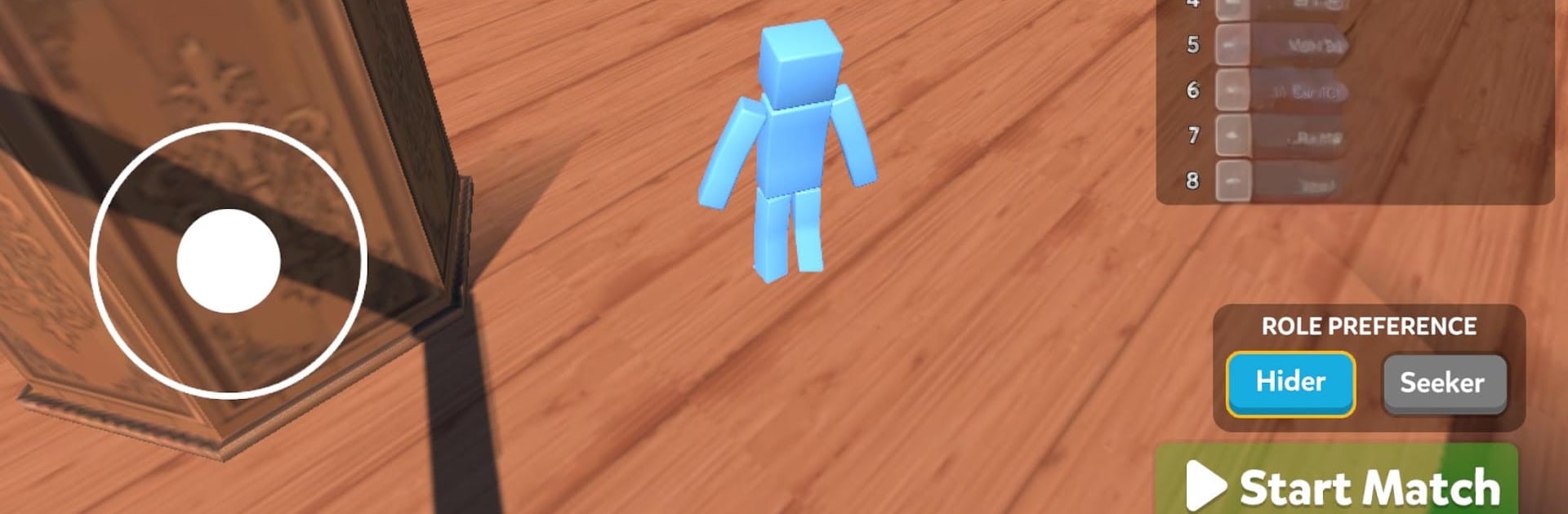
Painty Online: Hide n Seek puts a colorful spin on classic hide-and-seek. This Casual game turns each round into a creative mind game where Hiders paint themselves to blend with the scenery while Seekers sniff out anything that looks even a little off. It also plays smoothly on PC with BlueStacks, so you can hang out with friends and jump into quick, unpredictable matches anytime.

Game Features

  • Paint-to-Blend: Collect colors from walls, floors, and props, then repaint your character to match the environment and disappear in plain sight.
  • Strike-a-Pose: Lock in a pose—stand tall, crouch low, angle just right—to sell your disguise and look like you belong there.
  • Be-the-Seeker: Patrol every corner, study odd silhouettes, and use scan checks to expose hiders before the clock runs dry.
  • Fast Online Matches: Join lively rooms in seconds and enjoy snappy rounds that keep the action moving.
  • Friends or Public Lobbies: Create a private room, share a code, or hop into open games and meet new players on the fly.
  • Playful Maps: Learn color palettes and sightlines across varied arenas so your camo choices actually matter.
  • Character Variety: Pick from multiple character styles to match your mood or your favorite hiding tricks.
  • Flexible Roles: Swap between Hider and Seeker to test both your creativity and your detective instincts.
  • Constant Mind Games: New color combos, fresh hiding spots, and shifting strategies make every round feel different.
  • Lighthearted Chaos: Expect laughs, close calls, and “wait, that barrel moved!” moments that keep the whole room talking.

Get ready for a buttery smooth, high-performance gaming action only on BlueStacks.

Game Features

Enhancements

  • Macros
  • Multi Instance
  • Script
  • Repeated Tap
  • Enhancements
Macros

Macros

Automate the predictable in Painty Online: Hide n Seek and transform your gameplay with Macros. Get access to inventive Macros in the BlueStacks Macro Community
Multi Instance

Multi Instance

Play Painty Online: Hide n Seek on one window. And chat with your friend on the other. Press CTRL + Shift + 8 to open the Multi-Instance Manager. And start creating fresh instances or clone an existing one.
Script

Script

Script your way to gaming glory in Painty Online: Hide n Seek with BlueStacks Script. Write and run a set of commands to automate repeated tasks. Trigger the command by assigning it to any key.
Repeated Tap

Repeated Tap

BlueStacks lets you master Painty Online: Hide n Seek with useful features like the Repeated Tap. Now you do not have to press the same key repeatedly to initiate an action. Just assign it to one key and you are good to go.
Read More

How to Download and Play Painty Online: Hide n Seek on PC or Mac

  • Download and install BlueStacks on your PC or Mac

  • Complete Google sign-in to access the Play Store, or do it later

  • Look for Painty Online: Hide n Seek in the search bar at the top right corner

  • Click to install Painty Online: Hide n Seek from the search results

  • Complete Google sign-in (if you skipped step 2) to install Painty Online: Hide n Seek

  • Click the Painty Online: Hide n Seek icon on the home screen to start playing

video
Watch Video

Minimum System Requirements

With BlueStacks 5, you can get started on a PC that fulfills the following requirements.

  • Operating System

    Microsoft Windows 7 or above, macOS 11 (Big Sur) or above

  • Processor

    Intel, AMD or Apple Silicon Processor

  • RAM

    at least 4GB

  • HDD

    10GB Free Disk Space

Note:

* You must be an Administrator on your PC. Up to date graphics drivers from Microsoft or the chipset vendor.

Painty Online: Hide n Seek - FAQs

  • How to play Painty Online: Hide n Seek on Windows PC & Mac?

    Play Painty Online: Hide n Seek on your PC or Mac by following these simple steps.

    • Click on 'Play Painty Online: Hide n Seek on PC’ to download BlueStacks
    • Install it and log-in to Google Play Store
    • Launch and play the game.
  • Why is BlueStacks the fastest and safest platform to play games on PC?

    BlueStacks respects your privacy and is always safe and secure to use. It does not carry any malware, spyware, or any sort of additional software that could harm your PC.

    It is engineered to optimize speed and performance for a seamless gaming experience.

  • What are Painty Online: Hide n Seek PC requirements?

    Minimum requirement to run Painty Online: Hide n Seek on your PC

    • OS: Microsoft Windows 7 or above MacOS 11 (Big Sur) or above
    • Processor: Intel, AMD or Apple Silicon Processor
    • RAM: Your PC must have at least 4GB of RAM. (Note that having 4GB or more disk space is not a substitute for RAM)
    • HDD: 10GB Free Disk Space.
    • You must be an Administrator on your PC.