Primitive Loot Go
Primitive Loot Go

Primitive Loot Go

Casual

| SF Group

Play on PC with BlueStacks or from our cloud

  • Overview
  • Game Features
  • How to Play

Page Modified On: September 07, 2026

Play Primitive Loot Go on PC or Mac

Play Primitive Loot Go by SF Group on PC or Mac with BlueStacks. Use a bigger screen, mouse and keyboard controls, and smoother performance while you play.

About the Game

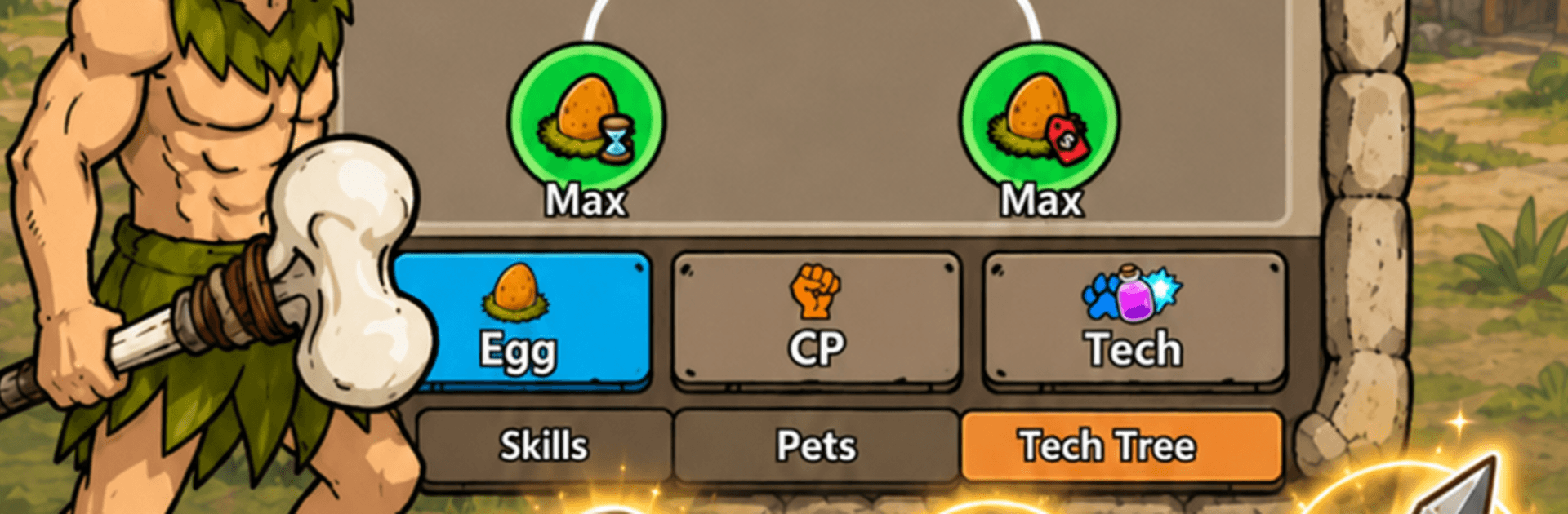
Primitive Loot Go is a Casual loot-and-grow adventure where every chest you crack open nudges your tribe toward the next era. Start small in the Stone Age, scoop up surprising gear and blueprints, and turn rough survivors into a thriving people with tools, armor, and know-how. It’s quick to pick up, easy to enjoy in short bursts, and feels great on a bigger screen with BlueStacks.

Game Features

  • Chest-Opening Rush: Pop mysterious chests to score randomized goodies—tools, armor, resources, and rare blueprints that change how your tribe works and fights.
  • From Stone to Iron (and Beyond): Advance through distinct ages as your finds improve, moving from basic stone gear to bronze weapons and hefty iron equipment.
  • Blueprint Unlocks: Discover ancient technology blueprints that open new systems, upgrades, and better loot pools as your civilization advances.
  • Gear with Purpose: Equip what you find to boost two fronts at once—tribe productivity for faster growth and combat power for tougher challenges.
  • Quick Sessions, Clear Payoff: Hop in for a few minutes, grab fresh loot, and feel steady progress without juggling complicated menus or micromanagement.
  • Evolving Settlement: Watch your camp transform—from caves and campfires to organized cities and crafted goods—as each age adds new visuals and capabilities.
  • Easy to Learn, Satisfying to Optimize: Simple controls make it friendly from the start, while smart loadout choices and timing your upgrades keep the loop engaging.
  • Your Strategy, Your Pace: Focus on building a well-oiled workforce or gearing up a hard-hitting squad—your equipment choices shape how your tribe grows.

Ready to top the leaderboard? We bet you do. Let precise controls and sharp visuals optimized on BlueStacks lead you to victory.


Game Features

Enhancements

  • Macros
  • Multi Instance
  • Script
  • Repeated Tap
  • Enhancements
Macros

Macros

Automate the predictable in Primitive Loot Go and transform your gameplay with Macros. Get access to inventive Macros in the BlueStacks Macro Community
Multi Instance

Multi Instance

Play Primitive Loot Go on one window. And chat with your friend on the other. Press CTRL + Shift + 8 to open the Multi-Instance Manager. And start creating fresh instances or clone an existing one.
Script

Script

Script your way to gaming glory in Primitive Loot Go with BlueStacks Script. Write and run a set of commands to automate repeated tasks. Trigger the command by assigning it to any key.
Repeated Tap

Repeated Tap

BlueStacks lets you master Primitive Loot Go with useful features like the Repeated Tap. Now you do not have to press the same key repeatedly to initiate an action. Just assign it to one key and you are good to go.
Read More

How to Download and Play Primitive Loot Go on PC or Mac

  • Download and install BlueStacks on your PC or Mac

  • Complete Google sign-in to access the Play Store, or do it later

  • Look for Primitive Loot Go in the search bar at the top right corner

  • Click to install Primitive Loot Go from the search results

  • Complete Google sign-in (if you skipped step 2) to install Primitive Loot Go

  • Click the Primitive Loot Go icon on the home screen to start playing

video
Watch Video

Minimum System Requirements

With BlueStacks 5, you can get started on a PC that fulfills the following requirements.

  • Operating System

    Microsoft Windows 7 or above, macOS 11 (Big Sur) or above

  • Processor

    Intel, AMD or Apple Silicon Processor

  • RAM

    at least 4GB

  • HDD

    10GB Free Disk Space

Note:

* You must be an Administrator on your PC. Up to date graphics drivers from Microsoft or the chipset vendor.

Primitive Loot Go - FAQs

  • How to play Primitive Loot Go on Windows PC & Mac?

    Play Primitive Loot Go on your PC or Mac by following these simple steps.

    • Click on 'Play Primitive Loot Go on PC’ to download BlueStacks
    • Install it and log-in to Google Play Store
    • Launch and play the game.
  • Why is BlueStacks the fastest and safest platform to play games on PC?

    BlueStacks respects your privacy and is always safe and secure to use. It does not carry any malware, spyware, or any sort of additional software that could harm your PC.

    It is engineered to optimize speed and performance for a seamless gaming experience.

  • What are Primitive Loot Go PC requirements?

    Minimum requirement to run Primitive Loot Go on your PC

    • OS: Microsoft Windows 7 or above MacOS 11 (Big Sur) or above
    • Processor: Intel, AMD or Apple Silicon Processor
    • RAM: Your PC must have at least 4GB of RAM. (Note that having 4GB or more disk space is not a substitute for RAM)
    • HDD: 10GB Free Disk Space.
    • You must be an Administrator on your PC.