Rolling Ball Runner: Ball Game

Rolling Ball Runner: Ball Game

Casual

| Supersoft Studio

Play on PC with BlueStacks or from our cloud

  • Overview
  • Game Features
  • How to Play

Page Modified On: September 25, 2026

Play Rolling Ball Runner: Ball Game on PC or Mac

Step into the World of Rolling Ball Runner: Ball Game, a thrilling Casual game from the house of Supersoft Studio. Play this Android game on BlueStacks App Player and experience immersive gaming on PC or Mac.

About the Game

Rolling Ball Runner: Ball Game throws you onto slim tracks hanging in the sky and asks one simple thing: don’t fall. It’s quick, twitchy, and surprisingly strategic—thread tight corners, time your jumps, and keep momentum humming. If you want a Casual rush you can learn fast and keep mastering run after run, it hits that sweet spot, and it even plays great on PC with BlueStacks.

Game Features

  • Precise controls: Smooth steering and snappy jumps make tight lanes and sudden turns feel fair and responsive.
  • Sky-track thrills: Tackle suspended rails, tilting platforms, and bold gaps where one wobble can end a run.
  • Physics you can feel: Momentum, bounce, and controlled slides reward clean lines and punish sloppy landings.
  • Fresh hazards every stage: Lanes narrow, bends sharpen, and sneaky traps stack up as you push deeper.
  • Colorful 3D clarity: Bright, clean visuals keep obstacles readable at speed without cluttering the screen.
  • Boosts with bite: Hit speed pads for a burst, then wrestle that extra pace through the next corner.
  • Plenty to conquer: Dozens of compact levels tuned for quick attempts, perfect runs, and real consistency.
  • Easy to learn, tough to ace: Simple inputs, but mastering timing, rhythm, and precision takes real practice.

Ready to top the leaderboard? We bet you do. Let precise controls and sharp visuals optimized on BlueStacks lead you to victory.


Game Features

Enhancements

  • Macros
  • Multi Instance
  • Script
  • Repeated Tap
  • Enhancements
Macros

Macros

Automate the predictable in Rolling Ball Runner: Ball Game and transform your gameplay with Macros. Get access to inventive Macros in the BlueStacks Macro Community
Multi Instance

Multi Instance

Play Rolling Ball Runner: Ball Game on one window. And chat with your friend on the other. Press CTRL + Shift + 8 to open the Multi-Instance Manager. And start creating fresh instances or clone an existing one.
Script

Script

Script your way to gaming glory in Rolling Ball Runner: Ball Game with BlueStacks Script. Write and run a set of commands to automate repeated tasks. Trigger the command by assigning it to any key.
Repeated Tap

Repeated Tap

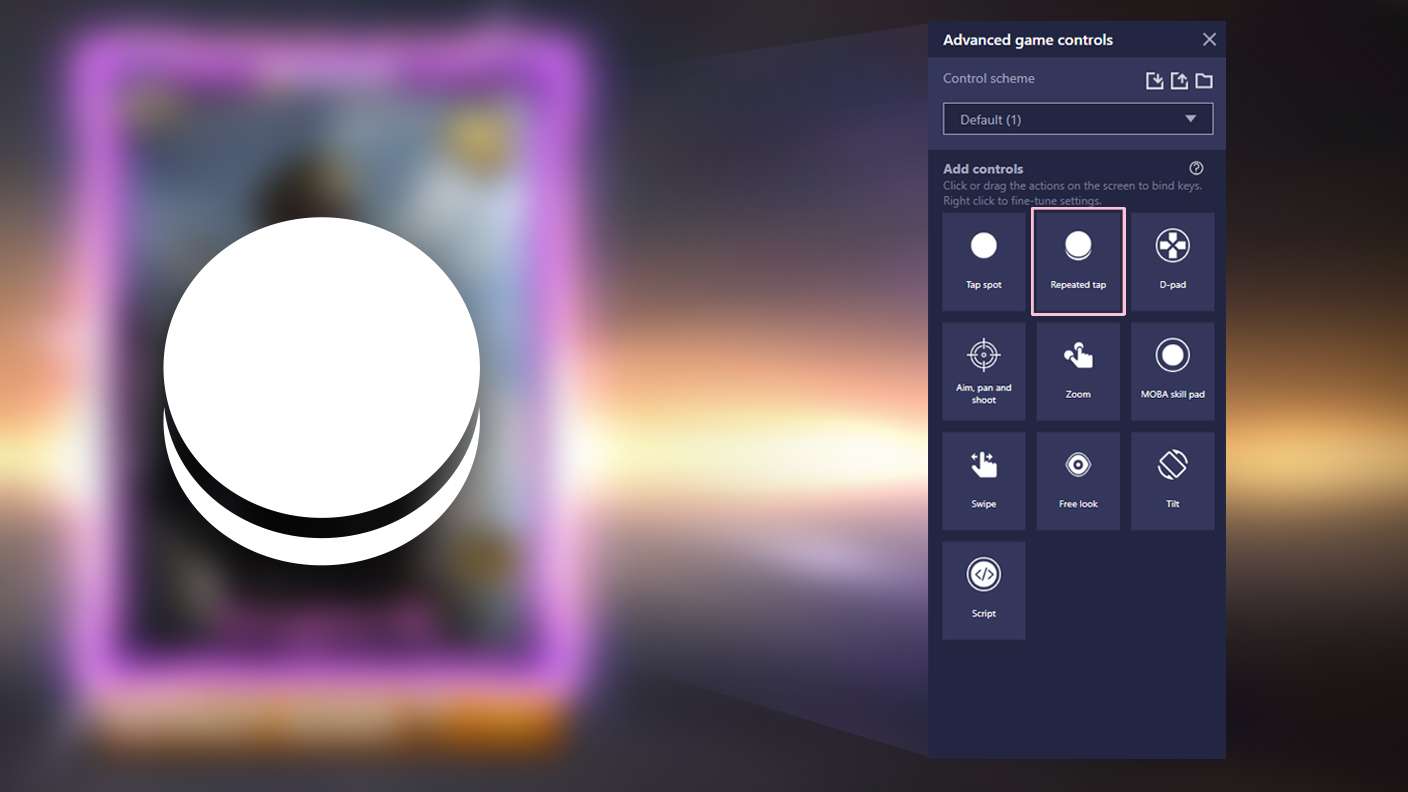
BlueStacks lets you master Rolling Ball Runner: Ball Game with useful features like the Repeated Tap. Now you do not have to press the same key repeatedly to initiate an action. Just assign it to one key and you are good to go.
Read More

How to Download and Play Rolling Ball Runner: Ball Game on PC or Mac

  • Download and install BlueStacks on your PC or Mac

  • Complete Google sign-in to access the Play Store, or do it later

  • Look for Rolling Ball Runner: Ball Game in the search bar at the top right corner

  • Click to install Rolling Ball Runner: Ball Game from the search results

  • Complete Google sign-in (if you skipped step 2) to install Rolling Ball Runner: Ball Game

  • Click the Rolling Ball Runner: Ball Game icon on the home screen to start playing

video
Watch Video

Minimum System Requirements

With BlueStacks 5, you can get started on a PC that fulfills the following requirements.

  • Operating System

    Microsoft Windows 7 or above, macOS 11 (Big Sur) or above

  • Processor

    Intel, AMD or Apple Silicon Processor

  • RAM

    at least 4GB

  • HDD

    10GB Free Disk Space

Note:

* You must be an Administrator on your PC. Up to date graphics drivers from Microsoft or the chipset vendor.

Rolling Ball Runner: Ball Game - FAQs

  • How to play Rolling Ball Runner: Ball Game on Windows PC & Mac?

    Play Rolling Ball Runner: Ball Game on your PC or Mac by following these simple steps.

    • Click on 'Play Rolling Ball Runner: Ball Game on PC’ to download BlueStacks
    • Install it and log-in to Google Play Store
    • Launch and play the game.
  • Why is BlueStacks the fastest and safest platform to play games on PC?

    BlueStacks respects your privacy and is always safe and secure to use. It does not carry any malware, spyware, or any sort of additional software that could harm your PC.

    It is engineered to optimize speed and performance for a seamless gaming experience.

  • What are Rolling Ball Runner: Ball Game PC requirements?

    Minimum requirement to run Rolling Ball Runner: Ball Game on your PC

    • OS: Microsoft Windows 7 or above MacOS 11 (Big Sur) or above
    • Processor: Intel, AMD or Apple Silicon Processor
    • RAM: Your PC must have at least 4GB of RAM. (Note that having 4GB or more disk space is not a substitute for RAM)
    • HDD: 10GB Free Disk Space.
    • You must be an Administrator on your PC.