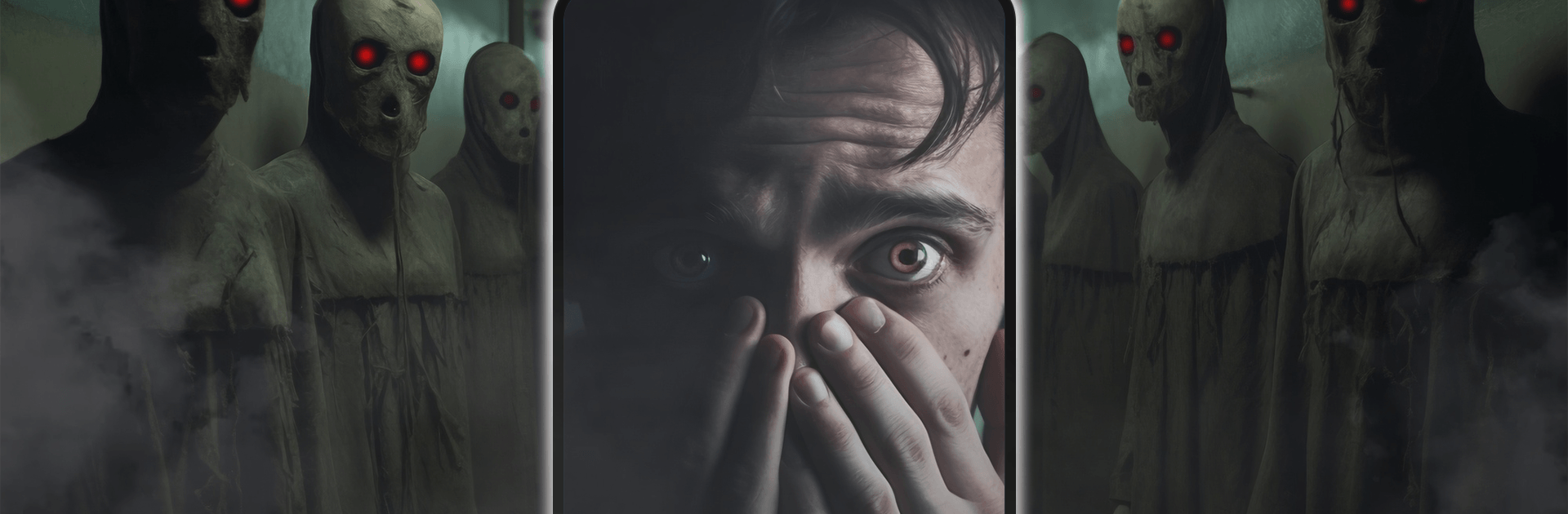
Scary Prank Call: Ghost Video

Scary Prank Call: Ghost Video

Casual

| EPIKMOUNT JOINT STOCK COMPANY

Play on PC with BlueStacks or from our cloud

  • Overview
  • Game Features
  • How to Play

Page Modified On: June 02, 2026

Play Scary Prank Call: Ghost Video on PC or Mac

Scary Prank Call: Ghost Video by EPIKMOUNT JOINT STOCK COMPANY has plenty to keep you busy. BlueStacks lets you play it on PC or Mac with more screen space, better control, and fewer mobile limits.

About the Game

Scary Prank Call: Ghost Video is a Casual scare machine built for laughs, gasps, and those priceless “wait, what?!” moments. It lets you stage ultra-believable fake calls and spooky video appearances, perfect for pranking friends who think they’ve seen it all. Setup is quick, the scares hit hard, and the reactions are gold. Want extra screen space while planning your setup? You can also run it on BlueStacks.

Game Features

  • Realistic fake calls: Craft convincing incoming calls with eerie voices and caller screens that look legit, so your target doesn’t suspect a thing.
  • Ghost video scares: Trigger chilling ghost videos that jump in at just the right moment to send hearts racing.
  • Creepy audio design: From whispers to sudden stingers, the sound effects build tension and make every scare land harder.
  • Easy customization: Tweak voices, choose different spooky scenarios, and fine-tune details so each prank feels fresh.
  • One-tap trigger: Get everything ready, then launch the scare instantly with a single tap when the moment’s right.
  • Reaction capture: Save those shocked faces with a built-in option to record and keep the best highlights.
  • Share the chaos: Send your funniest clips to friends or post them to group chats for instant laughs.
  • Polished visuals: Clean, sharp graphics and atmospheric effects make the ghosts feel uncomfortably real—exactly what you want in a scare app.

Get ready for a buttery smooth, high-performance gaming action only on BlueStacks.

Game Features

Enhancements

  • Macros
  • Multi Instance
  • Script
  • Repeated Tap
  • Enhancements
Macros

Macros

Automate the predictable in Scary Prank Call: Ghost Video and transform your gameplay with Macros. Get access to inventive Macros in the BlueStacks Macro Community
Multi Instance

Multi Instance

Play Scary Prank Call: Ghost Video on one window. And chat with your friend on the other. Press CTRL + Shift + 8 to open the Multi-Instance Manager. And start creating fresh instances or clone an existing one.
Script

Script

Script your way to gaming glory in Scary Prank Call: Ghost Video with BlueStacks Script. Write and run a set of commands to automate repeated tasks. Trigger the command by assigning it to any key.
Repeated Tap

Repeated Tap

BlueStacks lets you master Scary Prank Call: Ghost Video with useful features like the Repeated Tap. Now you do not have to press the same key repeatedly to initiate an action. Just assign it to one key and you are good to go.
Read More

How to Download and Play Scary Prank Call: Ghost Video on PC or Mac

  • Download and install BlueStacks on your PC or Mac

  • Complete Google sign-in to access the Play Store, or do it later

  • Look for Scary Prank Call: Ghost Video in the search bar at the top right corner

  • Click to install Scary Prank Call: Ghost Video from the search results

  • Complete Google sign-in (if you skipped step 2) to install Scary Prank Call: Ghost Video

  • Click the Scary Prank Call: Ghost Video icon on the home screen to start playing

video
Watch Video

Minimum System Requirements

With BlueStacks 5, you can get started on a PC that fulfills the following requirements.

  • Operating System

    Microsoft Windows 7 or above, macOS 11 (Big Sur) or above

  • Processor

    Intel, AMD or Apple Silicon Processor

  • RAM

    at least 4GB

  • HDD

    10GB Free Disk Space

Note:

* You must be an Administrator on your PC. Up to date graphics drivers from Microsoft or the chipset vendor.

Scary Prank Call: Ghost Video - FAQs

  • How to play Scary Prank Call: Ghost Video on Windows PC & Mac?

    Play Scary Prank Call: Ghost Video on your PC or Mac by following these simple steps.

    • Click on 'Play Scary Prank Call: Ghost Video on PC’ to download BlueStacks
    • Install it and log-in to Google Play Store
    • Launch and play the game.
  • Why is BlueStacks the fastest and safest platform to play games on PC?

    BlueStacks respects your privacy and is always safe and secure to use. It does not carry any malware, spyware, or any sort of additional software that could harm your PC.

    It is engineered to optimize speed and performance for a seamless gaming experience.

  • What are Scary Prank Call: Ghost Video PC requirements?

    Minimum requirement to run Scary Prank Call: Ghost Video on your PC

    • OS: Microsoft Windows 7 or above MacOS 11 (Big Sur) or above
    • Processor: Intel, AMD or Apple Silicon Processor
    • RAM: Your PC must have at least 4GB of RAM. (Note that having 4GB or more disk space is not a substitute for RAM)
    • HDD: 10GB Free Disk Space.
    • You must be an Administrator on your PC.