School Teacher Simulator Game

School Teacher Simulator Game

Casual

| GSM ARENA GAMES

Play on PC with BlueStacks or from our cloud

  • Overview
  • Game Features
  • How to Play

Page Modified On: September 07, 2026

Play School Teacher Simulator Game on PC or Mac

Step into the World of School Teacher Simulator Game, a thrilling Casual game from the house of GSM ARENA GAMES. Play this Android game on BlueStacks App Player and experience immersive gaming on PC or Mac.

About the Game

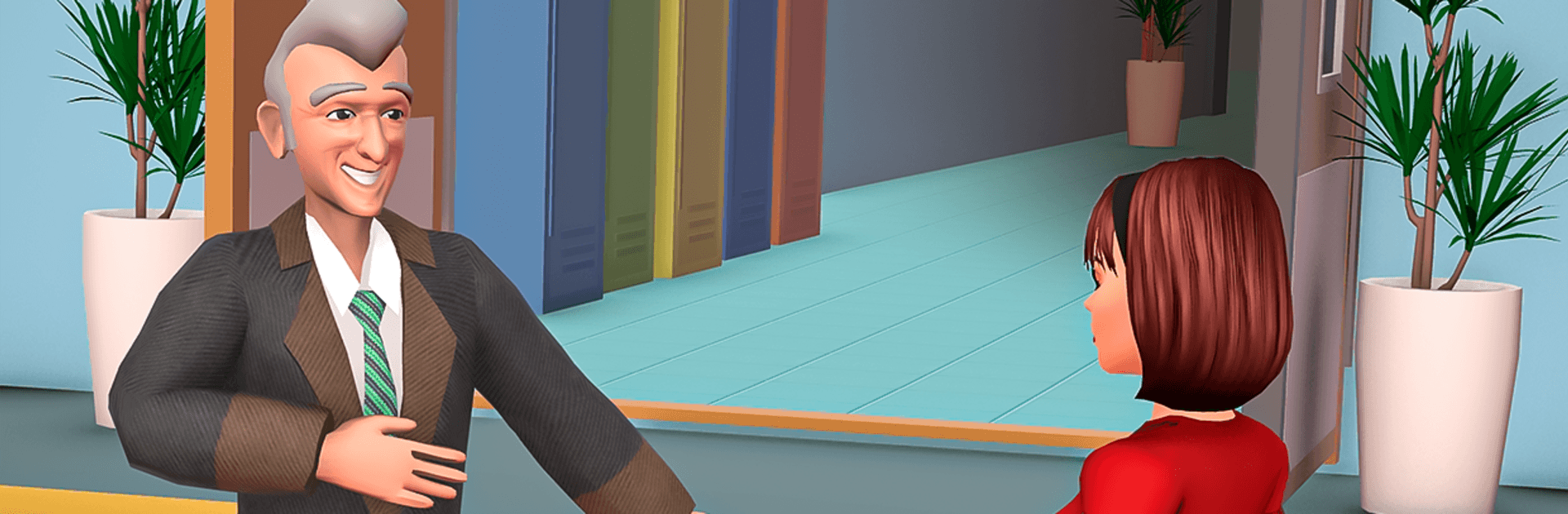
School Teacher Simulator Game puts you at the front of the classroom with a stack of lesson plans, a room full of curious kids, and plenty of choices that shape each school day. It’s a Casual experience that blends light management, quick mini-games, and story moments where your teaching style really matters. Prefer a bigger screen and steady controls? It runs smoothly on PC with BlueStacks, too.

Game Features

  • Morning Routine & Schedule: Start the day strong by grabbing your timetable, reviewing lesson plans, and getting to class before the bell.
  • Interactive Lessons & Quizzes: Teach computer science modules with whiteboards, hands-on mini-games, and quick quizzes that keep students on their toes.
  • Real Feedback & Rewards: Praise correct answers, coach through mistakes, and hand out medals or certificates to keep motivation high.
  • Staff Room Camaraderie: Swap tips with colleagues, unwind between periods, and earn titles like “Best Mentor” or “Innovative Educator.”
  • Offline Play Anytime: No connection needed—jump into a full school day, whether you’ve got five minutes or a full study hall’s worth of time.
  • Extracurriculars & Stories: Guide clubs, host math contests, and experience slice-of-school-life moments with friendships, rivalries, and little dramas.
  • Classroom Customization: Arrange different layouts, tweak the look of your room, and set the vibe that fits your teaching style.
  • Mini-Games That Teach: Reinforce concepts through quick, varied mini-challenges that make lessons stick without feeling like homework.
  • Track Progress & Compete: Check class averages, student happiness, and your staff-room reputation, then climb leaderboards with consistent results.
  • PC Play with BlueStacks: Enjoy crisp visuals and responsive controls that make grading, tapping through menus, and mini-game timing feel extra clean.

BlueStacks gives you more room to focus on the game and less time adjusting around mobile limitations.


Game Features

Enhancements

  • Macros
  • Multi Instance
  • Script
  • Repeated Tap
  • Enhancements
Macros

Macros

Automate the predictable in School Teacher Simulator Game and transform your gameplay with Macros. Get access to inventive Macros in the BlueStacks Macro Community
Multi Instance

Multi Instance

Play School Teacher Simulator Game on one window. And chat with your friend on the other. Press CTRL + Shift + 8 to open the Multi-Instance Manager. And start creating fresh instances or clone an existing one.
Script

Script

Script your way to gaming glory in School Teacher Simulator Game with BlueStacks Script. Write and run a set of commands to automate repeated tasks. Trigger the command by assigning it to any key.
Repeated Tap

Repeated Tap

BlueStacks lets you master School Teacher Simulator Game with useful features like the Repeated Tap. Now you do not have to press the same key repeatedly to initiate an action. Just assign it to one key and you are good to go.
Read More

How to Download and Play School Teacher Simulator Game on PC or Mac

  • Download and install BlueStacks on your PC or Mac

  • Complete Google sign-in to access the Play Store, or do it later

  • Look for School Teacher Simulator Game in the search bar at the top right corner

  • Click to install School Teacher Simulator Game from the search results

  • Complete Google sign-in (if you skipped step 2) to install School Teacher Simulator Game

  • Click the School Teacher Simulator Game icon on the home screen to start playing

video
Watch Video

Minimum System Requirements

With BlueStacks 5, you can get started on a PC that fulfills the following requirements.

  • Operating System

    Microsoft Windows 7 or above, macOS 11 (Big Sur) or above

  • Processor

    Intel, AMD or Apple Silicon Processor

  • RAM

    at least 4GB

  • HDD

    10GB Free Disk Space

Note:

* You must be an Administrator on your PC. Up to date graphics drivers from Microsoft or the chipset vendor.

School Teacher Simulator Game - FAQs

  • How to play School Teacher Simulator Game on Windows PC & Mac?

    Play School Teacher Simulator Game on your PC or Mac by following these simple steps.

    • Click on 'Play School Teacher Simulator Game on PC’ to download BlueStacks
    • Install it and log-in to Google Play Store
    • Launch and play the game.
  • Why is BlueStacks the fastest and safest platform to play games on PC?

    BlueStacks respects your privacy and is always safe and secure to use. It does not carry any malware, spyware, or any sort of additional software that could harm your PC.

    It is engineered to optimize speed and performance for a seamless gaming experience.

  • What are School Teacher Simulator Game PC requirements?

    Minimum requirement to run School Teacher Simulator Game on your PC

    • OS: Microsoft Windows 7 or above MacOS 11 (Big Sur) or above
    • Processor: Intel, AMD or Apple Silicon Processor
    • RAM: Your PC must have at least 4GB of RAM. (Note that having 4GB or more disk space is not a substitute for RAM)
    • HDD: 10GB Free Disk Space.
    • You must be an Administrator on your PC.