Speed Run Worlds
Speed Run Worlds

Speed Run Worlds

Casual

| Take Top Entertainment

Play on PC with BlueStacks or from our cloud

  • Overview
  • Game Features
  • How to Play

Page Modified On: September 25, 2026

Play Speed Run Worlds on PC or Mac

Bring your A-game to Speed Run Worlds, the Casual game sensation from Take Top Entertainment. Give your gameplay the much-needed boost with precise game controls, high FPS graphics, and top-tier features on your PC or Mac with BlueStacks.

About the Game

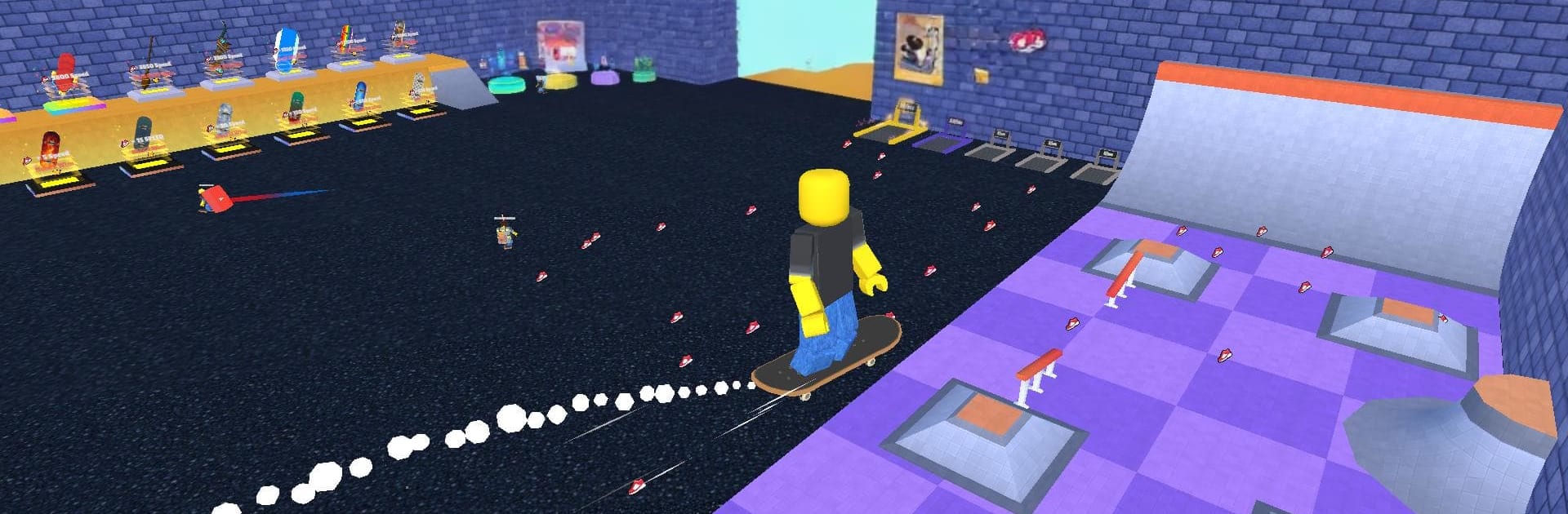
Speed Run Worlds is a Casual runner where every step literally makes you faster. You start steady, then—whoosh—you’re threading through parkour-style levels, judging jumps and turns as your speed keeps climbing. It’s a pure test of timing, control, and nerves as you chase cleaner lines and faster finishes.

Game Features

  • Ever-Accelerating Speed: Your momentum builds with each step, turning a simple jog into a high-stakes sprint where tiny mistakes suddenly matter.
  • Parkour Platforming: Hop gaps, dodge moving hazards, and time precise jumps across tight platforms that punish sloppy inputs.
  • World-Hopping Escapes: Break out of school, slip past prison security, weave through hospitals and offices—each world brings its own rhythm and tricks.
  • Speed Run Maps: Tackle focused tracks designed for raw pace, quick resets, and “one more try” attempts to shave off seconds.
  • Easy to Pick Up, Tough to Master: Learn the basics in under a minute, then wrestle with blazing speed that changes how every level plays.
  • Timing Is Everything: Nail jumps, thread corners, and react to traps faster than your speedometer climbs.
  • Race Your Personal Bests: Compete with yourself, refine routes, and push for cleaner runs as your confidence rises.
  • Built for Any Session: Great for quick bursts when you’ve got a minute—or long streaks when you’re chasing a new record.
  • Smooth Feel: Snappy controls and responsive movement keep runs satisfying; it also plays comfortably on BlueStacks if you want more screen space and flexible inputs.

Get ready for a buttery smooth, high-performance gaming action only on BlueStacks.

Game Features

Enhancements

  • Macros
  • Multi Instance
  • Script
  • Repeated Tap
  • Enhancements
Macros

Macros

Automate the predictable in Speed Run Worlds and transform your gameplay with Macros. Get access to inventive Macros in the BlueStacks Macro Community
Multi Instance

Multi Instance

Play Speed Run Worlds on one window. And chat with your friend on the other. Press CTRL + Shift + 8 to open the Multi-Instance Manager. And start creating fresh instances or clone an existing one.
Script

Script

Script your way to gaming glory in Speed Run Worlds with BlueStacks Script. Write and run a set of commands to automate repeated tasks. Trigger the command by assigning it to any key.
Repeated Tap

Repeated Tap

BlueStacks lets you master Speed Run Worlds with useful features like the Repeated Tap. Now you do not have to press the same key repeatedly to initiate an action. Just assign it to one key and you are good to go.
Read More

How to Download and Play Speed Run Worlds on PC or Mac

  • Download and install BlueStacks on your PC or Mac

  • Complete Google sign-in to access the Play Store, or do it later

  • Look for Speed Run Worlds in the search bar at the top right corner

  • Click to install Speed Run Worlds from the search results

  • Complete Google sign-in (if you skipped step 2) to install Speed Run Worlds

  • Click the Speed Run Worlds icon on the home screen to start playing

video
Watch Video

Minimum System Requirements

With BlueStacks 5, you can get started on a PC that fulfills the following requirements.

  • Operating System

    Microsoft Windows 7 or above, macOS 11 (Big Sur) or above

  • Processor

    Intel, AMD or Apple Silicon Processor

  • RAM

    at least 4GB

  • HDD

    10GB Free Disk Space

Note:

* You must be an Administrator on your PC. Up to date graphics drivers from Microsoft or the chipset vendor.

Speed Run Worlds - FAQs

  • How to play Speed Run Worlds on Windows PC & Mac?

    Play Speed Run Worlds on your PC or Mac by following these simple steps.

    • Click on 'Play Speed Run Worlds on PC’ to download BlueStacks
    • Install it and log-in to Google Play Store
    • Launch and play the game.
  • Why is BlueStacks the fastest and safest platform to play games on PC?

    BlueStacks respects your privacy and is always safe and secure to use. It does not carry any malware, spyware, or any sort of additional software that could harm your PC.

    It is engineered to optimize speed and performance for a seamless gaming experience.

  • What are Speed Run Worlds PC requirements?

    Minimum requirement to run Speed Run Worlds on your PC

    • OS: Microsoft Windows 7 or above MacOS 11 (Big Sur) or above
    • Processor: Intel, AMD or Apple Silicon Processor
    • RAM: Your PC must have at least 4GB of RAM. (Note that having 4GB or more disk space is not a substitute for RAM)
    • HDD: 10GB Free Disk Space.
    • You must be an Administrator on your PC.