Steal Eggs: Monster Escape

Steal Eggs: Monster Escape

Casual

| H2T GLOBAL PTE. LTD.

Play on PC with BlueStacks or from our cloud

  • Overview
  • Game Features
  • How to Play

Page Modified On: October 21, 2026

Play Steal Eggs: Monster Escape on PC or Mac

Step into the World of Steal Eggs: Monster Escape, a thrilling Casual game from the house of H2T GLOBAL PTE. LTD.. Play this Android game on BlueStacks App Player and experience immersive gaming on PC or Mac.

About the Game

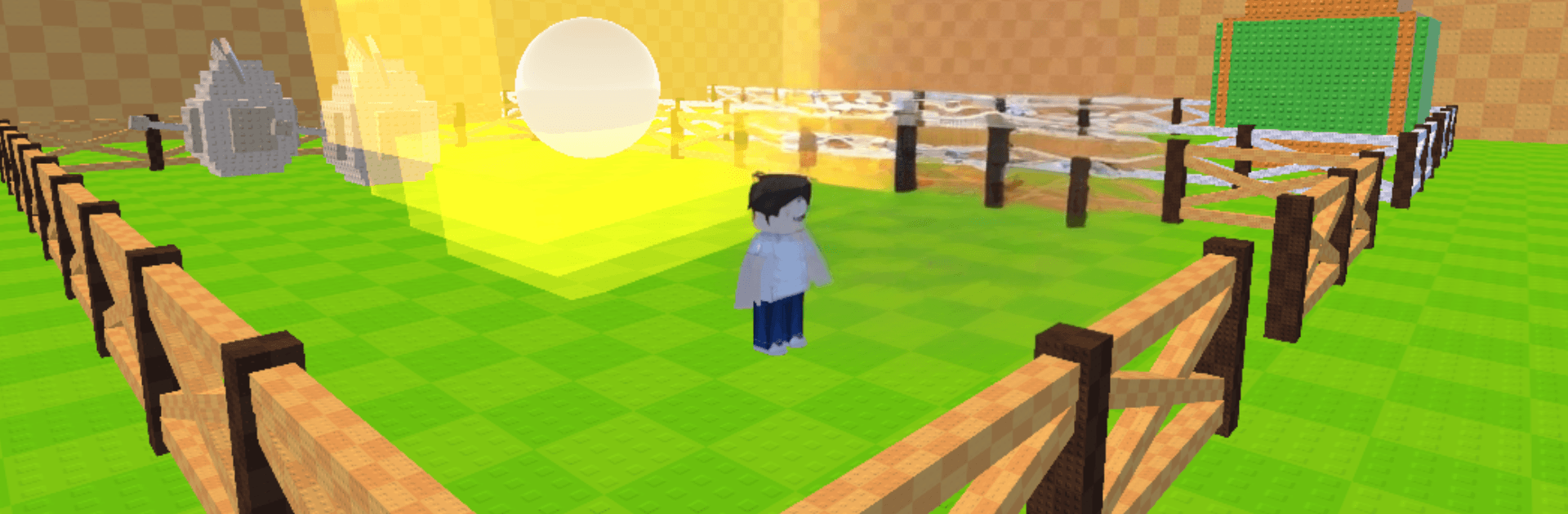
Steal Eggs: Monster Escape is a light, fast Casual game where you grab shiny eggs, sprint past hungry monsters, and hatch a growing crew of quirky pets. It’s all about quick runs, sweet upgrades, and that “one more try” feeling as you push into new zones and bring your haul back safely. Prefer a bigger screen and crisp controls? It plays smoothly on PC with BlueStacks, too.

Game Features

  • Egg runs with risk and reward: Snag eggs from different zones and haul them home while creatures barrel after you—make a wrong turn and they’ll pounce.
  • Hatching surprises: Pop open eggs to discover pets with distinct looks and sizes, each adding a bit of personality to your base.
  • Pets that pay you back: Park your pets at home to steadily earn coins, giving you a steady stream of cash without extra tapping.
  • Speed training that matters: Pump coins into your runner’s speed so you can dodge monsters, cut tighter corners, and haul eggs faster.
  • A base that grows with you: Upgrade your home base to make it tougher and more efficient, turning it into a safe, profitable hub.
  • New zones to unlock: Open fresh areas with tougher threats, richer eggs, and new routes to master as your skills improve.
  • Pick-up-and-play loop: Short sessions, clear goals, and satisfying progress—jump in for a quick run or sink time perfecting the best path.

BlueStacks gives you more room to focus on the game and less time adjusting around mobile limitations.

Game Features

Enhancements

  • Macros
  • Multi Instance
  • Script
  • Repeated Tap
  • Enhancements
Macros

Macros

Automate the predictable in Steal Eggs: Monster Escape and transform your gameplay with Macros. Get access to inventive Macros in the BlueStacks Macro Community
Multi Instance

Multi Instance

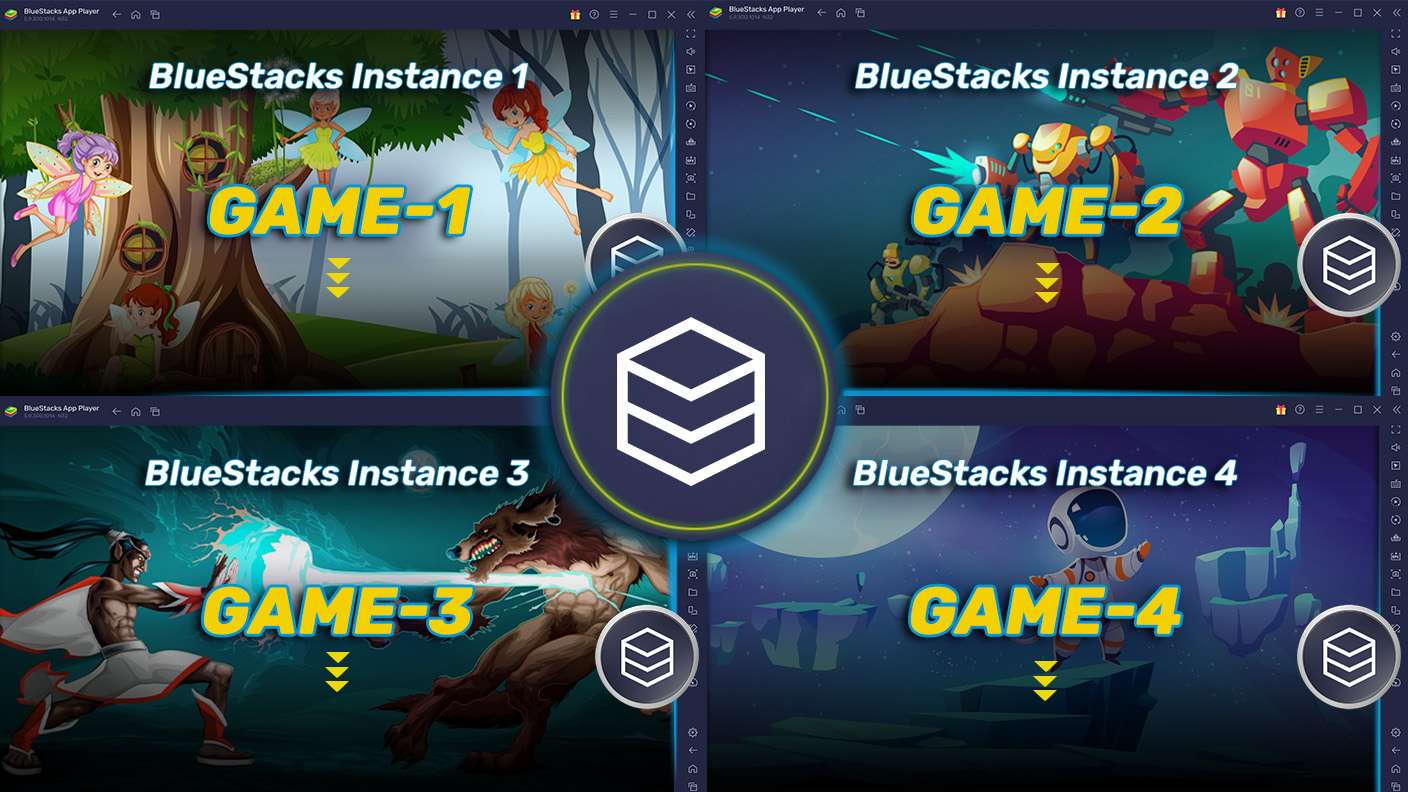
Play Steal Eggs: Monster Escape on one window. And chat with your friend on the other. Press CTRL + Shift + 8 to open the Multi-Instance Manager. And start creating fresh instances or clone an existing one.
Script

Script

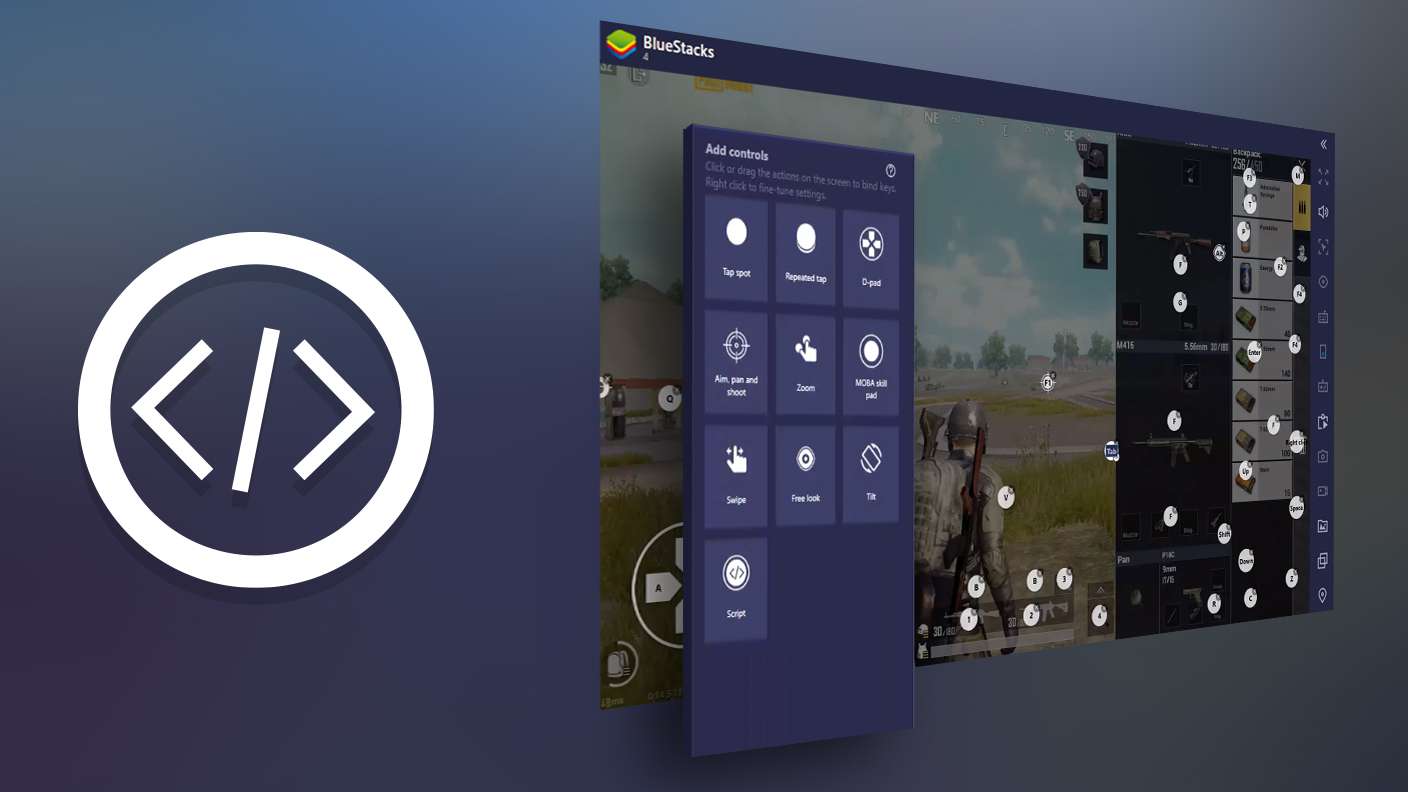
Script your way to gaming glory in Steal Eggs: Monster Escape with BlueStacks Script. Write and run a set of commands to automate repeated tasks. Trigger the command by assigning it to any key.
Repeated Tap

Repeated Tap

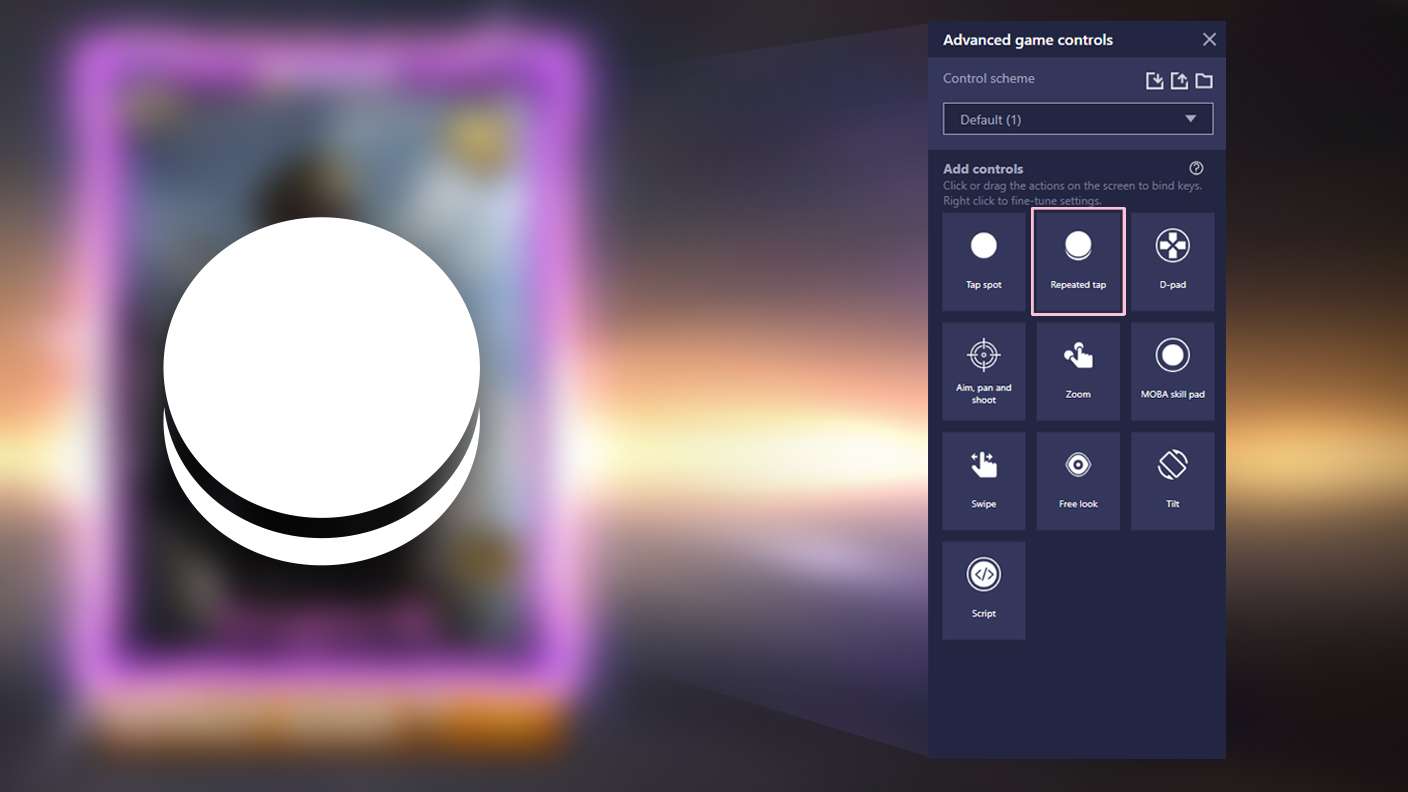
BlueStacks lets you master Steal Eggs: Monster Escape with useful features like the Repeated Tap. Now you do not have to press the same key repeatedly to initiate an action. Just assign it to one key and you are good to go.
Read More

How to Download and Play Steal Eggs: Monster Escape on PC or Mac

  • Download and install BlueStacks on your PC or Mac

  • Complete Google sign-in to access the Play Store, or do it later

  • Look for Steal Eggs: Monster Escape in the search bar at the top right corner

  • Click to install Steal Eggs: Monster Escape from the search results

  • Complete Google sign-in (if you skipped step 2) to install Steal Eggs: Monster Escape

  • Click the Steal Eggs: Monster Escape icon on the home screen to start playing

video
Watch Video

Minimum System Requirements

With BlueStacks 5, you can get started on a PC that fulfills the following requirements.

  • Operating System

    Microsoft Windows 7 or above, macOS 11 (Big Sur) or above

  • Processor

    Intel, AMD or Apple Silicon Processor

  • RAM

    at least 4GB

  • HDD

    10GB Free Disk Space

Note:

* You must be an Administrator on your PC. Up to date graphics drivers from Microsoft or the chipset vendor.

Steal Eggs: Monster Escape - FAQs

  • How to play Steal Eggs: Monster Escape on Windows PC & Mac?

    Play Steal Eggs: Monster Escape on your PC or Mac by following these simple steps.

    • Click on 'Play Steal Eggs: Monster Escape on PC’ to download BlueStacks
    • Install it and log-in to Google Play Store
    • Launch and play the game.
  • Why is BlueStacks the fastest and safest platform to play games on PC?

    BlueStacks respects your privacy and is always safe and secure to use. It does not carry any malware, spyware, or any sort of additional software that could harm your PC.

    It is engineered to optimize speed and performance for a seamless gaming experience.

  • What are Steal Eggs: Monster Escape PC requirements?

    Minimum requirement to run Steal Eggs: Monster Escape on your PC

    • OS: Microsoft Windows 7 or above MacOS 11 (Big Sur) or above
    • Processor: Intel, AMD or Apple Silicon Processor
    • RAM: Your PC must have at least 4GB of RAM. (Note that having 4GB or more disk space is not a substitute for RAM)
    • HDD: 10GB Free Disk Space.
    • You must be an Administrator on your PC.