Swiped
Swiped

Swiped

Casual

| iGold Technologies Private Limited

Play on PC with BlueStacks or from our cloud

  • Overview
  • Game Features
  • How to Play

Page Modified On: June 17, 2026

Play Swiped on PC or Mac

Play Swiped by iGold Technologies Private Limited on PC or Mac with BlueStacks. Use a bigger screen, mouse and keyboard controls, and smoother performance while you play.

About the Game

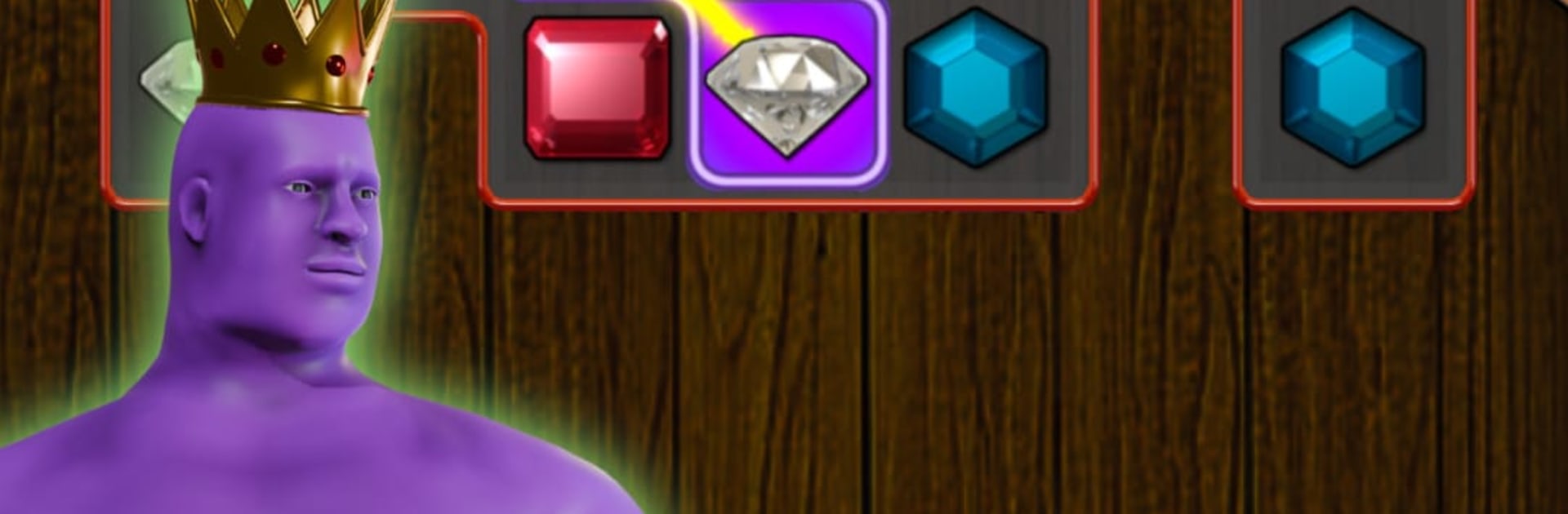
Swiped is a Casual gem-chaining puzzler that’s all about tracing long, satisfying lines with a single swipe. You’ll trek across a world map, pick your own routes, and outsmart pesky alien tricks while helping Tom get back home. It’s easy to pick up, surprisingly strategic, and just the right kind of “one more go” fun.

Game Features

  • World map adventure: Start in South America and move across continents, unlocking paths packed with themed challenges and fresh twists.
  • Swipe-to-match core: Draw through 3 or more matching gems to clear the board; longer chains mean bigger points and cleaner screens.
  • Big-chain power plays: String together huge 10+ gem runs to unleash flashy power moves that crack tough layouts.
  • Strategy meets chaos: Aliens love to meddle—plan ahead, set up long lines, and turn their tricks against them.
  • Modes for every mood: Tackle mission-based variants like Classic, Reveal It, Catch the Flag, Stack Gems, Word Mania, Gem Mania, Spider, Frozen Gems, Hidden Gems, Snow Fall, Bring It Down, Reducing Gems, and even a Zombies twist.
  • Pick your path: Choose the type of challenge you want at each junction and clear entire routes to open new ones.
  • Swiped Legacy: Hit the Legacy button to play fan-favorite originals, including large-board modes that feel gloriously old-school.
  • Handy boosters: Call in tools like the Genie, Treasure Chest, and Magic Wand when a stage pushes back a little too hard.
  • Friendly competition: Climb global boards or keep it personal with private leaderboards to see how your scores stack up.
  • Plays great anywhere: Quick sessions on the go, and it also feels right at home on BlueStacks if you want a bigger screen and crisp controls.

Ready to top the leaderboard? We bet you do. Let precise controls and sharp visuals optimized on BlueStacks lead you to victory.


Game Features

Enhancements

  • Macros
  • Multi Instance
  • Script
  • Repeated Tap
  • Enhancements
Macros

Macros

Automate the predictable in Swiped and transform your gameplay with Macros. Get access to inventive Macros in the BlueStacks Macro Community
Multi Instance

Multi Instance

Play Swiped on one window. And chat with your friend on the other. Press CTRL + Shift + 8 to open the Multi-Instance Manager. And start creating fresh instances or clone an existing one.
Script

Script

Script your way to gaming glory in Swiped with BlueStacks Script. Write and run a set of commands to automate repeated tasks. Trigger the command by assigning it to any key.
Repeated Tap

Repeated Tap

BlueStacks lets you master Swiped with useful features like the Repeated Tap. Now you do not have to press the same key repeatedly to initiate an action. Just assign it to one key and you are good to go.
Read More

How to Download and Play Swiped on PC or Mac

  • Download and install BlueStacks on your PC or Mac

  • Complete Google sign-in to access the Play Store, or do it later

  • Look for Swiped in the search bar at the top right corner

  • Click to install Swiped from the search results

  • Complete Google sign-in (if you skipped step 2) to install Swiped

  • Click the Swiped icon on the home screen to start playing

video
Watch Video

Minimum System Requirements

With BlueStacks 5, you can get started on a PC that fulfills the following requirements.

  • Operating System

    Microsoft Windows 7 or above, macOS 11 (Big Sur) or above

  • Processor

    Intel, AMD or Apple Silicon Processor

  • RAM

    at least 4GB

  • HDD

    10GB Free Disk Space

Note:

* You must be an Administrator on your PC. Up to date graphics drivers from Microsoft or the chipset vendor.

Swiped - FAQs

  • How to play Swiped on Windows PC & Mac?

    Play Swiped on your PC or Mac by following these simple steps.

    • Click on 'Play Swiped on PC’ to download BlueStacks
    • Install it and log-in to Google Play Store
    • Launch and play the game.
  • Why is BlueStacks the fastest and safest platform to play games on PC?

    BlueStacks respects your privacy and is always safe and secure to use. It does not carry any malware, spyware, or any sort of additional software that could harm your PC.

    It is engineered to optimize speed and performance for a seamless gaming experience.

  • What are Swiped PC requirements?

    Minimum requirement to run Swiped on your PC

    • OS: Microsoft Windows 7 or above MacOS 11 (Big Sur) or above
    • Processor: Intel, AMD or Apple Silicon Processor
    • RAM: Your PC must have at least 4GB of RAM. (Note that having 4GB or more disk space is not a substitute for RAM)
    • HDD: 10GB Free Disk Space.
    • You must be an Administrator on your PC.