Synthesis War:Tactic Gear

Synthesis War:Tactic Gear

Casual

| SFungames

Play on PC with BlueStacks or from our cloud

  • Overview
  • Game Features
  • How to Play

Page Modified On: September 14, 2026

Play Synthesis War:Tactic Gear on PC or Mac

Synthesis War:Tactic Gear by SFungames has plenty to keep you busy. BlueStacks lets you play it on PC or Mac with more screen space, better control, and fewer mobile limits.

About the Game

Synthesis War:Tactic Gear blends clever inventory puzzles with hands-off battles where your prep does the heavy lifting. This Casual mash-up has you packing a tiny grid with weapons, troops, and gadgets, then unleashing your plan to sweep through enemy waves. Prefer a bigger screen for all that gear shuffling? It runs smoothly on BlueStacks.

Game Features

  • Backpack brainpower: Manage a limited grid and fit weapons, soldiers, and support items like a spatial puzzle to squeeze out maximum firepower.
  • Merge-for-power upgrades: Combine matching gear and units to unlock stronger tiers, clearing space while boosting damage, durability, and utility.
  • Plan first, watch it play: Set your lineup and positioning, hit Battle, and let auto-combat handle the action while your strategy takes center stage.
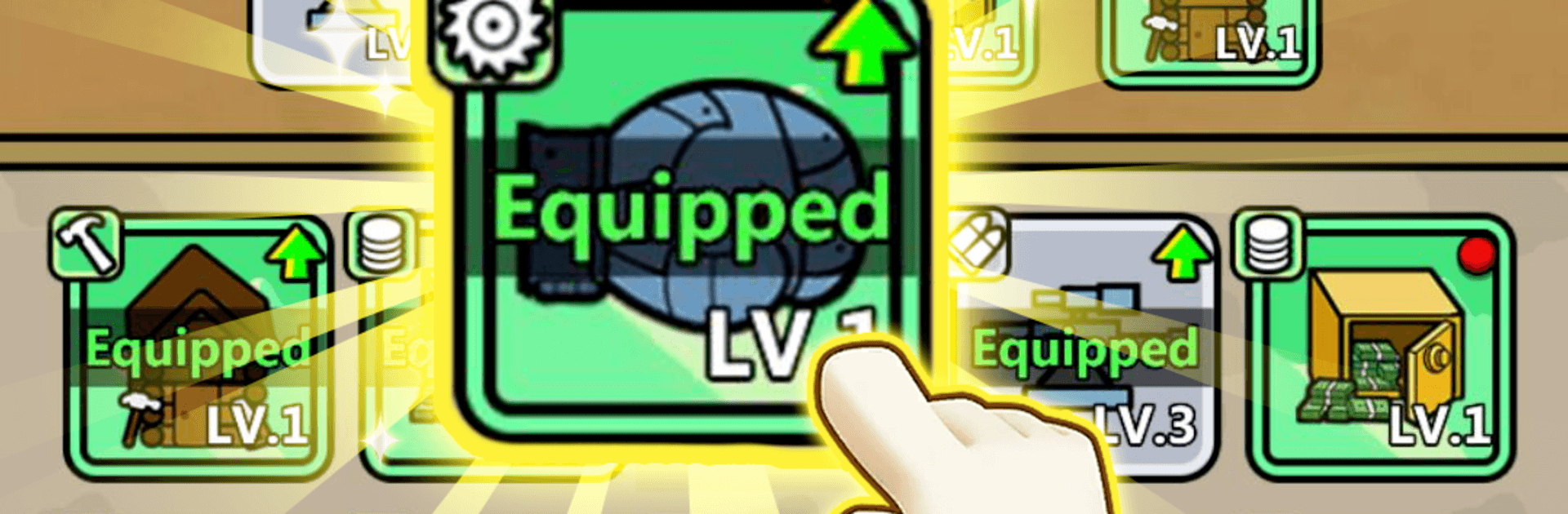
  • Build a thriving camp: Expand facilities, train heroes, and open new unit types to steadily grow your army between fights.
  • Varied stages, fresh drops: Move through distinct battlefields—from tranquil blossoms to harsh deserts—where enemy waves and loot rolls keep runs unpredictable.
  • Easy to learn, satisfying to master: Snappy controls and playful, cartoon-style visuals make it approachable, while smart packing and synergy-hunting keep it deep.
  • Flexible squad crafting: Mix melee, ranged, and support roles, pair them with the right gear, and experiment until your compact grid hits way above its weight.

Start your journey now. Download the game on BlueStacks, invite your friends, and march on a new adventure.


Game Features

Enhancements

  • Macros
  • Multi Instance
  • Script
  • Repeated Tap
  • Enhancements
Macros

Macros

Automate the predictable in Synthesis War:Tactic Gear and transform your gameplay with Macros. Get access to inventive Macros in the BlueStacks Macro Community
Multi Instance

Multi Instance

Play Synthesis War:Tactic Gear on one window. And chat with your friend on the other. Press CTRL + Shift + 8 to open the Multi-Instance Manager. And start creating fresh instances or clone an existing one.
Script

Script

Script your way to gaming glory in Synthesis War:Tactic Gear with BlueStacks Script. Write and run a set of commands to automate repeated tasks. Trigger the command by assigning it to any key.
Repeated Tap

Repeated Tap

BlueStacks lets you master Synthesis War:Tactic Gear with useful features like the Repeated Tap. Now you do not have to press the same key repeatedly to initiate an action. Just assign it to one key and you are good to go.
Read More

How to Download and Play Synthesis War:Tactic Gear on PC or Mac

  • Download and install BlueStacks on your PC or Mac

  • Complete Google sign-in to access the Play Store, or do it later

  • Look for Synthesis War:Tactic Gear in the search bar at the top right corner

  • Click to install Synthesis War:Tactic Gear from the search results

  • Complete Google sign-in (if you skipped step 2) to install Synthesis War:Tactic Gear

  • Click the Synthesis War:Tactic Gear icon on the home screen to start playing

video
Watch Video

Minimum System Requirements

With BlueStacks 5, you can get started on a PC that fulfills the following requirements.

  • Operating System

    Microsoft Windows 7 or above, macOS 11 (Big Sur) or above

  • Processor

    Intel, AMD or Apple Silicon Processor

  • RAM

    at least 4GB

  • HDD

    10GB Free Disk Space

Note:

* You must be an Administrator on your PC. Up to date graphics drivers from Microsoft or the chipset vendor.

Synthesis War:Tactic Gear - FAQs

  • How to play Synthesis War:Tactic Gear on Windows PC & Mac?

    Play Synthesis War:Tactic Gear on your PC or Mac by following these simple steps.

    • Click on 'Play Synthesis War:Tactic Gear on PC’ to download BlueStacks
    • Install it and log-in to Google Play Store
    • Launch and play the game.
  • Why is BlueStacks the fastest and safest platform to play games on PC?

    BlueStacks respects your privacy and is always safe and secure to use. It does not carry any malware, spyware, or any sort of additional software that could harm your PC.

    It is engineered to optimize speed and performance for a seamless gaming experience.

  • What are Synthesis War:Tactic Gear PC requirements?

    Minimum requirement to run Synthesis War:Tactic Gear on your PC

    • OS: Microsoft Windows 7 or above MacOS 11 (Big Sur) or above
    • Processor: Intel, AMD or Apple Silicon Processor
    • RAM: Your PC must have at least 4GB of RAM. (Note that having 4GB or more disk space is not a substitute for RAM)
    • HDD: 10GB Free Disk Space.
    • You must be an Administrator on your PC.