Town Pets - Hatch & Grow

Town Pets - Hatch & Grow

Casual

| My Town Games Ltd

Play on PC with BlueStacks or from our cloud

  • Overview
  • Game Features
  • How to Play

Page Modified On: September 14, 2026

Play Town Pets - Hatch & Grow on PC or Mac

Play Town Pets – Hatch & Grow by My Town Games Ltd on PC or Mac with BlueStacks. Use a bigger screen, mouse and keyboard controls, and smoother performance while you play.

About the Game

Town Pets – Hatch & Grow is a Casual pet-raising adventure where every egg hides a surprise and every day brings a new “aww” moment. Hatch mystery eggs, adopt your new buddy, and help them grow from squishy baby to full-on companion with food, baths, naps, and plenty of play. Want the bigger screen treatment? It also runs smoothly on BlueStacks.

Game Features

  • Surprise Eggs, Real Personalities: Crack open mystery eggs to discover pups, kittens, dragons, robocats, and more—each with its own look and quirks.
  • Raise, Feed, Care: Keep your virtual pet happy with meals they love, bubble baths, bathroom breaks, and cozy sleep to recharge.
  • Name Your Buddy: Pick a name that fits, then watch that little goofball grow into a bigger best friend over time.
  • Merge Machine Magic: Combine matching animals to unlock brand-new species, from everyday cuties to fantastical finds.
  • Poo Coins (Seriously): Clean up after your pets and earn coins you can spend on treats, toys, outfits, and room decor.
  • Dress-Up & Decor: Try on silly costumes and fresh styles, then decorate each room of the pet house to feel like home.
  • Mini Games, Extra Rewards: Jump into quick mini games to snag bonus coins and keep your critters entertained.
  • A House Full of Play Spots: Explore different rooms packed with activities, from feeding in the kitchen to baths in the bathroom.
  • Grow From Baby to Big: Give attention and care to help pets evolve through stages and unlock new interactions along the way.
  • Build Your Collection: Fill out your gallery with every creature you can hatch or merge, and keep hunting for rare surprises.

Start your journey now. Download the game on BlueStacks, invite your friends, and march on a new adventure.

Game Features

Enhancements

  • Macros
  • Multi Instance
  • Script
  • Repeated Tap
  • Enhancements
Macros

Macros

Automate the predictable in Town Pets - Hatch & Grow and transform your gameplay with Macros. Get access to inventive Macros in the BlueStacks Macro Community
Multi Instance

Multi Instance

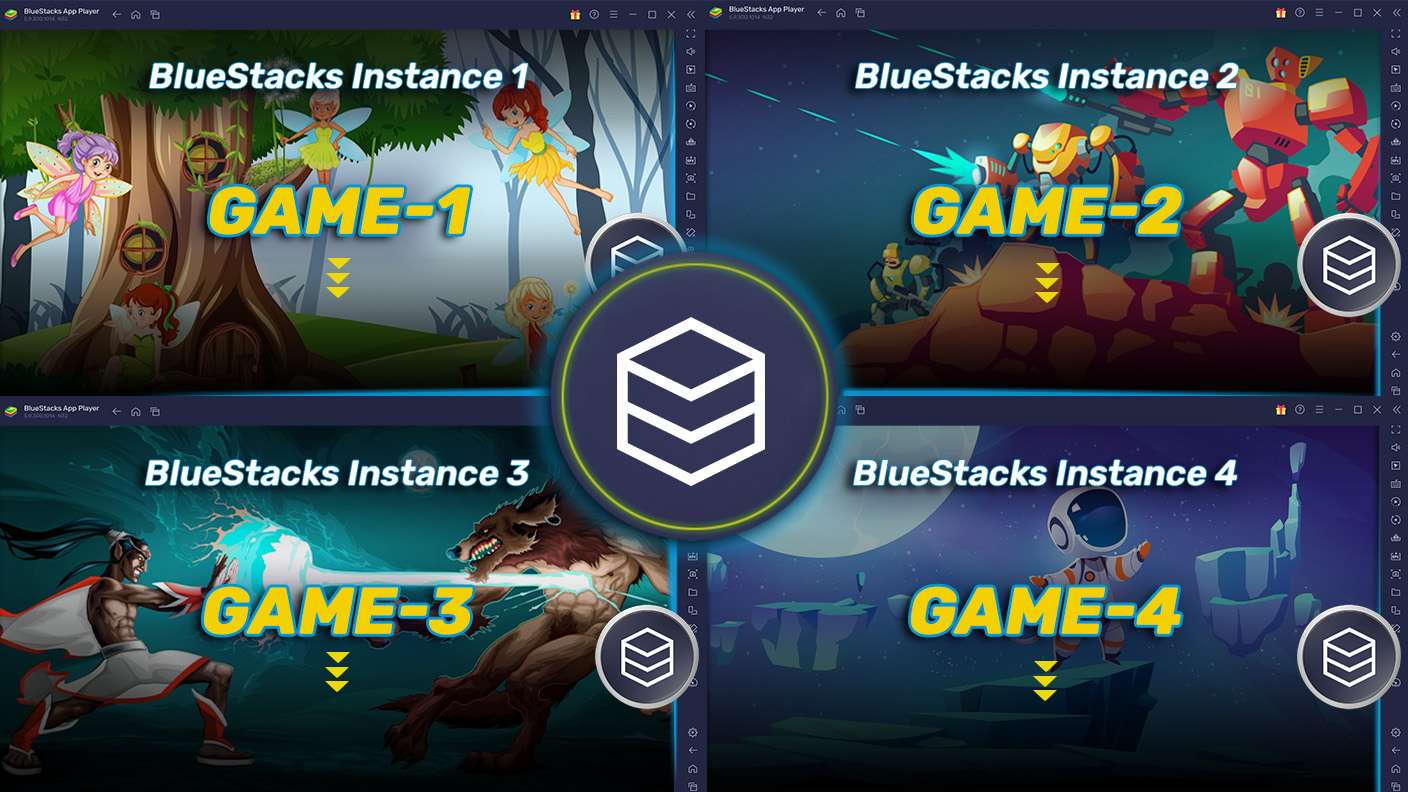
Play Town Pets - Hatch & Grow on one window. And chat with your friend on the other. Press CTRL + Shift + 8 to open the Multi-Instance Manager. And start creating fresh instances or clone an existing one.
Script

Script

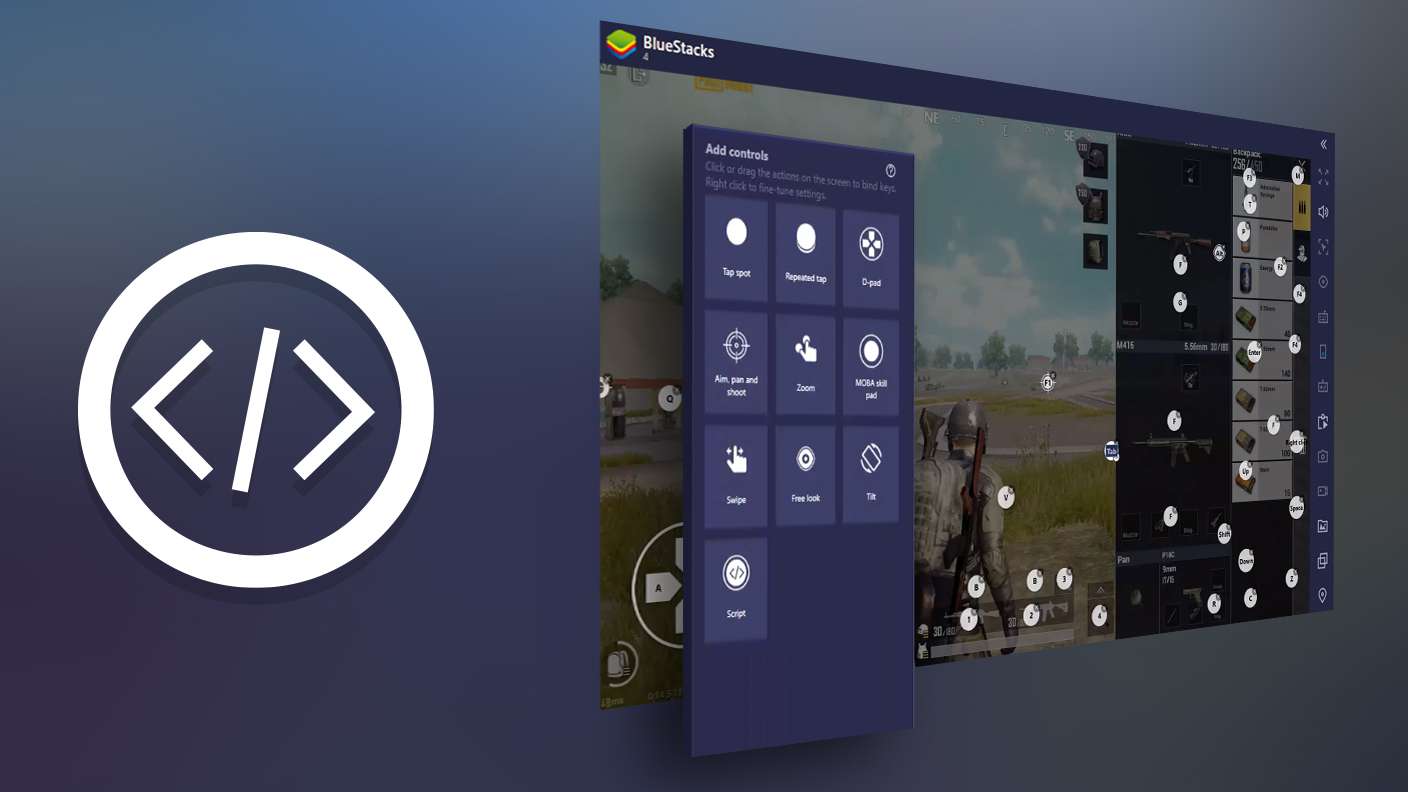
Script your way to gaming glory in Town Pets - Hatch & Grow with BlueStacks Script. Write and run a set of commands to automate repeated tasks. Trigger the command by assigning it to any key.
Repeated Tap

Repeated Tap

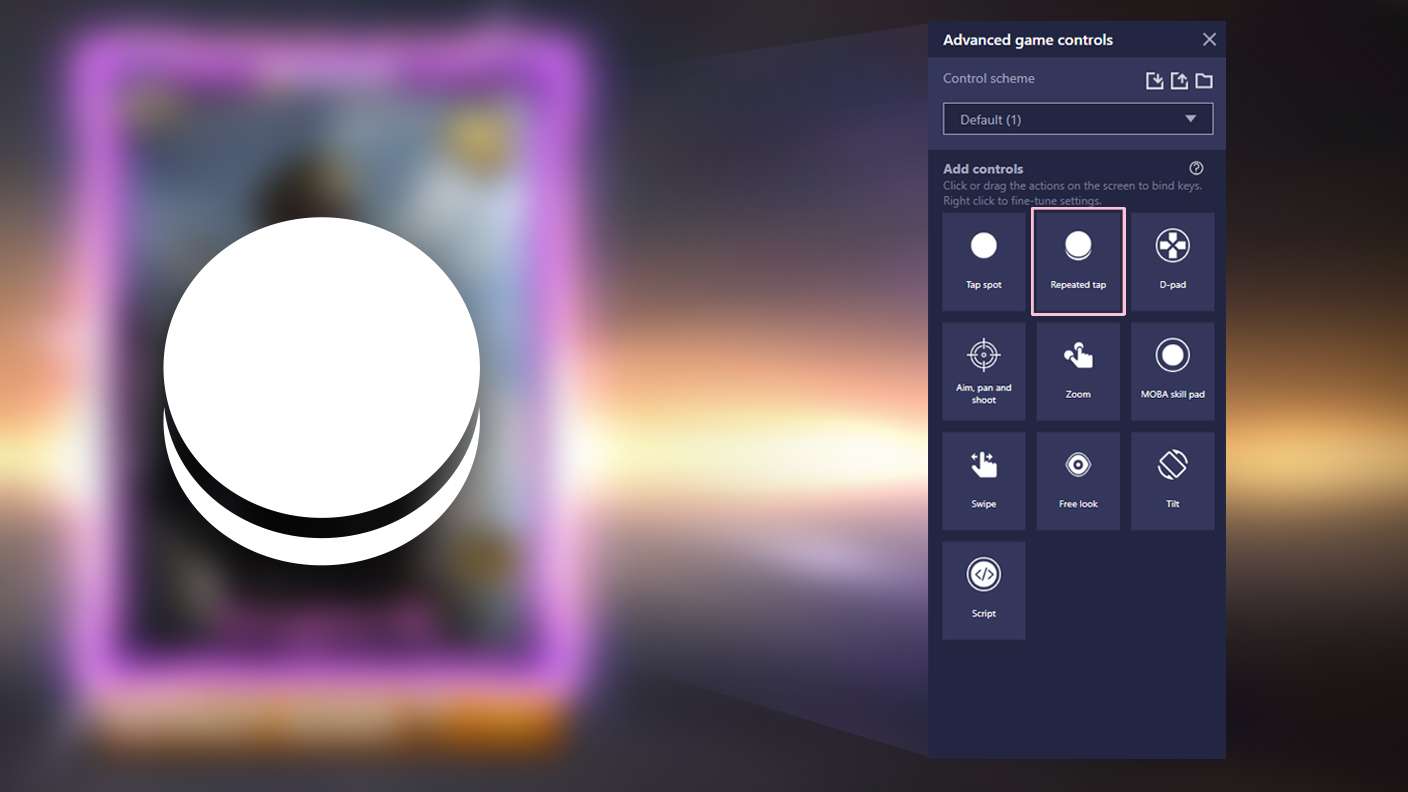
BlueStacks lets you master Town Pets - Hatch & Grow with useful features like the Repeated Tap. Now you do not have to press the same key repeatedly to initiate an action. Just assign it to one key and you are good to go.
Read More

How to Download and Play Town Pets - Hatch & Grow on PC or Mac

  • Download and install BlueStacks on your PC or Mac

  • Complete Google sign-in to access the Play Store, or do it later

  • Look for Town Pets - Hatch & Grow in the search bar at the top right corner

  • Click to install Town Pets - Hatch & Grow from the search results

  • Complete Google sign-in (if you skipped step 2) to install Town Pets - Hatch & Grow

  • Click the Town Pets - Hatch & Grow icon on the home screen to start playing

video
Watch Video

Minimum System Requirements

With BlueStacks 5, you can get started on a PC that fulfills the following requirements.

  • Operating System

    Microsoft Windows 7 or above, macOS 11 (Big Sur) or above

  • Processor

    Intel, AMD or Apple Silicon Processor

  • RAM

    at least 4GB

  • HDD

    10GB Free Disk Space

Note:

* You must be an Administrator on your PC. Up to date graphics drivers from Microsoft or the chipset vendor.

Town Pets - Hatch & Grow - FAQs

  • How to play Town Pets - Hatch & Grow on Windows PC & Mac?

    Play Town Pets - Hatch & Grow on your PC or Mac by following these simple steps.

    • Click on 'Play Town Pets - Hatch & Grow on PC’ to download BlueStacks
    • Install it and log-in to Google Play Store
    • Launch and play the game.
  • Why is BlueStacks the fastest and safest platform to play games on PC?

    BlueStacks respects your privacy and is always safe and secure to use. It does not carry any malware, spyware, or any sort of additional software that could harm your PC.

    It is engineered to optimize speed and performance for a seamless gaming experience.

  • What are Town Pets - Hatch & Grow PC requirements?

    Minimum requirement to run Town Pets - Hatch & Grow on your PC

    • OS: Microsoft Windows 7 or above MacOS 11 (Big Sur) or above
    • Processor: Intel, AMD or Apple Silicon Processor
    • RAM: Your PC must have at least 4GB of RAM. (Note that having 4GB or more disk space is not a substitute for RAM)
    • HDD: 10GB Free Disk Space.
    • You must be an Administrator on your PC.