Truck Hill Dash-Truck Climb

Truck Hill Dash-Truck Climb

Casual

| GreenTTeaGame

Play on PC with BlueStacks or from our cloud

  • Overview
  • Game Features
  • How to Play

Page Modified On: October 21, 2026

Play Truck Hill Dash-Truck Climb on PC or Mac

Truck Hill Dash-Truck Climb by GreenTTeaGame has plenty to keep you busy. BlueStacks lets you play it on PC or Mac with more screen space, better control, and fewer mobile limits.

About the Game

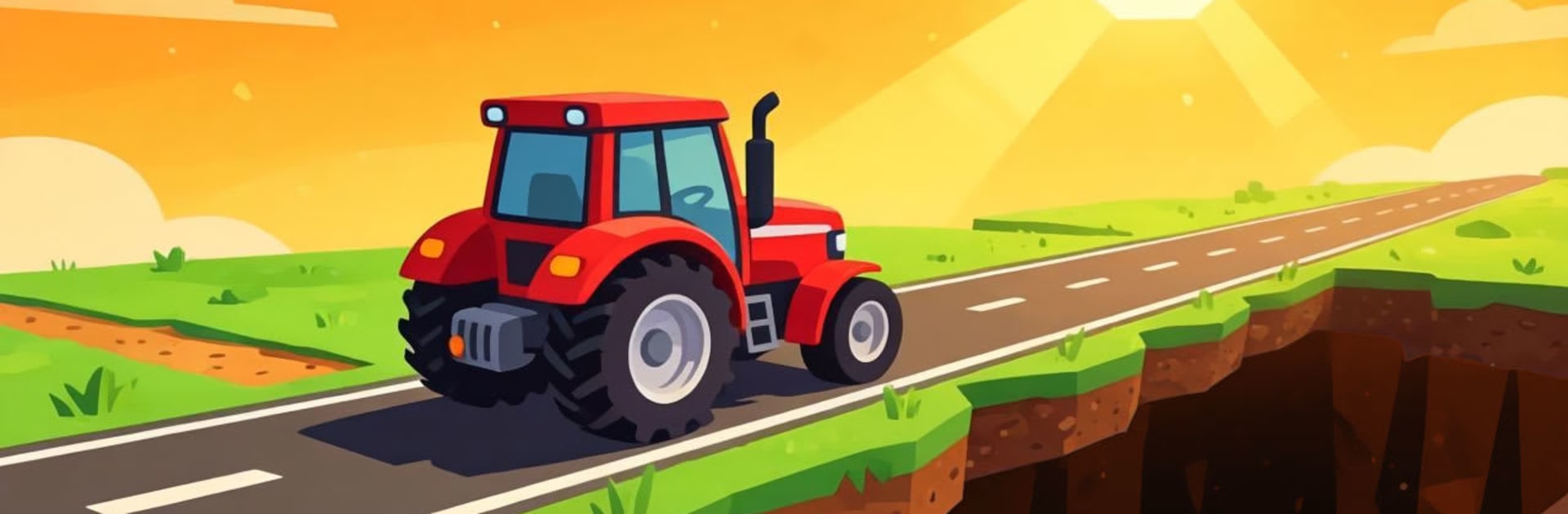
Truck Hill Dash-Truck Climb is a Casual off-road challenge where keeping your cool matters as much as hitting the gas. You’re piloting a tough truck across rugged tracks packed with surprises, trying to cross the finish line without wrecking your ride. It’s quick to learn, tense in the best way, and extra crisp on BlueStacks if you like tighter control over every bump and turn.

Game Features

  • Distinct tracks each run: Every level brings a fresh layout and vibe, so you’re never just repeating the same road—new terrain, new lines to find, new ways to stay upright.
  • Obstacles that keep you honest: Expect tricky slopes, uneven ground, and tight sections that test your timing and throttle control from start to finish.
  • Damage that actually matters: Hard hits don’t just slow you down—they can total your truck. Smooth inputs and smart braking pay off more than reckless speed.
  • Precision-first driving: Steering feels deliberate, rewarding small corrections and steady pacing as you thread through hazards and set up clean exits.
  • Risk vs. reward racing: Push for a faster time or back off to keep the truck intact—either way, every decision shows up in your final run.
  • Clear goal, big payoff: The win condition is simple—arrive in one piece. Getting there without crumpling the chassis? That’s where the fun lives.

Get ready for a buttery smooth, high-performance gaming action only on BlueStacks.

Game Features

Enhancements

  • Macros
  • Multi Instance
  • Script
  • Repeated Tap
  • Enhancements
Macros

Macros

Automate the predictable in Truck Hill Dash-Truck Climb and transform your gameplay with Macros. Get access to inventive Macros in the BlueStacks Macro Community
Multi Instance

Multi Instance

Play Truck Hill Dash-Truck Climb on one window. And chat with your friend on the other. Press CTRL + Shift + 8 to open the Multi-Instance Manager. And start creating fresh instances or clone an existing one.
Script

Script

Script your way to gaming glory in Truck Hill Dash-Truck Climb with BlueStacks Script. Write and run a set of commands to automate repeated tasks. Trigger the command by assigning it to any key.
Repeated Tap

Repeated Tap

BlueStacks lets you master Truck Hill Dash-Truck Climb with useful features like the Repeated Tap. Now you do not have to press the same key repeatedly to initiate an action. Just assign it to one key and you are good to go.
Read More

How to Download and Play Truck Hill Dash-Truck Climb on PC or Mac

  • Download and install BlueStacks on your PC or Mac

  • Complete Google sign-in to access the Play Store, or do it later

  • Look for Truck Hill Dash-Truck Climb in the search bar at the top right corner

  • Click to install Truck Hill Dash-Truck Climb from the search results

  • Complete Google sign-in (if you skipped step 2) to install Truck Hill Dash-Truck Climb

  • Click the Truck Hill Dash-Truck Climb icon on the home screen to start playing

video
Watch Video

Minimum System Requirements

With BlueStacks 5, you can get started on a PC that fulfills the following requirements.

  • Operating System

    Microsoft Windows 7 or above, macOS 11 (Big Sur) or above

  • Processor

    Intel, AMD or Apple Silicon Processor

  • RAM

    at least 4GB

  • HDD

    10GB Free Disk Space

Note:

* You must be an Administrator on your PC. Up to date graphics drivers from Microsoft or the chipset vendor.

Truck Hill Dash-Truck Climb - FAQs

  • How to play Truck Hill Dash-Truck Climb on Windows PC & Mac?

    Play Truck Hill Dash-Truck Climb on your PC or Mac by following these simple steps.

    • Click on 'Play Truck Hill Dash-Truck Climb on PC’ to download BlueStacks
    • Install it and log-in to Google Play Store
    • Launch and play the game.
  • Why is BlueStacks the fastest and safest platform to play games on PC?

    BlueStacks respects your privacy and is always safe and secure to use. It does not carry any malware, spyware, or any sort of additional software that could harm your PC.

    It is engineered to optimize speed and performance for a seamless gaming experience.

  • What are Truck Hill Dash-Truck Climb PC requirements?

    Minimum requirement to run Truck Hill Dash-Truck Climb on your PC

    • OS: Microsoft Windows 7 or above MacOS 11 (Big Sur) or above
    • Processor: Intel, AMD or Apple Silicon Processor
    • RAM: Your PC must have at least 4GB of RAM. (Note that having 4GB or more disk space is not a substitute for RAM)
    • HDD: 10GB Free Disk Space.
    • You must be an Administrator on your PC.